How to Plan a Flag Day Community Parade Kickoff Party With Online RSVPs
The Chaos Nobody Talks About Before the Parade Starts
Picture this: It's the morning of your neighborhood's Flag Day parade kickoff, and you're standing in the community center parking lot with 47 folding chairs, three coolers of lemonade, and absolutely no idea how many people are actually showing up. Your sign-up sheet from the library bulletin board has 23 names on it — but half are illegible, two people wrote the same phone number, and someone named 'J. Smith' signed up four times. Meanwhile, your co-organizer is calling you every five minutes asking how many hot dogs to grill.
Sound familiar? If you've ever tried to organize a community Flag Day event using paper sign-ups, group texts, or the honor system, you already know the particular stress that comes with it. You're not just throwing a backyard barbecue — you're coordinating a community moment, one that sets the tone for the entire parade and brings neighbors together around something genuinely meaningful. Getting the headcount wrong, running out of food, or scrambling for volunteers at the last minute can derail the whole thing before the first flag is even raised.
The good news? With a little structure and the right digital tools, planning a Flag Day parade kickoff party can actually be enjoyable — and your RSVPs can do a lot of the heavy lifting for you.
Why Flag Day Deserves a Proper Kickoff Party
Flag Day — celebrated on June 14th — marks the anniversary of the adoption of the American flag in 1777. While it doesn't carry the same federal holiday weight as the Fourth of July, Flag Day holds real community significance. Many towns and neighborhoods use it as an opportunity to kick off their summer parade season, host patriotic ceremonies, and bring generations of residents together.
A well-planned kickoff party before the parade march serves several purposes: it gives early arrivals a gathering point, builds excitement, allows organizers to distribute parade materials (flags, banners, walking order assignments), and creates a festive atmosphere that sets the emotional tone for the whole event. But none of that works smoothly without knowing who's coming — and that's where most community organizers stumble.
Step 1: Define Your Event Scope Before You Send a Single Invitation
Before you create any invitation or open RSVPs, spend 30 minutes answering these foundational questions:
- Where will the kickoff party be held? A park pavilion, community center lawn, or school parking lot each has different capacity and logistics.
- What time does the party start, and when does the parade march begin? Build in at least 45 minutes of party time before the march so people aren't rushing.
- What are you providing? Light refreshments, full cookout, just drinks? This directly affects your headcount needs.
- Who is your target audience? Families with kids, seniors, veterans groups, the whole neighborhood? Your invitation tone and activities should reflect this.
- Do you need volunteers, and how many? Flag bearers, food servers, setup crew — get specific numbers before you open RSVPs.
A real-world example: The Maplewood Heights Neighborhood Association learned this the hard way in 2022 when they opened RSVPs before confirming their pavilion reservation. Sixty-three people signed up, but the pavilion only held 40. They spent two frantic days scrambling for a backup location. Define your constraints first, then invite.
Step 2: Create a Patriotic, Shareable Online Invitation
Your invitation is the first impression of your event — it should feel festive, official, and easy to act on. A digital invitation sent through a platform like RSVPlinks lets you design a Flag Day-themed invite with all the event details in one place, and gives every guest a simple, one-click way to confirm their attendance.
Here's what your invitation should include:
- Event name and date: Something like 'Maplewood Heights Flag Day Parade Kickoff — June 14th, 10:00 AM'
- Location with a map link: Don't assume people know where Riverside Park Pavilion B is.
- What to expect: Brief description — 'Join us for a free cookout, flag ceremony, and parade send-off!'
- What to bring: Lawn chairs, small flags, sunscreen, kids' wagons for the parade.
- RSVP deadline: Set it 5–7 days before the event so you have time to finalize food and supplies.
- Volunteer opt-in: Add a checkbox or question asking if guests can help with setup, serving, or cleanup.
With RSVPlinks, you can also collect custom responses — like dietary restrictions, how many family members are attending, or whether guests are marching in the parade — all in one organized dashboard instead of a chaotic inbox.
Step 3: Spread the Word Through Every Available Channel
A great online RSVP link only works if people actually see it. Use a multi-channel approach:
- Email blast to your neighborhood association list — If you have one, this is your most reliable channel.
- Nextdoor post — Ideal for hyperlocal community events. Include your RSVP link directly in the post.
- Facebook community group — Post the invitation graphic and pin it to the top of the group page.
- Flyers at local businesses — Include a QR code that links directly to your RSVP page. Print a batch at your local library or office supply store.
- Local school newsletters — If families with children are your target audience, this is a high-impact channel.
- Veterans organizations and civic groups — Flag Day has particular meaning for these communities. A personal email or phone call goes a long way.
Pro tip: Send your first announcement 3 weeks out, a reminder 10 days before the RSVP deadline, and a final 'last chance to RSVP' post 2 days before the deadline closes. Three touchpoints dramatically improve response rates.
Step 4: Use Your RSVP Data to Plan Everything Else
This is where online RSVPs pay off in a big way. Once your deadline passes, you should have clean, organized data that drives every other planning decision:
- Food and drink quantities: If 80 people confirmed, plan for 90 (account for walk-ups and plus-ones). If 30 confirmed, don't order for 100.
- Seating and space setup: Confirmed headcount tells you how many tables, chairs, and shade tents to arrange.
- Volunteer scheduling: Review who opted in to volunteer and assign specific roles — grill master, flag distribution, parking guide, kids' activity coordinator.
- Parade logistics: If you asked whether guests are marching, you now know your parade group size and can plan walking order, flag assignments, and any permits that require participant counts.
- Dietary accommodations: If 12 people flagged vegetarian or allergy needs, you can plan your menu accordingly — no guessing.
Imagine the difference: instead of guessing and over-buying (or under-buying), you're making data-driven decisions with confidence. That's what a well-structured RSVP system gives you.
Step 5: Build the Day-Of Experience Around Your Confirmed Guests
With your headcount confirmed and your logistics locked in, focus on making the actual party memorable:
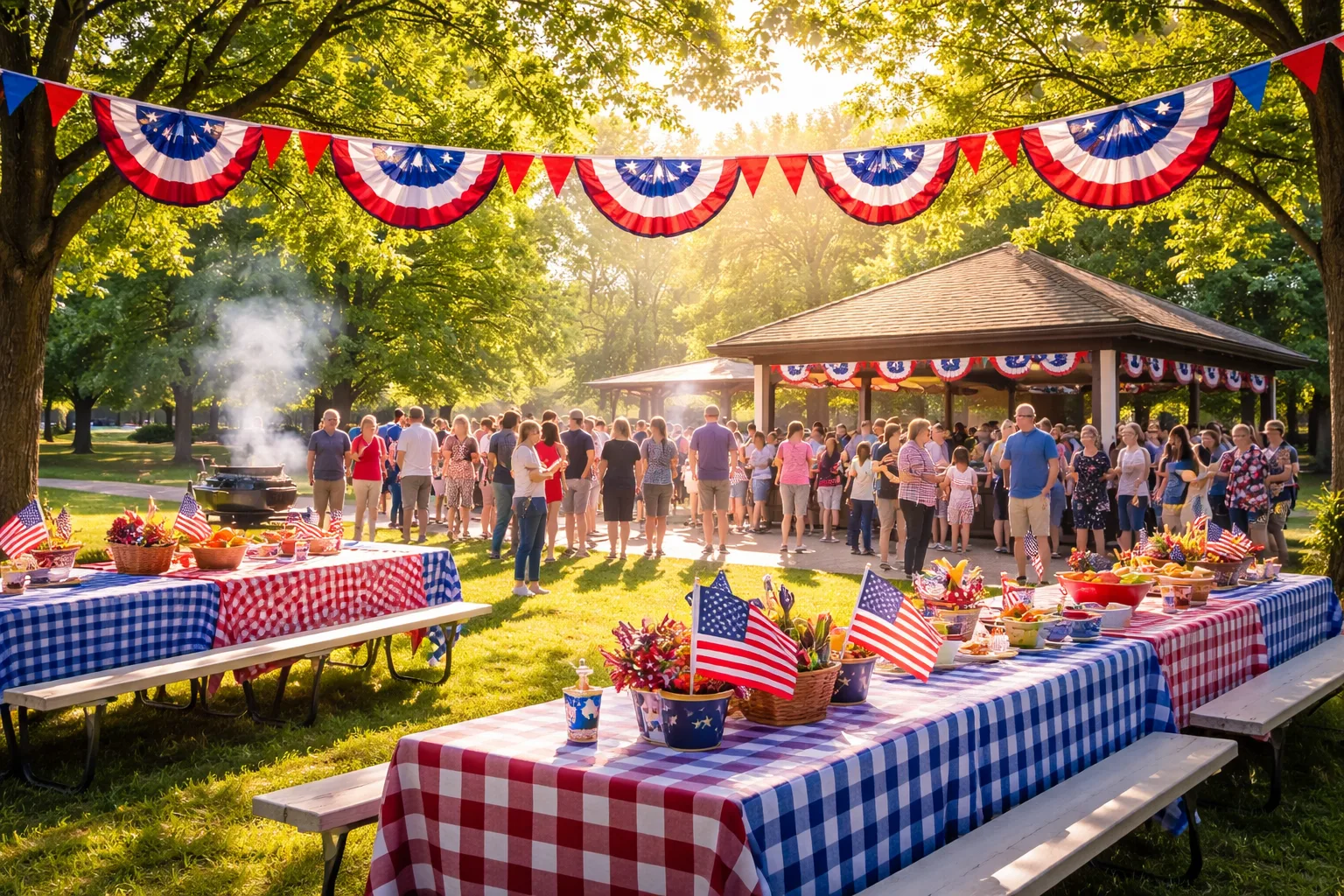
- Patriotic décor on a budget: Red, white, and blue bunting, small flags at each table, and a simple banner go a long way. Dollar stores are your best friend in early June.
- A short flag ceremony: Even a 5-minute moment — the Pledge of Allegiance, a brief history of Flag Day, or a veteran speaking — gives the event meaning beyond a cookout.
- Activities for kids: Flag coloring sheets, a mini relay race, or a 'decorate your wagon' station keeps families engaged and makes the event feel inclusive.
- Clear parade send-off moment: Designate a clear time — say, 11:15 AM — when the group assembles for the march. Announce it verbally and on a posted schedule so nobody misses it.
- Post-parade wrap-up plan: Will people return to the party location after the march? If so, have a plan for remaining food and a natural end time.
Three Things You Can Do Today to Get Started
You don't need to have everything figured out to take the first step. Here's where to start right now:
- Lock in your venue and parade start time. Call your parks department or community center today and confirm your reservation. Everything else flows from this.
- Set up your online RSVP page. Head to RSVPlinks, create your Flag Day event, and customize your invitation with the details you already know. Even a rough draft invitation gets you moving — you can refine it before you send.
- Draft your outreach list. Write down every channel you'll use to spread the word — email list, Nextdoor, Facebook group, local schools, veterans groups — and assign a date to post on each one. Schedule your three touchpoints now so you don't forget.
Flag Day is one of those community moments that can feel genuinely special when it's done right. With a clear plan, a smart RSVP system, and a little patriotic spirit, your parade kickoff party can become the kind of neighborhood tradition people look forward to every June 14th. Start small, stay organized, and let your confirmed guest list guide every decision from the first hot dog to the last flag wave.