
Free
Live RSVP dashboard
See who's going, maybe or not, with adult and kid headcounts. Export to CSV.
1,200+ events hosted · 17,000+ RSVPs collected

Birthday
Poster

Baby shower
Postcard

Graduation
Editorial

Wedding
Envelope

Engagement
Classic

Engagement
Lookbook

Wedding
Postage Stamp

Reunion
Photo Mosaic

Sleepover
Polaroid

Brunch
Diptych Spread

Graduation
Photo Calendar

Postcard Stack

Birthday
Photobooth Strip

Vinyl Sleeve

Brunch
Story Card

Bachelorette
Filmstrip

Game night
Neon Arcade

Envelope

Farewell
Boarding Pass

Wedding
Magazine Cover

Reunion
Gallery Wall

Poster

Housewarming
Map & Compass

Dinner party
Passport

Work event
Itinerary

Farewell
Cassette

Brunch
Postcard

Block party
Ticket

Dinner party
Menu

Birthday
Index Card

The Exhibit

Farewell
Departures

The Crossword

Drinks
The Matchbook

Pool party
Pool Party

Work event
Classic

Dinner party
Menu

Birthday
Ticket

Graduation
Polaroid
Or start from a design:
See an invitation for your kind of event, then make it yours.
Live demo
The real guest page, running live. Tap RSVP like a guest would.
Pick an occasion

Now playing
Layouts, palettes, fonts and effects are free. Intro reveals come with any paid event, from $7.
Plus 41 title fonts and 42 body fonts. Mix any of them, or start from one of 65 templates.
“I liked the clean interface and intuitiveness when creating [my] event. Also that the attendees did not need to create an account or register.”
“Great customer service, easy to use.”
“Easy alternative to Evite.”
Quotes from our host feedback survey, shared with permission.
RSVPlinks is a free online RSVP website. Share one link or QR code and see who's coming in real time. Guests need no app or account.
Start from one of 65 templates, or mix 43 layouts with any palette and font.
Change the sample title, date and place, and add a cover photo.
Choose what to ask, then share your link or QR code.
Watch replies arrive on your dashboard.
For your guests
Your event page runs in any phone browser, so everyone on the list can RSVP, grandparents included.
By text, email, social or a printed QR code, with your cover photo in the preview.
The form opens in their browser. No download, password or SMS code.
One tap adds it to Google, Apple or Outlook, with directions. They can update from the same link.
NewDesign your own
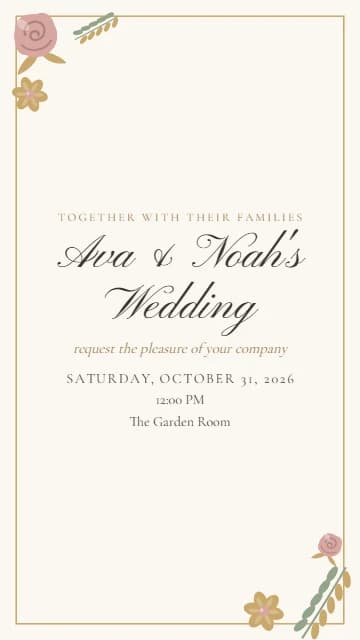
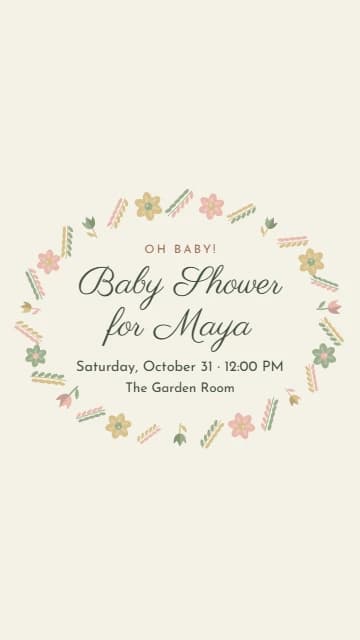
58 photo invitation designs in portrait, square or wide. Each fills in your title, date, time and place. Included on every plan.
Already editing an event? Click its banner and choose Design Your Own.


For hosts
Free covers the essentials. Upgrade one event when you need more.
See who's going, maybe or not, with adult and kid headcounts. Export to CSV.
Share by text, email or printed QR code. Paid events get a custom URL.
Guests pay you directly by Venmo, PayPal, Cash App or Zelle. We take no cut.
Ask for meal choice, dietary needs or anything else.
Guests claim dishes, drinks or supplies as they RSVP.
Drag guests to tables. They look up their seat, and the chart prints as a PDF.
Cap guests or RSVPs and set a reply-by date. Extras join a waitlist.
Send invitations, see who opened them, and remind anyone who hasn't replied.
A partner or planner edits the page and guest list with their own login.
Generate cover art or a description in one click, then edit it.
See every feature by plan on the pricing page.
NewPostcards
89 templates, printed with each guest's name and mailed First Class. From $1.59 a card with postage, in mailboxes in 6–8 business days.
Start free. Pay per event, or buy credits and save.
One-time price per event. No subscription.
1 credit = 1 plan level, 1 add-on or 3 postcards
Credits never expire. Use them for plan upgrades and add-ons, or postcards: 35 credits cover about 105 postcards, printed and mailed.
What hosts ask about most.
| Feature | RSVPlinks | Evite | Partiful |
|---|---|---|---|
| Free tier available | Up to 20 RSVPs | Ad-supported | Yes |
| Pay per event (no subscription) | $7–$39 | Premium $15–$80 | No |
| No ads on invite page | Yes | Premium only | Yes |
| Browser-based, no app for guests | Yes | Yes | SMS verify required |
| Custom URL slug | Yes | No | No |
| AI-generated banner art | Yes | No | No |
| Drag-and-drop seating chart | Add-on | No | No |
| Peer-to-peer RSVP fees (Venmo/Zelle/PayPal) | Add-on | No | Limited |
Quick answers before you send your first invite.
Free for up to 20 RSVPs. Upgrade a single event from $7.
No credit card • No subscription


