How to Plan a Juneteenth Community Freedom Feast With Seamless Online RSVPs
The Chaos Nobody Talks About When Planning a Juneteenth Celebration
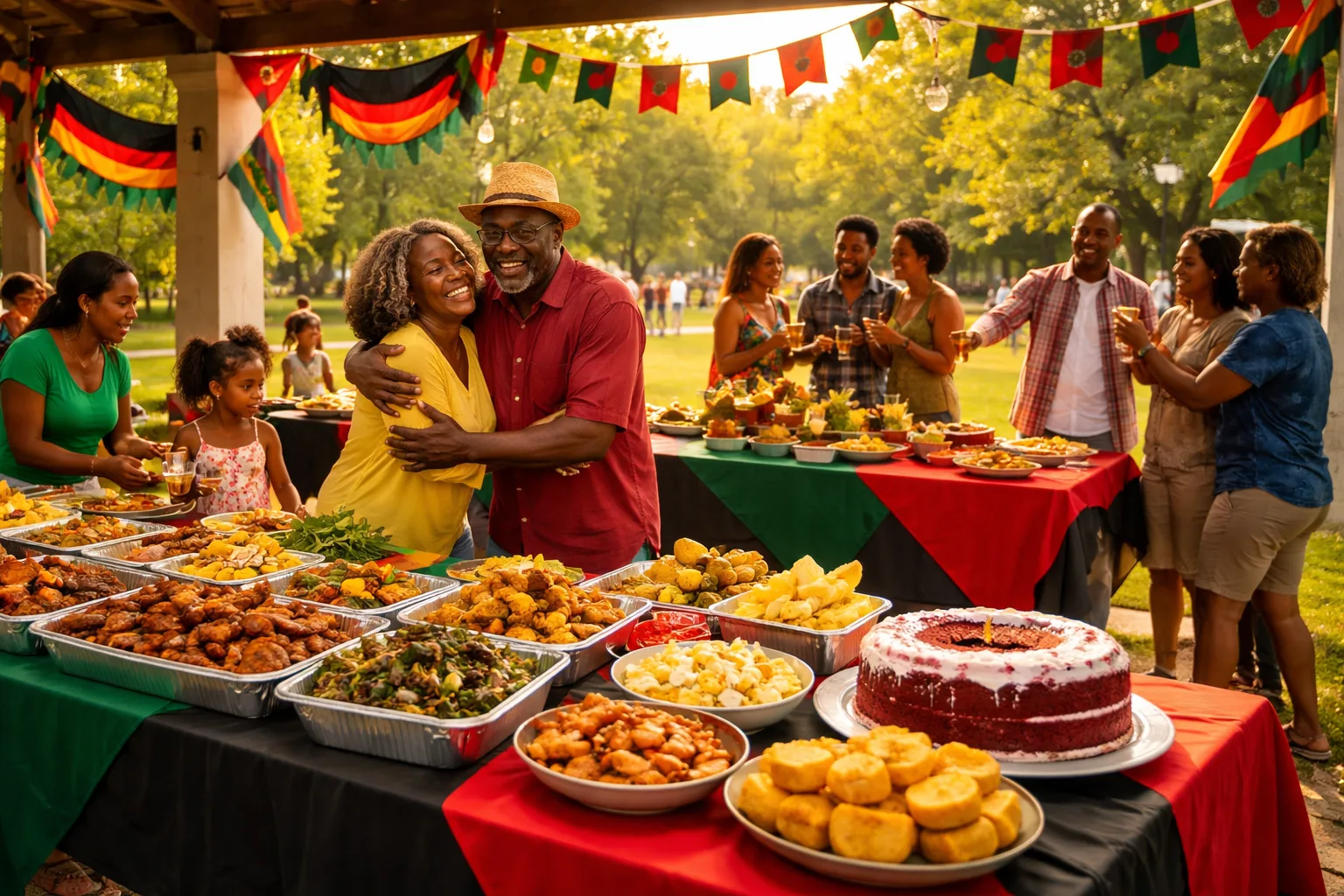
You've been planning this for weeks. The smoker is reserved, the playlist is curated, the decorations are ordered in red, black, and green. You've personally invited 80 people from your neighborhood, your church, your family group chat — and your cousin's group chat, and your coworker's family. But three days before the big day, you still have no idea how many people are actually coming. Someone texts, 'We'll try to make it.' Another says, 'Count us in!' but never confirms how many. Your aunt calls to ask if she can bring her book club. You're staring at a spreadsheet that looks like abstract art, and the caterer is asking for a final headcount today.
This is the real planning problem nobody warns you about when you decide to host a Juneteenth Freedom Feast. The love is there. The community is there. The intention is absolutely there. What's missing is a system — a clear, organized way to gather RSVPs, communicate event details, and actually know who's showing up so you can feed everyone properly and honor this day with the dignity it deserves.
Juneteenth — celebrated on June 19th to commemorate the emancipation of enslaved African Americans — is a day of joy, reflection, food, music, and community. Freedom Feasts, cookouts, and community gatherings have become beloved traditions. But as these celebrations grow, so does the organizational complexity. Here's how to plan a Juneteenth Community Freedom Feast that runs smoothly from the first invitation to the last plate of red velvet cake.
Step 1: Define the Scope Before You Send a Single Invite
Before you open any invitation tool, get clear on three things: who you're inviting, where it's happening, and what you need from your guests. These answers will shape everything else.
- Guest count range: Are you expecting 30 people or 300? This determines your venue, food quantities, and whether you need volunteers.
- Venue logistics: Is this a public park that requires a permit? A church parking lot? A private backyard? Each has different capacity considerations.
- What you need to know from guests: Headcount only? Dietary restrictions? Whether they're bringing a dish? Whether they need accessibility accommodations?
Mini-scenario: Darnell is organizing a Freedom Feast for his block in Atlanta. He's expecting around 120 guests across three connected families and a neighborhood association. He needs to know total headcount, how many kids under 12 are coming (for the bounce house rental), and who's bringing a side dish. Without a structured RSVP system, collecting all that from 120 people via text would take days and still be incomplete.
Step 2: Build a Beautiful, Informative Digital Invitation
Your invitation is the first impression of your event — and for a celebration as meaningful as Juneteenth, it should reflect the weight and joy of the occasion. A well-designed digital invitation does more than announce a date. It sets the tone, communicates key details, and makes RSVPing effortless.
Your digital invite should include:
- Event name and theme: 'The 3rd Annual Williams Family Freedom Feast' hits differently than 'Juneteenth Party.'
- Date, time, and location with a map link if it's a public or unfamiliar venue
- What to bring (a dish, a chair, a lawn game, nothing — be specific)
- RSVP deadline — critical for headcount planning. Set it 5–7 days before the event.
- A brief note on the significance of the day — even one or two sentences honoring the history adds meaning and sets the tone for guests
Platforms like RSVPlinks let you create a custom event page with all of this information in one shareable link. Guests click the link, see the full event details, and confirm their attendance — no app download required, no login walls. You can share that single link in your family group chat, your neighborhood Facebook group, your church bulletin, and via text. Everyone gets the same information, and their RSVPs all flow into one place.
Step 3: Make Your RSVP Form Work Hard for You
A simple 'yes or no' RSVP is a missed opportunity. Your RSVP form is a data-collection tool — use it to gather everything you need to plan effectively, without overwhelming guests with a 20-question survey.
For a Juneteenth Freedom Feast, consider asking:
- How many people are in your party? (Adults and children separately if you have kids' activities)
- Dietary restrictions or allergies? (Essential if you're providing food)
- Are you bringing a dish to share? If yes, what category — main, side, dessert, or drink?
- Will you need parking? (Important for venue logistics)
- Any accessibility needs? (Wheelchair access, seating accommodations)
Mini-scenario: Keisha is hosting a Freedom Feast at a local park pavilion for her church community. By adding a 'bringing a dish' question to her RSVP form, she discovers she has 14 people bringing desserts but only 3 bringing sides. She reaches out to the dessert-heavy crowd and redirects a few toward bringing mac and cheese and collard greens instead. Crisis averted — and she didn't have to make 40 phone calls to figure it out.
Step 4: Send Reminders That Actually Get Read
Life is busy. People RSVP with good intentions and then forget the date, the time, or that they said they'd bring potato salad. A strategic reminder sequence keeps your event top of mind without feeling like spam.
Here's a simple reminder timeline:
- 7 days before: Send a 'we're getting excited!' reminder to all confirmed guests with event details and a link to the event page
- 3 days before: Send a reminder specifically to people who haven't responded yet — a gentle nudge with a clear RSVP deadline
- 1 day before: Send a final 'see you tomorrow!' message to confirmed guests with any last-minute logistics (parking instructions, what to wear, what to bring)
With RSVPlinks, you can send these reminders directly from your event dashboard to all guests or specific groups — confirmed attendees, pending RSVPs, or declined guests — without manually managing a contact list.
Step 5: Coordinate Volunteers and Activities With the Same System
A Freedom Feast is rarely just food. There may be a program — a reading of the Emancipation Proclamation, a libation ceremony, live music, a kids' activity zone, or a community resource fair. Each of these needs a coordinator, and if you're relying on informal agreements, things fall through the cracks.
Use your RSVP system to also capture volunteer interest. Add a simple question: 'Would you like to help with setup, cleanup, or activities?' You'll be surprised how many people are willing to help when asked directly and given a simple way to say yes.
Mini-scenario: Marcus is organizing a 200-person Freedom Feast in Houston. By including a volunteer question in his RSVP form, he identifies 22 people willing to help. He assigns them to three shifts — setup, during-event, and cleanup — and shares a shared contact list with shift leaders. What would have been a chaotic morning of texting becomes a smooth, coordinated operation.
Step 6: Honor the Day in Your Communication
This isn't just a cookout. Juneteenth is a federal holiday, a cultural milestone, and a moment of collective remembrance and joy. Your event communications — from the invitation to the reminder emails — should reflect that. You don't need to write an essay in every message, but a line or two acknowledging the significance of the day goes a long way.
Consider including:
- A brief historical note in your invitation: 'On June 19, 1865, enslaved people in Texas learned of their freedom — two and a half years after the Emancipation Proclamation. We gather to celebrate that freedom and honor those who came before us.'
- A suggested dress code that incorporates Pan-African colors: red, black, and green
- A note about the program, if you have one — so guests know this is more than a cookout and can come prepared to participate
Step 7: After the Feast — Follow Up and Build for Next Year
The celebration doesn't end when the last guest leaves. A quick follow-up message — a thank-you, a photo from the event, or a save-the-date for next year — keeps your community connected and builds momentum for an even bigger gathering in the future.
Your RSVP data is also a goldmine for future planning. How many people actually attended versus how many confirmed? What dietary needs came up repeatedly? Which questions on your form were most useful? Document this now so next year's planning starts from a stronger foundation.
3 Things You Can Do Today to Get Started
- Lock in your venue and date this week. Parks and pavilions book fast in June — don't wait. Once you have a confirmed location, everything else can move forward.
- Create your RSVP event page today. Head to RSVPlinks, set up your Freedom Feast event page with the key details you know right now, and start sharing the link. You can update details as they're confirmed — but getting RSVPs flowing early gives you better data.
- Write down your 5 must-know questions for guests. Before you build your RSVP form, decide exactly what information you need to plan well. Headcount, dietary needs, dish contributions — write these down now so your form collects everything useful from day one.
Juneteenth deserves to be celebrated with the same care and intentionality that went into the long fight for freedom it commemorates. With the right tools and a clear system, you can focus less on logistics and more on what matters: bringing your community together, honoring history, and making memories that last.