How to Plan a Summer Charity Fundraiser Cookout and Collect RSVPs Without the Chaos
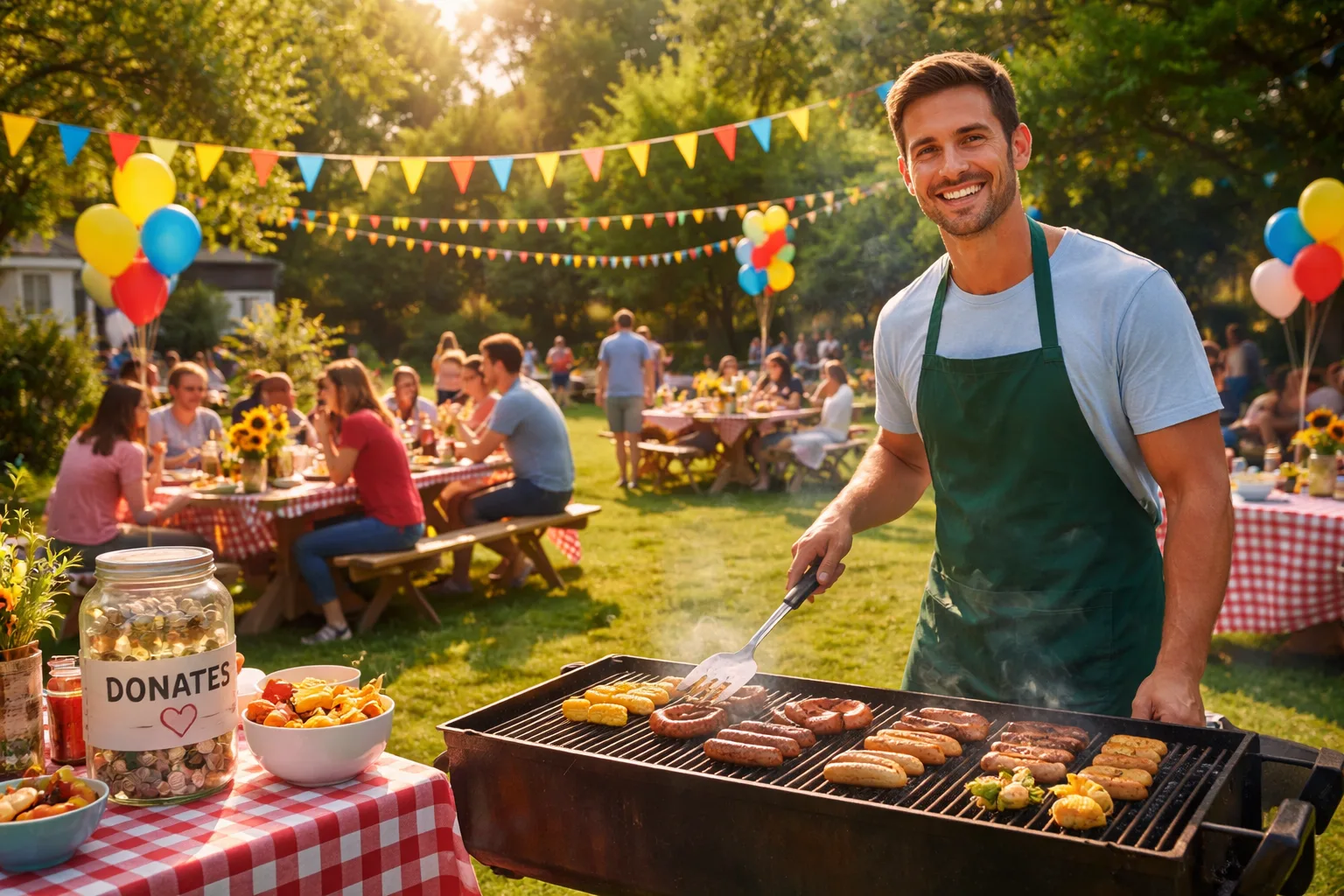
When Good Intentions Meet Total Chaos
You had the best intentions. You volunteered to organize the neighborhood charity cookout, printed flyers, posted in three Facebook groups, and texted your contact list. Then the replies started trickling in — some people texted 'yes,' others commented on the post, a few emailed you directly, and somehow your cousin's friend's neighbor is 'probably coming with four kids.' It's two days before the event and you have absolutely no idea how many burgers to buy, how many tables to set up, or whether you'll raise enough to cover the cause — let alone make a profit for it.
Sound familiar? You're not alone. Charity cookouts are one of the most popular summer fundraiser formats for a reason: they're warm, communal, and accessible. But without a solid RSVP system, even the most well-meaning organizer ends up drowning in logistical confusion, wasting money on food that doesn't get eaten, or — worse — running out of food entirely and embarrassing the cause you're trying to support.
This guide walks you through exactly how to plan a summer charity fundraiser cookout that runs smoothly from the first invite to the final plate, with a focus on collecting RSVPs the right way so you can actually enjoy the event you worked so hard to create.
Step 1: Define Your Fundraiser Goals Before You Plan Anything Else
Before you send a single invitation, you need two numbers: your fundraising target and your guest capacity. These two figures drive every other decision you make.
Set a clear fundraising goal. Are you raising $500 for a local animal shelter? $5,000 for a school's new playground equipment? Write it down. This number determines your ticket price, your sponsorship asks, and how many guests you need to hit your target.
Establish your venue capacity. Whether you're using a backyard, a park pavilion, or a community center lawn, know your hard limit. Overcrowding a charity event is a safety issue and a guest experience disaster. If your space comfortably holds 80 people, that's your ceiling — and your RSVP system needs to enforce it.
Mini-scenario: Sarah is raising money for her local food bank. She sets a goal of $1,200, charges $20 per ticket, and caps attendance at 75 people. With those numbers locked in, she knows she needs at least 60 confirmed guests to hit her goal — and she can plan food quantities accordingly.
Step 2: Build a Real Invitation — Not a Facebook Post
Here's where most charity cookout organizers lose control of their guest list: they treat a social media post as an invitation. It isn't. A post is awareness. An invitation is a commitment mechanism.
Your invitation needs to do four things:
- Communicate the cause clearly. People are more likely to RSVP — and pay — when they understand exactly where their money is going. Don't just say 'charity cookout.' Say 'Join us to raise funds for the Riverside Animal Rescue's new shelter wing.'
- Include a specific RSVP deadline. 'RSVP by July 10th' is infinitely more effective than 'let us know if you're coming.' A deadline creates urgency and gives you time to finalize food orders.
- State the ticket price or donation ask upfront. Hiding the cost until someone clicks through kills conversions. Be transparent.
- Link to a single, centralized RSVP page. This is the game-changer. Instead of collecting replies across texts, DMs, emails, and comment threads, direct every single invitee to one place to confirm their attendance and pay their ticket.
Platforms like RSVPlinks let you create a dedicated event page with a clean RSVP form, guest count tracking, and automated confirmation messages — so you're not manually tallying responses at 11pm the night before your event.
Step 3: Plan Your Menu Around Confirmed Headcount — Not Guesses
Food is your biggest variable cost at a cookout, and buying based on guesses is how organizers lose money on events meant to raise it. Here's a practical framework:
- Wait for your RSVP deadline before ordering. This sounds obvious, but many organizers panic-buy early. Trust your system. If you've set a firm deadline and used a proper RSVP tool, you'll have reliable numbers to work with.
- Use a 10% buffer. Add 10% to your confirmed headcount when calculating food quantities. This accounts for plus-ones who weren't listed, last-minute additions, and the reality that hungry volunteers exist.
- Categorize your RSVPs. If your form asks guests to indicate dietary restrictions — vegetarian, gluten-free, allergies — you can plan your grill setup accordingly rather than scrambling on the day.
- Negotiate with local vendors or sponsors. Once you have confirmed numbers, approach a local butcher, grocery store, or restaurant about donating or discounting supplies in exchange for recognition at the event. Confirmed attendance numbers make this conversation much easier and more credible.
Mini-scenario: Marcus is organizing a cookout for 60 confirmed guests. He adds his 10% buffer and plans for 66 people. He orders 80 burger patties (accounting for double-eaters), 70 hot dogs, and 5 veggie burger patties based on RSVP dietary responses. No panic, no waste.
Step 4: Create a Day-of Volunteer Structure
A cookout without clear volunteer roles is a cookout where everyone stands around the grill asking each other what they should be doing. Assign roles in advance — and share them in writing before the event.
Key roles for a charity cookout include:
- Grill Master(s): One or two people dedicated to cooking. They should not be doing anything else.
- Check-in Coordinator: Someone at the entrance with your guest list, confirming RSVPs and collecting any remaining ticket payments. If you used RSVPlinks, this person can pull up your live guest list on a phone or tablet.
- Donation Table Host: Someone actively engaging guests about the cause, sharing impact stories, and encouraging additional giving beyond the ticket price.
- Food Station Manager: Keeps the condiment table stocked, manages food flow, and coordinates with the grill master.
- Floater: One volunteer with no fixed role who handles whatever comes up — because something always does.
Step 5: Maximize Fundraising Beyond Ticket Sales
Ticket sales are your floor, not your ceiling. A well-run cookout creates multiple giving moments throughout the event.
- Raffle or silent auction: Solicit donated prizes from local businesses — gift cards, experiences, products — and run a simple raffle. Announce the winner at the end of the event to keep people engaged until the close.
- Matching pledge: If you have a corporate sponsor or a generous individual donor, arrange a matching pledge in advance. Announce it at the event: 'Every dollar you donate today will be matched by [Sponsor Name].' This dramatically increases giving.
- QR code donation station: Set up a visible sign with a QR code linking to your donation page. Guests who want to give more than their ticket price can do so instantly from their phones.
- Impact storytelling: Have a representative from the benefiting organization speak for 5 minutes. Real stories from real people open wallets more than any sales pitch.
Step 6: Follow Up After the Event
Your relationship with your donors doesn't end when the grill cools down. Within 48 hours of your event:
- Send a thank-you message to every guest who RSVP'd — whether they attended or not. If you collected emails through your RSVP form, this is a one-click send.
- Share the total amount raised. People want to see the impact of their attendance. 'Thanks to you, we raised $1,840 for Riverside Animal Rescue!' is a powerful message that builds loyalty for your next event.
- Post photos on social media and tag attendees where appropriate. This extends your event's reach and builds momentum for future fundraisers.
Three Things You Can Do Today
Planning a charity cookout doesn't have to be chaotic. Here's where to start right now:
- Set your fundraising goal and guest cap today. Write both numbers down. Everything else flows from these two decisions.
- Create your RSVP page before you send a single invitation. Use a tool like RSVPlinks to build a centralized event page so every response lands in one place — not scattered across your inbox and comment threads.
- Draft your follow-up thank-you message now. Write it before the event so you can send it within 24 hours of wrapping up, while the goodwill is still fresh.
A summer charity cookout is one of the most joyful ways to bring a community together around a cause. With the right structure — clear goals, a real RSVP system, and a plan that goes beyond the grill — you can turn a good idea into a genuinely impactful event. And maybe even enjoy a burger while you're at it.