Potluck Sign-Up Sheet Online: How to Make One
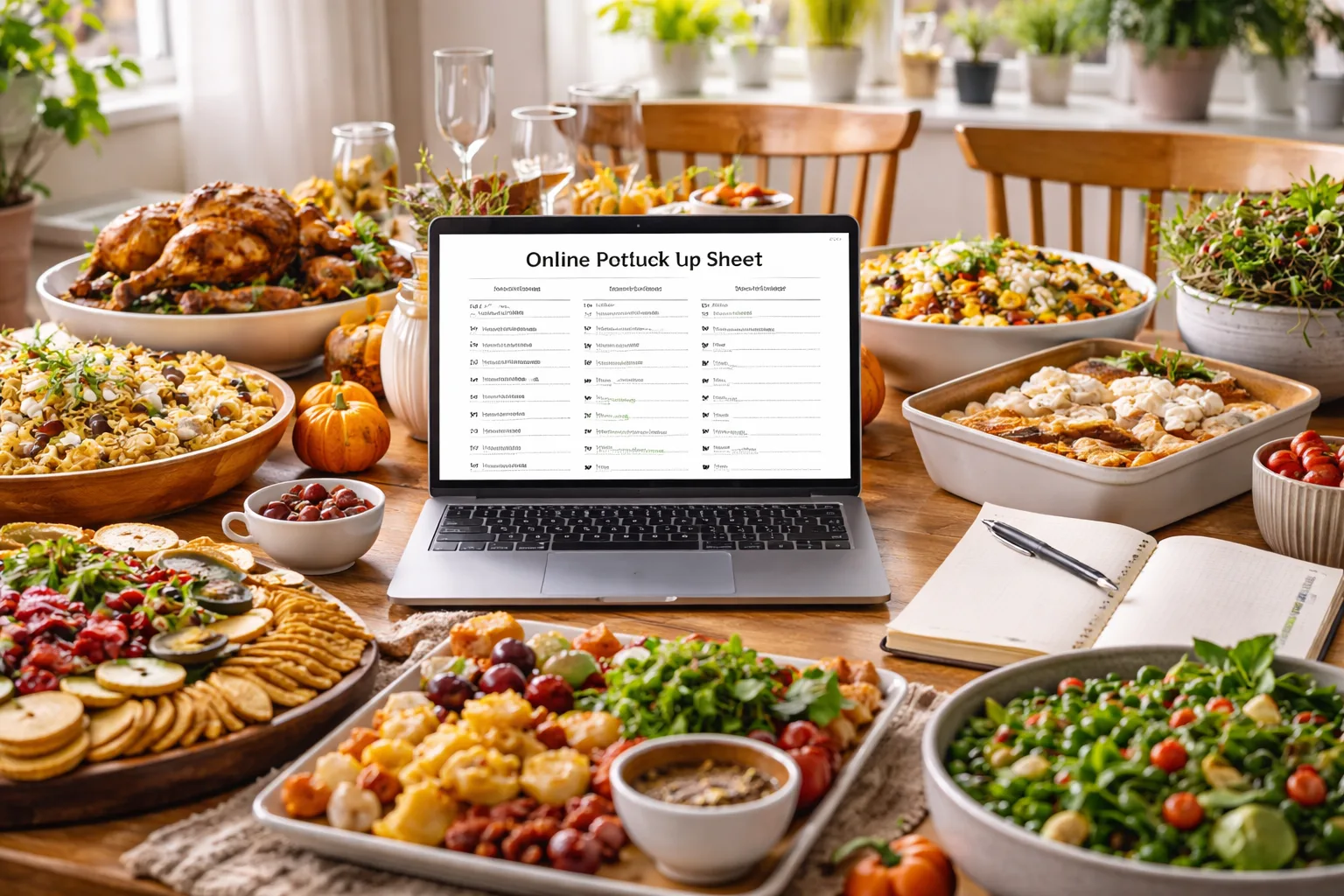
To make a potluck sign up sheet online, list the dish categories you need (appetizers, sides, desserts, drinks, supplies), set how many slots each category gets, and share one link where guests claim a slot. The best version lives on the same page as your RSVP, so every "yes" arrives with a dish attached and you never have to match two lists by hand.
Below you'll find the step-by-step setup, how many dishes to ask for by headcount, a worked Friendsgiving example for Saturday, November 21, and wording you can paste straight onto your sign-up page.
How to Make a Potluck Sign Up Sheet Online in 7 Steps
- Decide what you'll cover as host. At most potlucks the host provides the main dish (the turkey, the ham, the big pot of chili), plus plates, cutlery, napkins and ice. Whatever you cover comes off the sheet, so nobody brings a second turkey.
- Pick your categories. Five cover almost every potluck: Appetizers, Sides, Desserts, Drinks and Supplies (ice, cups, foil pans, to-go containers). Add a Mains category only if you want guests bringing proteins too.
- Set a slot count for each category. This is the step most sheets skip, and it's why potlucks end with six desserts and one salad. Use the headcount table in the next section.
- Add a notes field. Ask each guest to write the dish name and flag allergens: vegetarian, gluten-free, contains nuts, dairy-free. Add one more line: "Needs the oven? Yes/No." Oven space is the constraint nobody plans for.
- Attach it to your RSVP. A standalone sheet tells you who's bringing mashed potatoes. It doesn't tell you who's coming, how many kids they're bringing, or who never answered. Put the RSVP and the sign-up on one page.
- Set an RSVP deadline one week out. That's a good rule of thumb for potlucks: it leaves you a weekend to fill empty slots or cover them yourself.
- Share one link. Drop it in the group chat, email it, or make a free RSVP QR code for an office break room or church bulletin.
How Many Dishes to Ask For
A rule of thumb that holds up: plan on roughly one dish per household, and shape the categories so sides outnumber everything else. Sides are what people fill their plates with, and they're what runs out first.
| Guests | Appetizers | Sides | Desserts | Drinks | Supplies |
|---|---|---|---|---|---|
| 10 | 2 | 3 | 2 | 1 | 1 |
| 15 | 2 | 5 | 2 | 2 | 1 |
| 20 | 3 | 6 | 3 | 2 | 2 |
| 30 | 4 | 9 | 4 | 3 | 2 |
The totals run a little above a typical household count on purpose, so a late RSVP still has somewhere to land. Two more details make the numbers work:
- Specify the size. Ask for dishes that serve 8 to 10 people. "A 9x13 pan" is the easiest way to say it.
- Specify the quantity for drinks and supplies. "Two 2-liter bottles or a 12-pack of seltzer" and "two bags of ice" beat a slot that just says "Drinks."
Online Potluck Sign Up Options Compared
There are three common ways to run an online potluck sign up. The real difference is whether the dish list knows who's actually coming.
| Option | Cost | Good at | Weak spot |
|---|---|---|---|
| Shared spreadsheet (Google Sheets) | Free | Fast to set up; everyone sees the list | Anyone can overwrite or delete a row; no RSVPs, headcount or reminders |
| Dedicated sign-up tool | Free tiers are common; check each vendor's current pricing | Per-item slot limits | A second link alongside your invitation, so you still chase RSVPs separately |
| Event page with RSVP and sign-up list | Free for small events on several tools | One link: guests RSVP, add plus-ones and kids, and claim a dish in one step | You set it up as an event rather than a quick sheet |
For anything over a dozen people, the third option saves the most back-and-forth. On RSVPlinks the sign-up list sits inside the RSVP form, so a guest taps "Attending," adds their headcount and picks a side in a single submission, from a link or QR code with no app and no account. The sign-up list comes with paid plans, a one-time price per event; the free plan covers up to 20 RSVPs. The potluck event page example shows what guests see.
Thanksgiving Potluck Sign Up: A Worked Example
Say you're hosting Friendsgiving on Saturday, November 21, for about 16 people, and you're roasting the turkey. Here's the sheet and the schedule, counted back from the date.
The categories
- Host: turkey, gravy, cranberry sauce, plates, cutlery, napkins
- Appetizers (2 slots): one cheese or veggie board, one dip with something to dip
- Sides (6 slots): mashed potatoes, stuffing, a green vegetable, sweet potatoes, rolls, and one open slot labeled "your specialty"
- Desserts (3 slots): one pie, one non-pie dessert, one gluten-free option
- Drinks (2 slots): one non-alcoholic, one wine or cider
- Supplies (2 slots): two bags of ice plus cups; to-go containers for leftovers
Naming the classics as their own slots guarantees they show up. The "your specialty" slot keeps it from feeling like a work assignment.
The timeline
- Saturday, Oct 31 (3 weeks out): send the link. November weekends fill fast, so three weeks is the minimum for Friendsgiving.
- Saturday, Nov 14 (1 week out): RSVP deadline. Check the sheet for empty side slots.
- Sunday, Nov 15: fill gaps. Text anyone who RSVP'd yes without claiming a dish, or decide to cover the gap yourself.
- Wednesday, Nov 18: send a reminder with the final menu, parking notes and arrival time. Ask anyone whose dish needs the oven to tell you now.
- Saturday, Nov 21: write dish labels from the allergen notes before guests arrive.
The same gaps work for a Thanksgiving potluck sign up on Thursday, November 26: link out by Thursday, Nov 5, RSVPs due Thursday, Nov 19, and a reminder on Monday, Nov 23.
Wording for Your Sign-Up Page
Paste one of these into the event description above the sign-up list and edit the details.
Friendsgiving: Friendsgiving is on! I've got the turkey, gravy and plates. Please RSVP by Saturday, Nov 14 and claim one dish below. Pick something that serves 8 to 10, and note any allergens (nuts, gluten, dairy) so I can label the table. If your dish needs the oven, say so in the notes and I'll plan the space.
Office potluck: Team potluck lunch, Friday, Dec 11, 12 to 1 pm in the third-floor break room. The team budget covers plates and drinks. Sign up for one item below by Friday, Dec 4, and add your dish name and any allergens.
Church or club: Fellowship potluck after the 10 am service on Sunday. Choose one dish below and bring it in a container you can leave with us (we'll wash and return it). Please list ingredients for anything containing nuts or shellfish.
Common Potluck Sign-Up Problems and Fixes
- Everyone picks dessert. Cap each category at its slot count. Once desserts are full, the next guest has to choose a side.
- Guests RSVP but skip the dish. Name the open slots in your reminder: "Still need rolls and a green vegetable." Specific asks get answered; general ones don't.
- Someone cancels the day before. Keep one backup side you can make from the pantry, such as boxed stuffing or roasted frozen green beans.
- Allergies get missed. Ask about dietary needs as a separate RSVP question, not just in the dish notes. Dish notes tell you what's in the food; the RSVP question tells you who can't eat it.
- Numbers drift after the deadline. Keep one live list instead of a spreadsheet you update by hand. Here's how to track RSVPs without a spreadsheet.
Ready to set yours up? Create an RSVP link with a potluck sign-up list, share it by text or QR code, and watch the slots fill in.
Frequently Asked Questions
Is there a free online potluck sign up sheet?
Yes. A shared Google Sheet is free, and many RSVP and sign-up tools have free tiers. RSVPlinks is free for events up to 20 RSVPs, and its paid plans put the sign-up list inside the RSVP form, so you get the headcount and the dish list from one link.
How do I make a potluck sign up sheet in Google Sheets?
Create columns for Category, Item, Name and Notes, then add one row per slot, for example six rows labeled "Side." Set sharing to "Anyone with the link can edit" and send the link. The trade-off is that anyone can overwrite or delete a row, and the sheet doesn't collect RSVPs.
How many dishes do you need for a potluck of 20 people?
Plan on about 16 dish slots for 20 guests: 3 appetizers, 6 sides, 3 desserts, 2 drinks and 2 supplies, with the host covering the main. Ask for dishes that serve 8 to 10 so each one stretches.
Do guests need an account to use an online potluck sign up?
It depends on the tool. On RSVPlinks, guests RSVP and claim a dish from the link or QR code with no app and no account. Before you send any sign-up link, open it in a private browser window to see exactly what guests will be asked for.
What should the host provide at a potluck?
The host usually provides the main dish, plates, cutlery, napkins, ice and serving space. Keep a few spare serving spoons, clear counter space for guests' dishes, and foil or containers so people can take leftovers home.