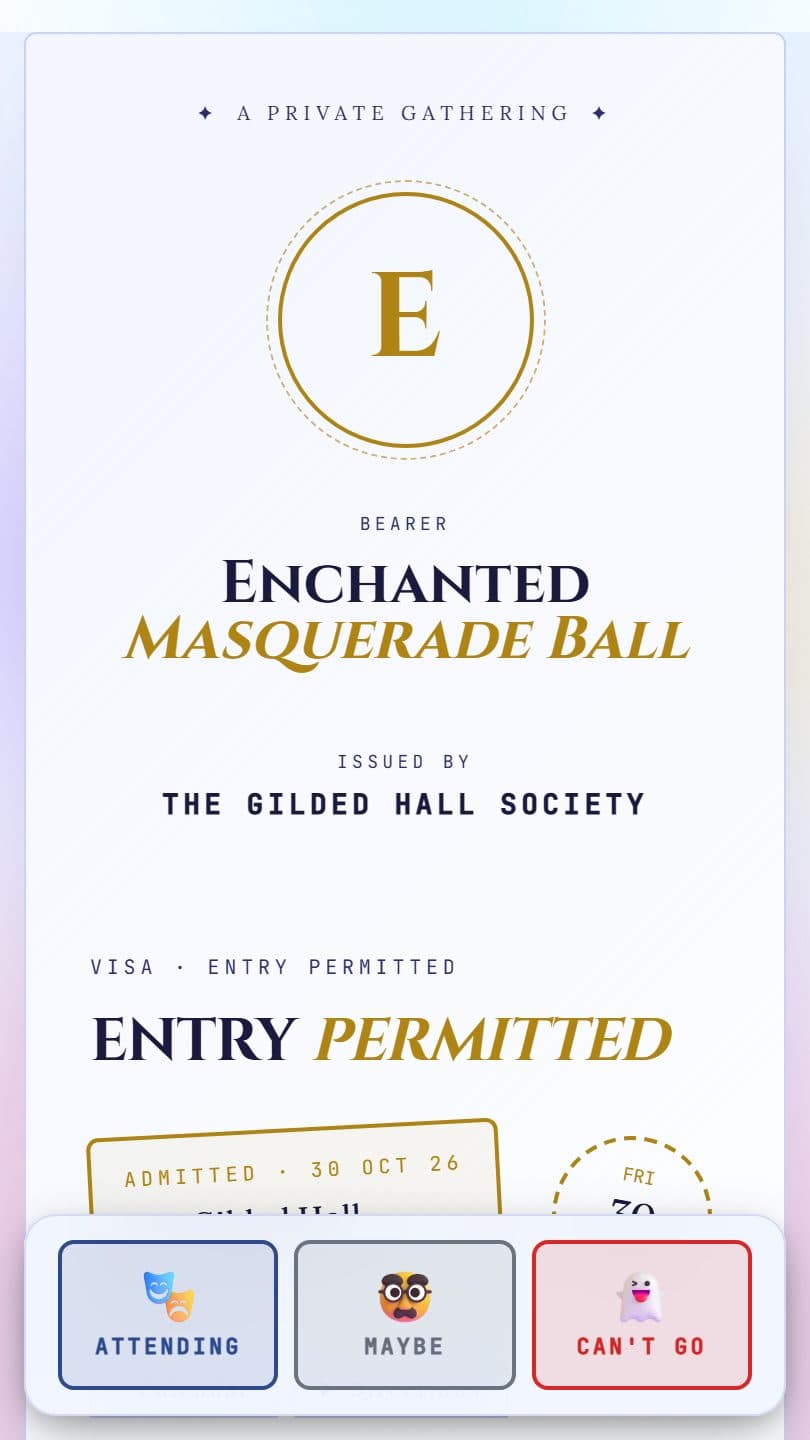
The easiest way to plan your costume party
A costume party is where creativity meets celebration. Whether it's a decade-themed throwback, a murder mystery dinner, a masquerade ball, or a come-as-your-favorite-character bash, the costumes make the magic. But the planning behind the scenes matters too. RSVPlinks helps you create themed invitations that set the tone and get imaginations running wild. Share costume guidelines and theme details and track RSVPs. Ask about dietary preferences for your themed menu, and let guests reply for their whole party so couples can coordinate costumes. Our platform handles the logistics so you can focus on perfecting your look—and judging everyone else's.
What you can do with a costume party page
- Post the theme and costume rules
- Pick a layout and page effect to match
- Remind guests to finish their costumesPaid
- Ask what each guest is dressing asPaid
- Open the invitation with an animated intro
Everything without a tag is free. Paid features need a paid event, from $7 once per event with no subscription; add-ons are bought per event on top of that. See pricing
From blank page to shareable RSVP link in 4 steps
No design skills. No downloads. Just a clean, mobile-friendly costume party page your guests will actually RSVP to.
Build Your Event Page
Add your costume party essentials fast: title, date, event details, location, and a standout cover image.
Choose Your Color Theme
Pick a theme for your costume party page and dial in the look with clean, modern styling.
Edit Your RSVP Settings
Personalize the RSVP form fields and settings to match your costume party and share it anywhere with the custom link.
Track RSVPs in Real Time
Guests respond from any device while you monitor attendance instantly on your costume party dashboard.
RSVPlinks by the numbers
Stop chasing replies over text. Your costume party guest list, organized automatically.
- events hosted
- 1,300+
- RSVPs collected
- 18,000+
- guests confirmed
- 27,000+
The free costume party RSVP form
Every costume party page comes with a built-in RSVP form — no separate form builder, no spreadsheet, no embedding. Guests tap your link, fill it in, and their answer lands on your dashboard instantly. What to ask on an RSVP form
Collects what you actually need
Name, headcount, and an optional email, phone number or mailing address. Turn any field on or off. Paid events add your own questions for dietary needs, song requests, or what each guest is bringing.
Yes, No, and Maybe
Guests can reply Maybe when they are not sure yet, and update their own answer later without emailing you. Every change is reflected in your counts straight away.
Handles groups and plus-ones
One guest can RSVP for their whole party, with an adults-and-children split when you need it. Paid events can cap the group size so nobody brings eight people to a dinner for twelve.
Closes itself when you want
Close the form yourself with one tap on any plan. Paid events can set a reply-by date or a guest limit so it locks on its own, with a waitlist for late arrivals.
Or start from a ready-made template
Every costume party page can start from one of 90 hand-curated designs — each pairs a page layout with a matching palette, fonts, page effect, and intro animation, and all of it stays editable.
Hosting something else? We have a page for that.
RSVPlinks works for any occasion — from intimate gatherings to large celebrations.
Costume Party RSVP questions
- How do I create a costume party invitation on RSVPlinks?
- Create your costume party invitation in 4 steps: 1) Pick a design. 2) Add your title, date, and details. 3) Set your RSVP options. 4) Share the link or QR code and track RSVPs in real time.
- Is RSVPlinks free for costume party invitations?
- Yes. The free tier covers 20 RSVPs per event across up to 5 active events, with RSVP tracking, QR codes, and guest management. No credit card required. Bigger events upgrade once per event — there is no subscription.
- Is there a free costume party RSVP form?
- Yes. Every costume party page on RSVPlinks includes a free built-in RSVP form — no separate form builder or spreadsheet. On the free plan it collects names, headcount (with an adults/kids split), email, phone or mailing address, and supports Yes/No/Maybe replies and group RSVPs. Paid events, from $7, add your own questions, a reply-by date and guest limits that close the form automatically.
- What features does RSVPlinks offer for costume party events?
- Free on every costume party page: Post the theme and costume rules; Pick a layout and page effect to match; Open the invitation with an animated intro. On a paid event, from $7: Remind guests to finish their costumes; Ask what each guest is dressing as. Every page also has real-time RSVP tracking, QR code sharing and 90 ready-made templates.
- Do guests need an app or an account to RSVP?
- No. Guests tap your link and reply in their browser. Every event page also has one-tap Add to Calendar and opens the venue in Google Maps or Apple Maps.
Planning guides
- How to Plan a Halloween Costume Party and Collect RSVPs Online Without the ChaosStop guessing who's coming to your Halloween party. Here's how to plan a costume party and collect RSVPs online — without the group-chat chaos.
- How to Plan a Halloween Costume Party for Adults and Collect RSVPs Without the ChaosStop drowning in text threads before your Halloween bash. Here's how to plan an unforgettable adult costume party and collect RSVPs without the chaos.
RSVP guides
- How to create an RSVP link (free, in about 3 minutes)
- What is an RSVP link?
- How to set up a free RSVP website
- Free online RSVP form: what to ask guests and how to set it up
- How to make a free RSVP QR code
- How to add an RSVP link to a Canva invitation
- How to add an RSVP link to your wedding website
- How to share an RSVP link on Facebook and Instagram
- How to put an RSVP link in an email invitation
- How to track RSVPs (without a spreadsheet)
- Save the date postcards: when to mail them and what they cost