How to Plan a Halloween Costume Party and Collect RSVPs Online Without the Chaos
The Halloween Party Planning Nightmare Nobody Warns You About
It's October 15th. You've already bought the fake cobwebs, ordered the fog machine, and spent three evenings turning your living room into a haunted mansion. You sent out a group text to 40 people two weeks ago with the date, time, and address. Now, with six days to go, you have absolutely no idea how many people are actually coming.
Your phone is a graveyard of half-answered messages. "Sounds fun, might come!" "Depends on the kids' schedule, will let you know." "What's the address again?" Three people have asked if they need a costume. Two have asked if it's a kids-friendly event. One person sent a thumbs-up emoji and nothing else. You've done the math four times and still can't figure out whether to buy 20 bags of candy or 60.
This is the chaos that comes from planning a Halloween costume party without a real RSVP system — and it's completely avoidable. This guide will walk you through exactly how to plan a spooky, memorable Halloween party and collect RSVPs online so you know who's coming, what they're wearing, and what you need to prepare.
Step 1: Lock Down Your Halloween Party Details First
Before you send a single invitation, get your event details fully confirmed. Vague invitations produce vague responses. Here's what you need to nail down before anything else:
- Date and time: Halloween falls on a Friday in 2025 — ideal for a late-night adult party. If you're hosting families with kids, consider a Saturday afternoon event instead.
- Costume rules: Is there a theme? Decade costumes? Horror characters only? No-costume allowed? Be specific. "Costumes encouraged" leads to half your guests showing up in street clothes and feeling awkward.
- Venue capacity: Know your hard limit before you invite. If your apartment comfortably holds 30 people, don't invite 60 and hope for the best.
- Food and drink plan: Are you doing a full dinner, appetizers, or just drinks and snacks? This directly affects how many people you can realistically host.
- Kids vs. adults only: This single detail changes everything — decorations, music, alcohol, timing, and activities. Decide early and communicate it clearly.
Once these are locked in, you're ready to build your invitation.
Step 2: Create a Dedicated Online RSVP Page for Your Halloween Party
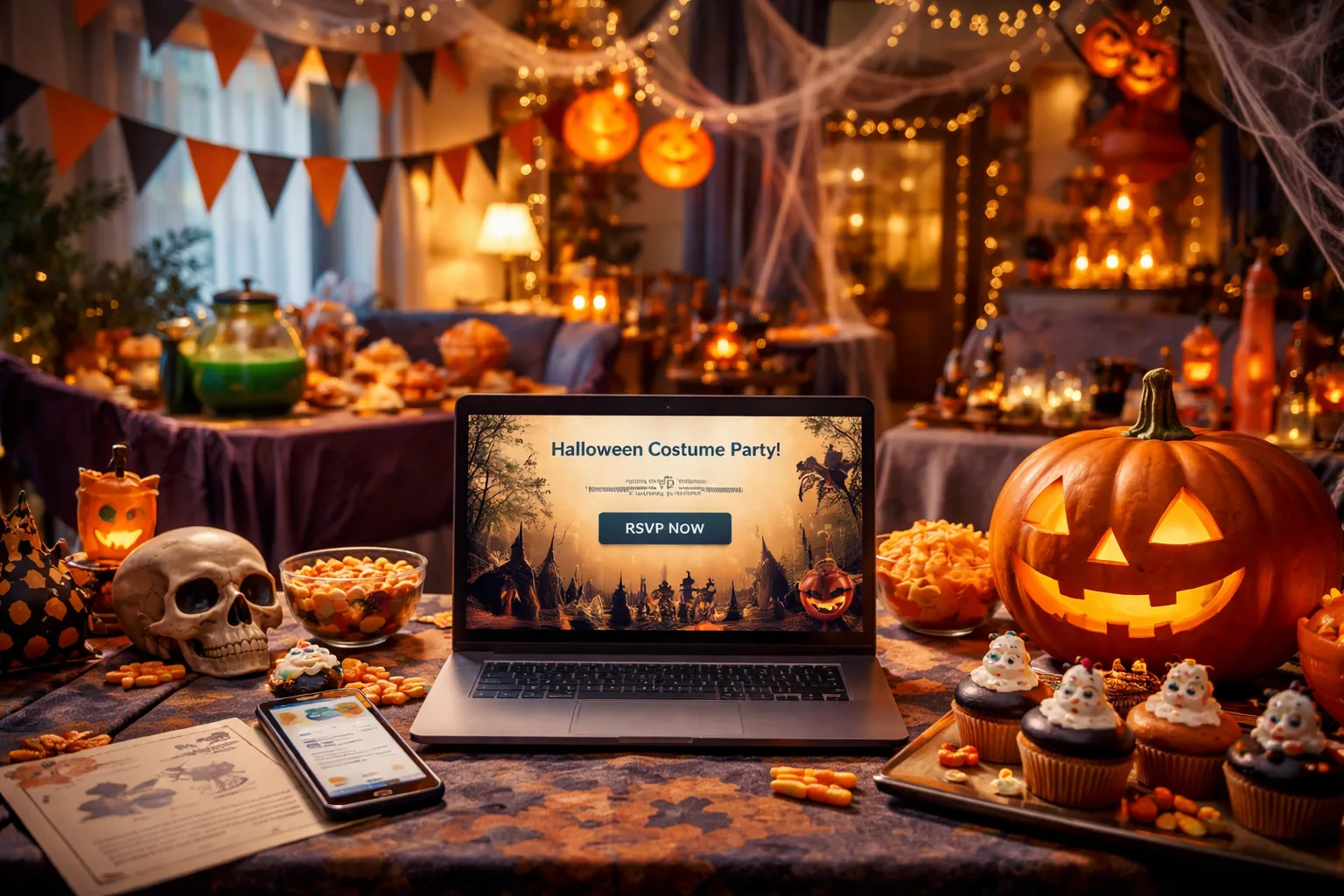
Here's where most home hosts go wrong: they rely on group chats, Facebook event pages, or verbal confirmations — none of which give you a clean, accurate headcount. The fix is simple: create a free RSVP link specifically for your Halloween event.
A dedicated RSVP page does several things that a group text simply cannot:
- It captures each guest's name and response individually — no more guessing if "we might come" means two people or five.
- It lets you ask custom questions, like "What costume are you wearing?" or "Do you have any dietary restrictions?" — information that's genuinely useful for planning.
- It gives guests a clear deadline to respond, which dramatically increases the rate of actual responses.
- It keeps all your RSVPs in one place, organized and easy to review at any time.
For inspiration on how other hosts have set up their Halloween event pages, browse the Halloween party RSVP examples gallery to see real layouts and question formats that work.
Step 3: Write an Invitation That Gets a Response
The wording of your invitation is more important than most people realize. A well-written Halloween party invite does three things: it creates excitement, communicates essential details, and makes the RSVP action feel easy and expected.
Here's a mini-scenario that illustrates the difference:
Weak invite: "Hey everyone! Halloween party at my place on the 31st. Come if you can! Let me know."
Strong invite: "You're invited to The Annual Haunted Hollow Halloween Party — Friday, October 31st, 8–11 PM at 42 Maple Street. Costumes are required (no costume, no entry — we're serious). RSVP by October 25th so we know how much blood punch to brew. Click the link below to confirm your spot and tell us your costume!"
The second version creates urgency, sets clear expectations, adds personality, and makes the RSVP feel like part of the fun rather than a chore. Notice the RSVP deadline — this is critical. Without a deadline, people procrastinate indefinitely.
Step 4: Share Your RSVP Link Across Multiple Channels
Once your RSVP page is live, don't just text the link to one group chat and call it done. Reach people where they actually are:
- Text message: Send a personal text (not just a group blast) to your closest guests. Personal outreach gets a significantly higher response rate.
- Instagram or Facebook Stories: Post your invite graphic with the RSVP link in your bio or story link. This works especially well for social groups and friend circles.
- Email: For more formal gatherings or larger guest lists, a quick email with the RSVP link embedded looks polished and professional.
- Printed QR code: If you're handing out physical invitations (a lovely touch for a costume party), generate a QR code that links directly to your RSVP page. Guests scan it with their phone and respond in seconds.
The goal is to reduce friction. The fewer steps between seeing the invite and clicking RSVP, the higher your response rate will be.
Step 5: Use Your RSVP Data to Plan Smarter
This is the part that transforms your party from stressful to seamless. Once RSVPs start coming in, use that data actively:
- Headcount for food and drink: If 28 people confirmed, you need supplies for 28 — not 20, not 50. Budget accordingly.
- Costume contest logistics: If you asked guests to share their costume in advance, you can set up voting categories ahead of time. Imagine announcing "Best Villain" and "Best Couples Costume" when you already know who's competing.
- Dietary needs: If three guests flagged that they're vegetarian and one has a nut allergy, you can plan your snack spread without a last-minute scramble.
- Follow up with non-responders: About a week before your RSVP deadline, send a quick reminder to anyone who hasn't responded. Keep it light and fun — "The ghosts want to know if you're coming" works just as well as a formal reminder.
If you have questions about how the platform works or what features are available, the RSVPlinks FAQ page covers everything from custom questions to guest management.
Step 6: Manage Day-Of Logistics Without Losing Your Mind
Even with a perfect RSVP system, Halloween parties have a way of getting chaotic once the fog machine kicks in. A few practical tips for the day itself:
- Print your guest list: Have a physical copy of confirmed RSVPs at the door. It makes check-in fast and keeps uninvited guests from crashing your event.
- Set up a costume contest sign-in: Have a simple sheet at the entrance where guests write their name and costume category. This makes judging much easier later in the night.
- Designate a greeter: If you're the host, you'll be busy. Ask a trusted friend to manage the door for the first hour so you're not trapped at the entrance all night.
- Have a "late arrival" plan: Some guests will always show up an hour late. Make sure your food setup and activities can accommodate staggered arrivals without disrupting the flow.
3 Things You Can Do Right Now
Planning a Halloween costume party doesn't have to feel like a horror movie. Here are three concrete actions you can take today to get ahead of the chaos:
- Finalize your event details — date, time, costume rules, and guest limit — before you send a single message.
- Create your free Halloween RSVP link and add two or three custom questions (costume, dietary needs, guest count) so your data is actually useful.
- Set your RSVP deadline for at least one week before the party — this gives you enough time to shop, prep, and follow up with stragglers without panicking.
The difference between a stressful Halloween party and a legendary one isn't budget or decorations — it's knowing who's coming and being prepared. Start there, and the rest falls into place.
Frequently Asked Questions
How do I collect RSVPs for a Halloween costume party online?
The easiest way to collect RSVPs for a Halloween costume party online is to create a dedicated event page with a shareable RSVP link using a platform like RSVPlinks. You can customize the page with your party details, set an RSVP deadline, and add questions like costume theme or dietary restrictions. Share the link via text, email, or social media to reach all your guests in one step. This eliminates the confusion of tracking responses across multiple group chats or platforms.
When should guests RSVP by for a Halloween party?
Guests should RSVP at least 7–10 days before your Halloween party to give you enough time to finalize food, drinks, and supplies. If you're planning a larger event or ordering custom items, set your deadline two weeks out. Always communicate the deadline clearly in your invitation — "RSVP by October 24th" is far more effective than "let me know soon." A gentle reminder a few days before the deadline will catch most late responders.
What questions should I ask on a Halloween party RSVP form?
The most useful questions to include on a Halloween party RSVP form are: number of guests attending, costume name or category (great for planning a costume contest), dietary restrictions or allergies, and whether they're bringing children. Keeping the form to four or five questions ensures guests actually complete it. Avoid asking for information you won't realistically use — every extra question reduces completion rates.
How do I get people to actually respond to a Halloween party invitation?
To increase your Halloween party RSVP response rate, set a clear deadline in the invitation, make the RSVP process as simple as one click, and send personal follow-up messages to guests who haven't responded. Adding a fun or urgent tone — like "we need your headcount to brew enough potion" — makes RSVPing feel like part of the experience rather than an obligation. Reaching out across multiple channels (text, social media, email) also significantly improves response rates.
Can I use a free tool to create a Halloween party RSVP page?
Yes — RSVPlinks lets you create a free Halloween party RSVP page in minutes without needing any design or tech skills. You can add your event details, set a costume theme, include custom questions, and generate a shareable link instantly. The platform tracks all responses in one dashboard so you always know your exact headcount. It's one of the fastest ways to go from "planning mode" to "ready to party."