How to Use Digital Invitations to Plan a Stress-Free Potluck Dinner Party Everyone Will Love
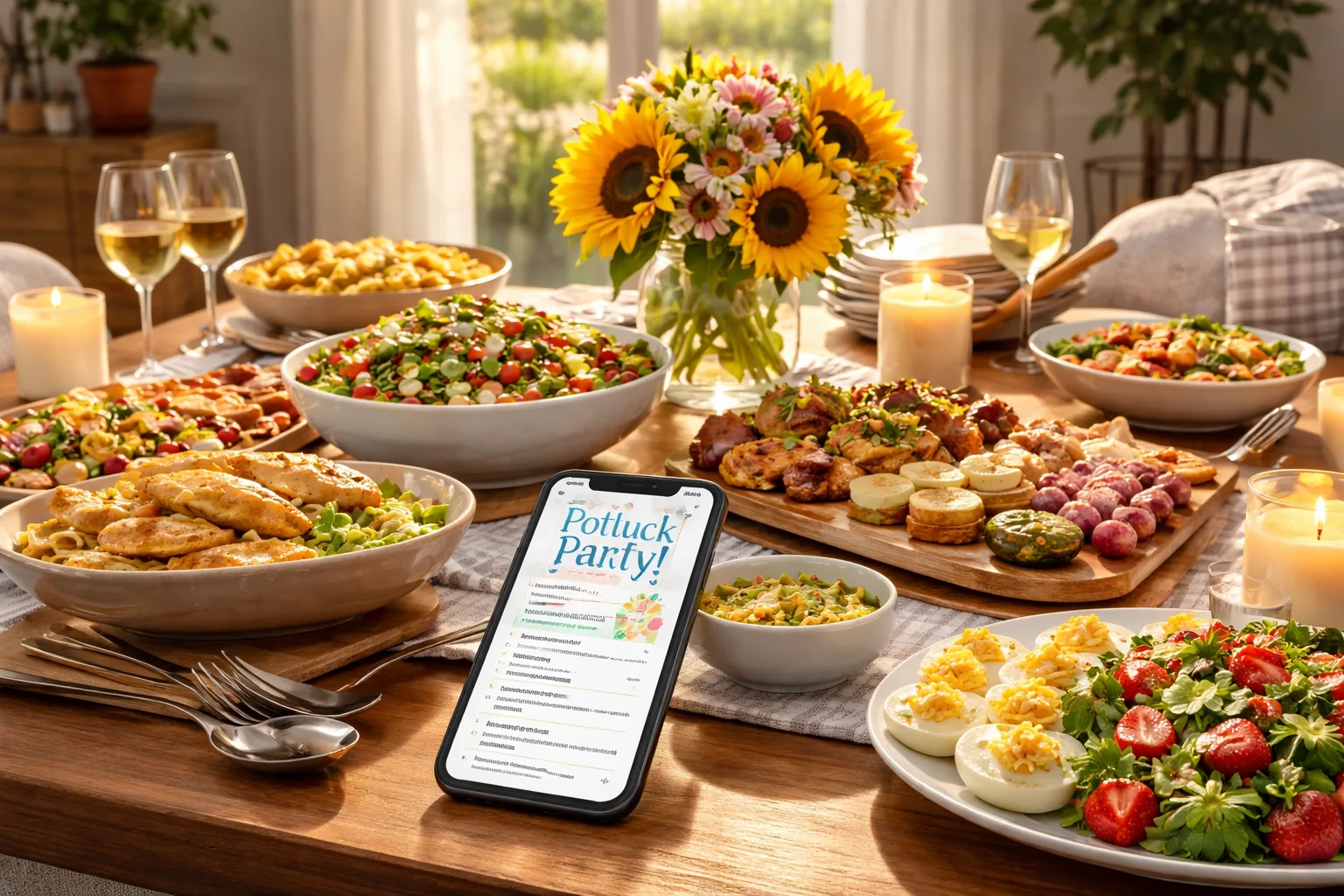
The Potluck Planning Nightmare Nobody Talks About
It's 6:45 PM on a Saturday. Your guests arrive in 15 minutes. You just discovered that four people are bringing pasta salad, nobody signed up for a main dish, and your one vegetarian friend is about to show up to a table of meat-heavy sides. Oh, and three people never responded at all — so you cooked enough food for 20 people just in case, and now your kitchen looks like a catering disaster zone.
Sound familiar? Potluck dinner parties are supposed to be the easy way to host — shared effort, shared food, shared fun. But without the right system, coordinating a potluck can spiral into a chaotic group chat nightmare of unanswered texts, duplicate dishes, and last-minute scrambles. The good news: digital invitations for a potluck dinner party solve almost every one of these problems before your guests even walk through the door.
In this guide, we'll walk you through exactly how to use digital invitations to plan a smooth, organized, and genuinely enjoyable potluck — from the moment you decide to host to the last bite of dessert.
Why Traditional Potluck Coordination Fails
Most potluck hosts rely on a patchwork of group texts, Facebook posts, and verbal confirmations. Here's why that consistently breaks down:
- No central record: Who said they were bringing what? Was it a text? A comment? A DM? Nobody remembers.
- No accountability: When there's no formal sign-up, people assume someone else handled it.
- No dietary visibility: You have no idea your cousin went gluten-free until she's standing at your table.
- No headcount: Cooking for 10 or 25? Without confirmed RSVPs, you're guessing — and probably overcooking.
The solution isn't more group texts. It's a single, organized digital invitation that does the coordination work for you.
Step 1: Create Your Digital Potluck Invitation with a Sign-Up System
Start by building your event page before you invite anyone. This is where platforms like RSVPlinks shine — you can create a free RSVP link for your potluck that includes all the event details and gives guests a clear way to confirm attendance and commit to a dish category.
When setting up your invitation, include:
- Date, time, and location — obvious, but make it prominent
- Theme or cuisine focus (e.g., "Italian Night," "Summer BBQ Sides," "Comfort Food Classics")
- Dish categories needed — appetizers, mains, sides, desserts, drinks
- How many of each category you need — "We need 2 mains, 4 sides, 2 desserts, and 2 drink contributions"
- Any dietary restrictions to keep in mind — "Please label if your dish is vegetarian, vegan, or gluten-free"
Mini-scenario: Sarah is hosting a fall harvest potluck for 18 people. She creates her event page on a Tuesday, lists the five dish categories she needs filled, and sends the link to her guest list by Wednesday morning. By Thursday, 14 people have responded, dish slots are filling up, and she can already see she has plenty of sides but zero desserts — so she sends a quick nudge to the remaining guests specifically asking who can bring something sweet.
Step 2: Set a Real RSVP Deadline — and Actually Enforce It
One of the most overlooked potluck planning tools is a firm RSVP deadline set at least one week before the event. Digital invitations make this easy because the deadline is visible right on the event page, not buried in a text thread.
Set your deadline 7–10 days before the party. This gives you time to:
- Follow up with non-responders (a single reminder message, not a guilt-trip)
- Identify any dish category gaps and fill them yourself or reassign
- Confirm your final headcount so you know how much to prepare for your host dish
- Send a confirmation message to all attendees with final logistics
When guests RSVP through a digital link, you get a real-time list — no more scrolling through three different platforms trying to piece together who's coming.
Step 3: Organize Dish Assignments Strategically
Here's where most potluck hosts leave things to chance. Don't. Use your digital invitation response data to actively manage dish assignments rather than hoping for the best.
The balanced potluck formula for 12–20 guests:
- 1–2 appetizers or starters
- 1–2 main dishes (you, as host, should ideally cover one main)
- 3–4 side dishes
- 1–2 desserts
- 2–3 drink/beverage contributions
Once RSVPs come in, review what people have offered to bring and gently redirect duplicates. A quick personal message — "Hey Marcus, we already have two pasta dishes covered — any chance you could bring a dessert instead?" — goes a long way. People are almost always happy to switch when asked nicely and early.
Mini-scenario: James is hosting a neighborhood potluck. His digital invitation shows that by the RSVP deadline, he has five side dishes and no drinks. He messages the three guests who listed "TBD" and asks two of them to bring beverages. Problem solved in ten minutes, no drama.
Step 4: Use Your Guest List to Manage Dietary Needs Proactively
Dietary restrictions and food allergies are the silent landmines of potluck planning. A well-designed digital invitation asks guests to share any dietary needs when they RSVP — which means you have this information before the party, not during it.
Once you know who has restrictions:
- Make sure at least 2–3 dishes on the table are vegetarian-friendly
- Identify if anyone has a serious allergy (nuts, shellfish, gluten) and communicate that to all guests in your pre-party confirmation message
- Ask guests to bring ingredient cards or labels for their dishes — a simple index card next to each dish works perfectly
This isn't just considerate — it's what separates a forgettable potluck from one people talk about for months because everyone felt included and well-fed.
Step 5: Send a Pre-Party Confirmation Message to All Guests
Two days before your potluck, send a confirmation message through your event platform to everyone who RSVP'd. This message should include:
- Final address and parking details
- Start time and approximate end time
- A reminder of what each person is bringing
- Any allergy heads-up ("We have a guest with a tree nut allergy — please label your dishes!")
- What you'll provide as host (plates, utensils, serving spoons, etc.)
This single message eliminates 90% of the "wait, what time does it start again?" texts you'd otherwise field the morning of the party. Browse potluck RSVP examples to see how other hosts have structured their event pages for maximum clarity.
Step 6: Make the Day-Of Experience Seamless
Your digital prep work pays off on the day of the party. Because you know exactly who's coming, what they're bringing, and any dietary needs, you can set up your space with intention:
- Label the table sections: Appetizers | Mains | Sides | Desserts | Drinks
- Set out serving utensils for each station so guests aren't hunting for spoons
- Have a small card holder or sticky notes available so guests can label their dishes when they arrive
- Keep your RSVP list handy in case someone shows up who didn't confirm — you'll know immediately if you need to adjust seating
Frequently Asked Questions
How do I create a digital invitation for a potluck dinner party?
You can create a digital potluck invitation by using an online RSVP platform like RSVPlinks, where you set up an event page with your party details, dish categories needed, and a deadline for responses. Share the link via text, email, or social media so guests can confirm attendance and commit to a dish from any device. Visit our FAQ page to learn more about how RSVPlinks works. Most digital invitations take less than five minutes to set up and save hours of back-and-forth coordination.
How far in advance should I send potluck invitations?
Send your potluck invitations at least two to three weeks before the event to give guests enough time to plan their dish and schedule. Set your RSVP deadline one week before the party so you have time to follow up with non-responders and fill any dish category gaps. For larger gatherings of 20 or more people, consider sending invitations three to four weeks ahead.
How do I prevent duplicate dishes at a potluck?
Preventing duplicate dishes starts with your invitation — list specific dish categories (appetizers, mains, sides, desserts, drinks) and indicate how many of each you need. When guests RSVP, ask them to specify what they plan to bring so you can spot overlaps early and redirect people to unfilled categories before the day of the party.
What should the host bring to a potluck?
As the host, you should provide at least one substantial dish — ideally a main course — along with plates, napkins, utensils, serving spoons, and any condiments or extras. You're also responsible for beverages if guests haven't covered them, and for creating a welcoming, organized table setup. Handling the logistics so guests can simply show up and enjoy is your most valuable contribution.
How many dishes do I need for a potluck of 15 people?
For a potluck of 15 people, aim for 8–10 dishes total: 1–2 appetizers, 2 mains, 3–4 sides, 1–2 desserts, and 2 beverage contributions. This ensures variety and enough food without overwhelming the table or creating too much waste. Use your RSVP responses to track dish commitments and fill gaps before the party.