How to Collect RSVPs for a Halloween Kids' Party Online (Without Losing Track of Anyone)
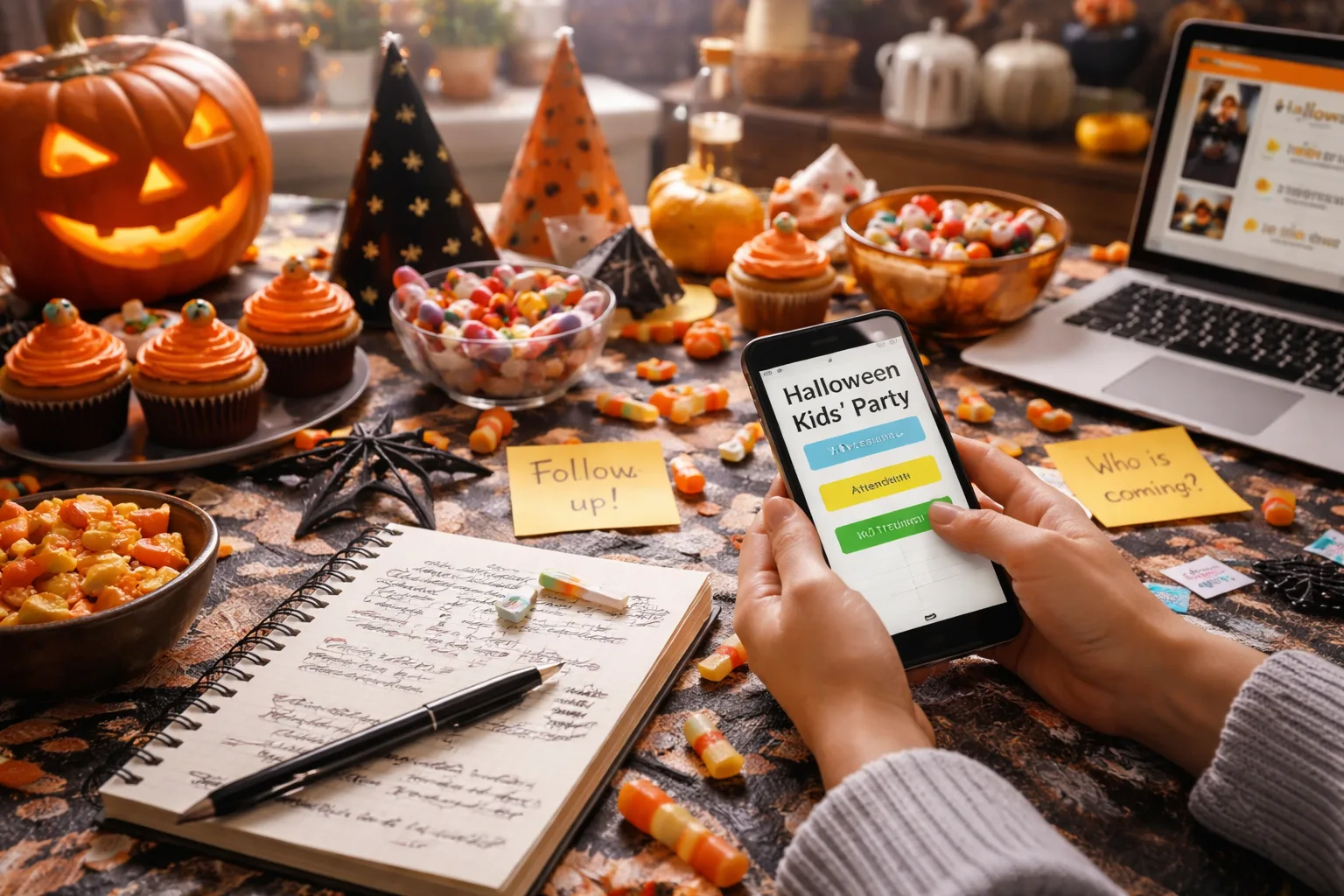
The Halloween Party RSVP Nightmare You've Probably Already Lived
Picture this: It's six days before your Halloween kids' party. You've bought 30 goodie bags, ordered a custom cake shaped like a graveyard, and rented a fog machine. Then your phone buzzes. It's another parent texting, "Hey, are we still on? My kids are SO excited!" — except you have absolutely no idea who this person is, whether their kids are already on your list, or how many kids are coming total. You scroll back through three different group chats, two text threads, and a string of Instagram DMs trying to piece together a headcount. Sound familiar?
Collecting RSVPs for a Halloween kids' party is one of those tasks that sounds simple until you're actually doing it. Between parents who forget to respond, kids who get added at the last minute, dietary restrictions you need to track, and costume themes you want to coordinate, the whole process can spiral into chaos faster than a bag of Halloween candy disappears. And when you lose track of who's coming, you end up either over-buying (wasting money) or under-preparing (disappointing kids on one of the most exciting nights of their year).
The good news? Collecting Halloween party RSVPs online — the right way — eliminates almost every one of these headaches. Here's exactly how to do it.
Why Online RSVPs for a Halloween Kids' Party Are a Game-Changer
Traditional RSVP methods — texting, phone calls, paper invitations sent home in backpacks — create information silos. One parent texts you yes, another emails, another tells your spouse at soccer practice. Now you're the one responsible for manually consolidating all of that into a single list, and something always slips through.
Online RSVP tools centralize everything. Every response goes to one place. You can see at a glance who's confirmed, who's declined, and who hasn't responded yet. You can send follow-up reminders without hunting down individual contact info. And you can collect extra details — like costume themes, allergy information, or whether a parent is staying — all in one form.
For a Halloween kids' party specifically, this matters even more. You're often dealing with a larger-than-usual guest list (class parties, neighborhood events, friend groups), tight timelines, and parents who are juggling their own Halloween plans. A clean, easy online RSVP process respects everyone's time and keeps you in control.
Step-by-Step: How to Collect Halloween Party RSVPs Online
Step 1: Create Your RSVP Event Page Before You Send Anything
Before you send a single invitation, set up your online RSVP page first. This is the single most important step because it means every invitation you send — whether by text, email, or a class app like ClassDojo — points to one central place.
Use a platform like RSVPlinks to create a free RSVP link for your Halloween party. Set up your event with the date, time, location, and any specific details parents need to know (Is it indoors? Is there a costume contest? What's the candy situation?). You can also add custom questions — for example, "Does your child have any food allergies?" or "What costume is your little one wearing?" — so you collect everything you need upfront instead of chasing parents down later.
Real-world example: Sarah is hosting a Halloween party for her daughter's third-grade class — 22 kids. She creates her RSVP page on a Monday evening, adds a question asking about nut allergies (she's serving cupcakes), and has her link ready by Tuesday morning. She drops it into the class parent group chat and the school app. By Thursday, she has 18 responses and knows exactly who's coming and who needs nut-free treats.
Step 2: Write an Invitation That Makes Clicking the Link Irresistible
Your RSVP link is only as effective as the message that carries it. A dry "Please RSVP for Emma's Halloween party" buried in a group chat is easy to ignore. A message that creates excitement and urgency gets responses fast.
Try something like: "🎃 You're invited to Mia's Haunted Halloween Bash! Costumes required, candy guaranteed. Spaces are limited — RSVP by October 20th so we can save a spot for your little monster: [link]"
Key elements: a fun, themed tone; a clear deadline; a reason to act now (limited spaces). The deadline is especially important — without one, parents will mentally file it under "I'll do that later" and then forget entirely.
Step 3: Send the Invitation Through Multiple Channels (But Keep RSVPs in One Place)
Here's a strategy that works brilliantly: send your invitation through every channel where parents actually pay attention — the class group chat, your neighborhood Facebook group, a school app, direct texts to close friends — but make sure every single message links to the same RSVP page.
This way, you cast a wide net for visibility while keeping all responses centralized. You're not managing multiple lists. You're not cross-referencing texts with emails. Everyone who responds goes into the same dashboard.
Browse Halloween party RSVP examples to see how other parents have set up their event pages for inspiration on wording and layout.
Step 4: Set a Clear RSVP Deadline — and Actually Enforce It
The number-one reason hosts lose track of RSVPs is that they never set a firm deadline, so responses trickle in right up until the day of the party. Set your deadline at least 5–7 days before the event. For a Halloween party, that typically means an October 25th or 26th cutoff for an October 31st party.
When you create your event page on RSVPlinks, you can display this deadline prominently so every parent sees it the moment they open the link. No confusion, no excuses.
Step 5: Send One Reminder — Make It Count
Send a single reminder message 2–3 days before your RSVP deadline to anyone who hasn't responded. Don't send five reminders — that's annoying and counterproductive. One well-timed nudge is enough.
Example reminder: "👻 Quick reminder! RSVP for Mia's Halloween Bash closes this Friday. We'd love to have your little one — grab your spot here: [link]"
With an online RSVP tool, you can see exactly who hasn't responded, so your reminder goes only to those people — not to parents who already confirmed and will find a repeat message annoying.
Step 6: Review Your Guest List and Plan Accordingly
Once your RSVP deadline passes, open your dashboard and review your confirmed list. Note any special details — allergies, costume themes, whether a parent is staying to supervise. Use this information to finalize your supply orders, goodie bag count, and seating arrangements.
If you're planning a costume contest or group activities, knowing your confirmed headcount in advance lets you prepare prizes, divide kids into teams, and avoid the scramble of last-minute adjustments.
Not sure how RSVPlinks handles guest management features? Visit the RSVPlinks FAQ for a full breakdown of how the platform works.
Common Halloween Party RSVP Mistakes to Avoid
- Skipping the deadline: Without a cutoff date, you'll be chasing responses the morning of the party.
- Using multiple collection methods: If some people text you and others use your RSVP link, you'll end up with split lists and inevitable confusion.
- Forgetting to ask about allergies: Halloween parties are full of candy and baked goods. Always ask about food allergies in your RSVP form.
- Not accounting for plus-ones: Kids often bring siblings. Add a question asking how many children are attending per family.
- Waiting too long to send invitations: October fills up fast. Send Halloween party invitations at least 2–3 weeks in advance.
Make It Fun: Themed RSVP Pages That Build Excitement
One underrated benefit of online RSVP pages is that they can double as a hype-builder for your event. A well-designed Halloween party RSVP page — with spooky imagery, a fun party name, and all the exciting details — gets kids excited the moment their parents show it to them. That enthusiasm translates into faster RSVPs because kids start lobbying their parents to respond immediately.
Think of your RSVP page not just as a data collection tool, but as the first impression of your party. Make it match the vibe: haunted house, cute monsters, witches and wizards, or whatever theme you've chosen. You can create a free RSVP link and customize it to reflect your party's personality in just a few minutes.
Conclusion: Three Things You Can Do Right Now
You don't have to spend the week before your Halloween kids' party drowning in text threads and unanswered messages. Here's what to do today:
- Set up your RSVP page first. Before you tell a single person about the party, create your online event page with all the details and custom questions you need answered.
- Set a firm deadline. Choose a cutoff date at least 5–7 days before the party and display it prominently in every invitation you send.
- Send invitations through multiple channels, but funnel everyone to one link. Cast a wide net for visibility, but keep all responses in one centralized place so you're never cross-referencing lists again.
Do these three things, and you'll walk into Halloween week knowing exactly who's coming, what they need, and how many goodie bags to fill. That's a treat — no tricks required.
Frequently Asked Questions
How do I collect RSVPs for a Halloween kids' party online for free?
You can collect RSVPs for a Halloween kids' party online for free by creating an event page on RSVPlinks, which lets you generate a shareable RSVP link at no cost. Simply add your party details, set a deadline, and share the link via text, email, or any parent group chat. All responses are collected in one dashboard so you never lose track of who's coming.
When should I send Halloween party invitations and set the RSVP deadline?
Send Halloween party invitations 2–3 weeks before the event, ideally by mid-October. Set your RSVP deadline 5–7 days before the party — so around October 24th–26th for an October 31st event — to give yourself enough time to finalize supplies and headcount.
What information should I collect on a Halloween kids' party RSVP form?
At minimum, collect each child's name, the number of kids attending, and whether they can make it. For a Halloween party, also ask about food allergies (especially nuts), what costume the child is wearing if you're doing a costume contest, and whether a parent will be staying during the party.
How do I follow up with parents who haven't RSVPed for my kids' Halloween party?
Send one friendly reminder message 2–3 days before your RSVP deadline, directed only at parents who haven't responded yet. Keep it short, fun, and include your RSVP link again. Most online RSVP tools show you exactly who hasn't responded, so you can target your reminder precisely without bothering parents who already confirmed.
How many kids should I invite to a Halloween kids' party?
For a home Halloween party, 8–15 kids is a manageable range that allows for activities and individual attention. For larger venue-based parties, you can scale up, but always set a capacity limit on your RSVP page so you don't accidentally overcommit. Knowing your space and supervision ratio ahead of time makes the party safer and more fun for everyone.