How to Track RSVPs for a Large Event Without a Spreadsheet or Sticky Notes
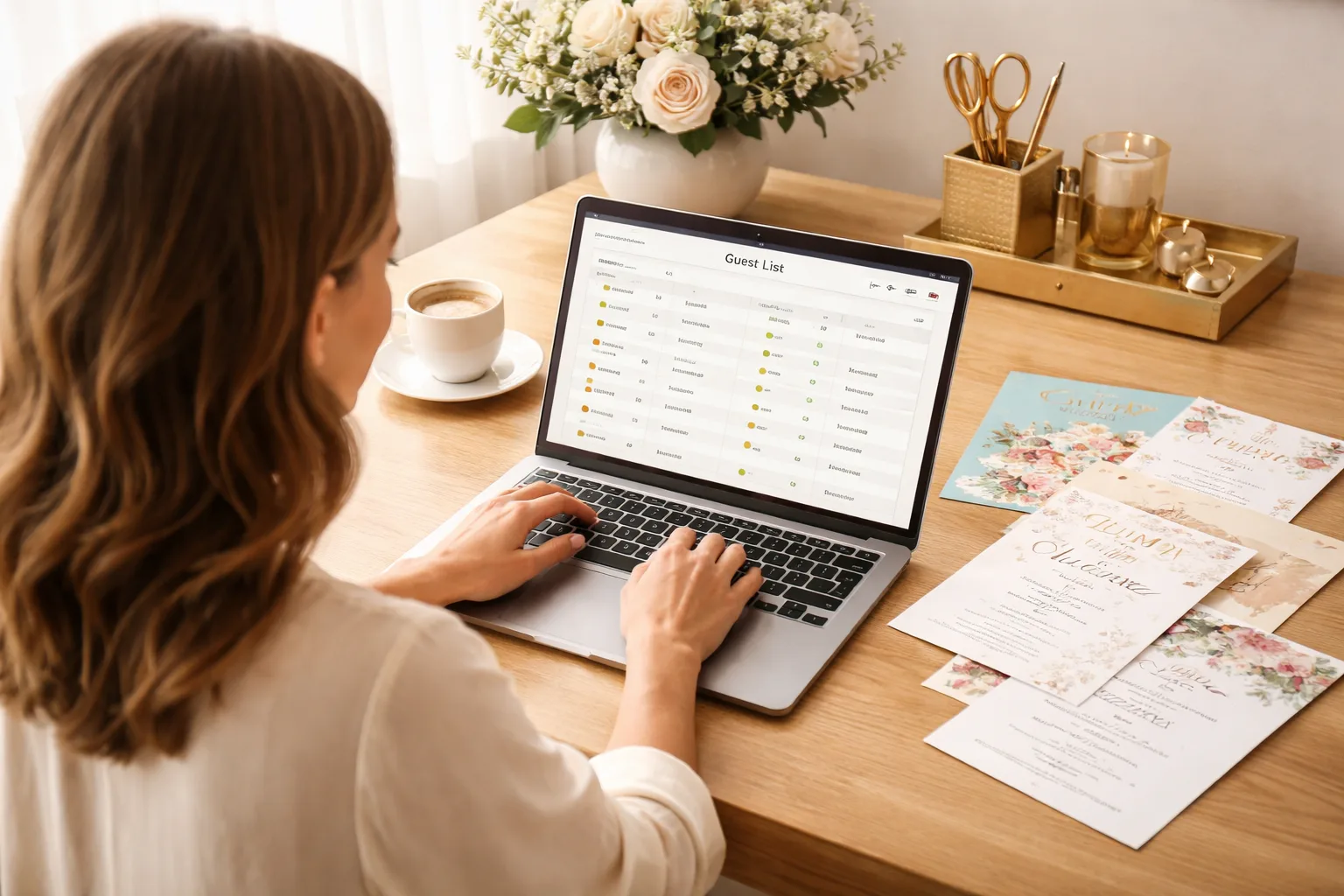
When Your Guest List Becomes a Nightmare
It's 11 PM, three weeks before your company's 200-person annual gala. You're staring at a spreadsheet that hasn't been updated since Tuesday, a stack of sticky notes with names scrawled in three different handwriting styles, and a group text thread with 47 unread messages — half of which are people saying "count me in!" and the other half asking "wait, what time does it start again?"
You have no idea how many people are actually coming. You don't know who needs a vegetarian meal. You don't know if the plus-ones were already counted or if they're in addition to the original headcount. And your venue needs a final number by Friday.
This is the reality of tracking RSVPs for a large event the old-fashioned way — and it's one of the most stressful, error-prone parts of event planning. Whether you're organizing a corporate event, a family reunion with 150 relatives, or a milestone birthday bash, manually tracking RSVPs at scale is a recipe for chaos. Let's fix that.
Why Spreadsheets and Sticky Notes Fail at Scale
Spreadsheets feel organized — until five people are editing the same file, someone deletes a row by accident, and you realize you've been looking at version 3 of 7. Sticky notes are even worse: they fall off walls, get lost in bags, and contain exactly zero searchable data.
Here's what actually goes wrong when you try to track RSVPs for a large event manually:
- Duplicate entries: The same guest RSVPs by text, email, AND through your Facebook event — now they're counted three times.
- Missing dietary or accessibility info: You asked for it in the invitation, but tracking it across 12 different reply channels is nearly impossible.
- No real-time visibility: Your co-planner is updating one version of the spreadsheet while you're updating another. Whoever saves last wins — and loses.
- Follow-up paralysis: You can't easily see who hasn't responded, so you either chase everyone or chase no one.
- Headcount errors: A guest who said "yes" for two people gets counted as one. Or four. Nobody knows.
The good news: there's a smarter way to manage this, and it doesn't require expensive event management software or a dedicated staff member.
How to Track RSVPs for a Large Event — The Smart Way
The core principle is simple: centralize everything into one system with a single RSVP link. When every guest goes through the same door, you get consistent, clean data — automatically.
Step 1: Create a Single, Shareable RSVP Link
The moment you decide to host a large event, your first task is creating a dedicated RSVP page — before you send a single invitation. With a tool like RSVPlinks, you can create a free RSVP link in minutes that captures guest names, headcounts, meal preferences, and custom questions all in one place.
Think of it like a digital front door. Every guest — whether they heard about the event through email, Instagram, a paper invitation, or word of mouth — enters through the same door. No duplicates. No missed data. No sticky notes.
Real-world example: Maria is planning her parents' 50th anniversary party for 175 guests. Instead of fielding calls and texts, she creates one RSVP link, drops it into a beautiful digital invitation, and shares it across email, WhatsApp, and a printed QR code on the paper invite. Every response flows into one dashboard. She checks it over morning coffee instead of hunting through text threads at midnight.
Step 2: Collect the Right Information Upfront
One of the biggest mistakes large-event planners make is asking too little at RSVP time — then scrambling to gather missing info later. When you build your RSVP form, include every question you'll need answered before the event:
- Full name (and guest/plus-one names)
- Number of attendees in their party
- Meal preferences or dietary restrictions
- Accessibility needs
- T-shirt size (for corporate events with swag)
- Session or breakout preferences (for multi-track events)
Getting this data upfront means you're not sending 80 follow-up emails two days before the event. Your caterer, venue, and AV team will thank you.
Step 3: Set a Clear RSVP Deadline — and Enforce It
Large events need firm deadlines because vendors need firm numbers. Set your RSVP deadline at least 10–14 days before the event, and communicate it clearly in every touchpoint: the invitation, the RSVP confirmation email, and any reminders.
With a centralized RSVP system, you can see at a glance who hasn't responded as the deadline approaches — making targeted follow-up fast and painless. Instead of texting your entire guest list, you send a reminder only to the 40 people who haven't replied yet.
Real-world example: James is coordinating a 300-person company conference. His RSVP deadline is two weeks out. On day 10, he pulls up his RSVPlinks dashboard, filters by "no response," and sends a single reminder message to just those guests. He gets 60 more responses within 24 hours without bothering the 240 people who already confirmed.
Step 4: Use Your RSVP Data to Drive Every Vendor Decision
Once your RSVPs are centralized, your data becomes genuinely useful. You can export a clean list for your caterer showing exactly how many guests chose each meal option. You can give your venue a precise headcount. You can create a check-in list sorted alphabetically or by table assignment.
This is the moment where the difference between a chaotic spreadsheet and a clean RSVP system becomes most obvious. Instead of reformatting data for three hours the night before the event, you export it once and you're done.
Browse company event RSVP examples to see how other organizers have structured their forms for large professional gatherings — or check out family reunion RSVP examples if you're planning a large family event.
Step 5: Plan Your Day-of Check-In Around Your RSVP List
The final piece of the puzzle is using your RSVP data for smooth day-of check-in. Print or pull up your guest list on a tablet, sorted alphabetically. Assign a check-in volunteer for every 50–75 guests. As guests arrive, mark them off — and track last-minute walk-ins separately so your final attendance count is accurate.
If you collected meal preferences at RSVP time, you can print place cards or wristbands ahead of time rather than asking guests at the door. Small details like this make a big event feel polished and effortless — even when 200 people show up at once.
Common RSVP Tracking Mistakes to Avoid
- Opening multiple RSVP channels: If guests can RSVP by text, email, AND your form, you'll have a data mess. Funnel everyone to one link.
- Forgetting to account for plus-ones: Always ask "how many guests in your party" rather than just "will you attend?"
- Not sending confirmations: Every guest who RSVPs should receive an automatic confirmation. It reduces "did you get my RSVP?" messages dramatically.
- Waiting until the last week to follow up: Start monitoring non-responses at the halfway point between invitation send and RSVP deadline.
Frequently Asked Questions
How do I track RSVPs for a large event without a spreadsheet?
The best way to track RSVPs for a large event without a spreadsheet is to use a dedicated RSVP platform that centralizes all responses in one dashboard. Tools like RSVPlinks let you create a single shareable link, collect custom guest information, and view real-time headcounts — all without manually entering a single row of data. Visit our FAQ page to learn more about how it works.
How many weeks before an event should guests RSVP?
Guests should RSVP at least 2–3 weeks before the event for most large gatherings, giving you time to finalize vendor orders and follow up with non-responders. For very large events (200+ guests) or events requiring catering, 3–4 weeks is even better. Always communicate the deadline clearly in your invitation and reminder messages.
What information should I collect when guests RSVP for a large event?
At minimum, collect each guest's full name, the number of people in their party, and any dietary restrictions or meal preferences. Depending on your event, you may also want to ask about accessibility needs, session preferences, or t-shirt sizes. Collecting everything upfront saves hours of follow-up communication later.
How do I follow up with guests who haven't RSVPed?
Filter your RSVP list by "no response" and send a targeted reminder only to those guests — not your entire list. A good RSVP platform makes this easy by showing you exactly who hasn't responded. Send your first reminder at the halfway point between your invitation date and your deadline, and a final nudge 48 hours before the deadline closes.
Can I use a free tool to manage RSVPs for a large event?
Yes — you can create a free RSVP link with RSVPlinks and start collecting responses immediately, even for large events. Free tools are often sufficient for most event organizers who need clean data collection, real-time tracking, and shareable links without paying for enterprise event software.