Rehearsal Dinner RSVP: Guest List to Final Count
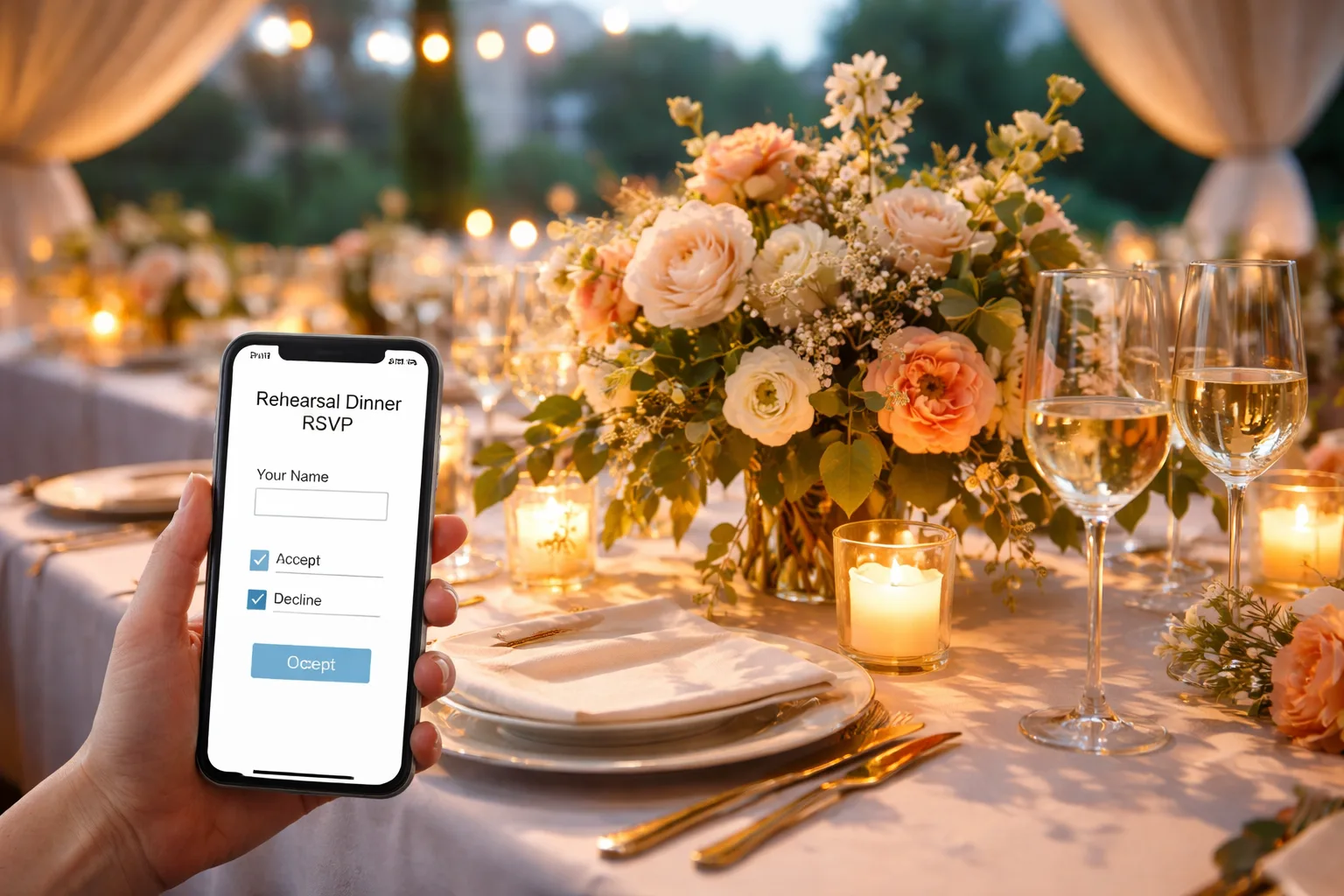
Collect rehearsal dinner RSVPs on their own page, separate from the wedding RSVP: agree the guest list with your partner first, send the invitation four to six weeks out, ask for replies 7–10 days before the dinner, and give the venue its final count about a week ahead. Ask for each guest's party size and dietary needs, follow up once with anyone silent, then plan without them.
This guide covers the guest list, a dated timeline, what to ask, wording to copy, and planning the dinner itself, including an outdoor summer rehearsal dinner.
Who is invited to a rehearsal dinner?
A rehearsal dinner usually includes both immediate families, the whole wedding party with their partners, and the officiant with theirs. Many couples also invite out-of-town guests and close friends who are helping with the wedding.
- Parents, siblings and grandparents on both sides
- Every member of the wedding party, plus spouses or partners
- The officiant and partner
- Readers, ushers and anyone who has a role at the rehearsal
- Optional: out-of-town guests who traveled far, close family friends
Settle the list together before you build anything. The trouble usually starts when a parent adds their siblings or an old friend without asking, and the couple finds a dozen names they never discussed. Whoever is hosting (traditionally one set of parents, now often the couple or both families) should agree to the final number, since it sets the budget.
Why does a rehearsal dinner need a separate RSVP?
A rehearsal dinner needs its own RSVP because it has a different, smaller guest list, a different venue with its own deadline, and often a plated meal that can't absorb surprises. Folding it into the wedding RSVP invites guests who weren't asked and muddles the counts for both venues.
- Venue deadlines: restaurants with private rooms commonly want a final headcount 5–7 days ahead, and some have a food-and-drink minimum.
- Meal choices: a plated dinner needs each entrée and allergy in advance; a buffet reception can flex, a three-course dinner for 30 can't.
- Timing: the dinner is usually 24–48 hours before the wedding, so there is no slack the week of.
When should you send rehearsal dinner invitations and RSVP dates?
Send rehearsal dinner invitations four to six weeks before the dinner and set the RSVP date 7–10 days before it. For a wedding on Saturday, June 12, 2027, with the rehearsal dinner on Friday, June 11:
| Date | Step |
|---|---|
| Friday, April 30 (6 weeks) | Send invitations with the RSVP link. Summer calendars fill early. |
| Friday, May 28 (2 weeks) | First reminder to anyone who hasn't replied. |
| Tuesday, June 1 (10 days) | RSVP date. |
| Thursday, June 3 | One direct message to each person still silent. |
| Friday, June 4 (1 week) | Final count, entrées and allergies to the venue or caterer. |
| Wednesday, June 9 (48 hours) | Confirm every vendor; reconfirm the headcount. |
Match the channel to the person. Text or email the link to most guests ("Here's the link to RSVP for our rehearsal dinner. It takes 30 seconds."). Drop it in the wedding party group chat with the deadline. Call older relatives first, explain the link, then send it, or have a family member reply for them. A specific follow-up gets answers: "The restaurant needs our final count by Friday. Two spots still unconfirmed!"
What should a rehearsal dinner RSVP ask?
Ask only what the venue needs: whether they're coming, how many in their party, each person's entrée if it's plated, and any allergies or dietary needs. Add a short note field for anything unusual.
- Event details at the top: "[Your Names]'s Rehearsal Dinner · Friday, June 11 · 7:00 PM", the full address, parking notes, a map link, the dress code and whether it's outdoors.
- Party size: especially if partners or plus-ones are invited. Our plus-one etiquette guide helps with who gets one.
- Entrée: for example chicken, salmon or a vegetarian risotto.
- Dietary needs: vegetarian, vegan, gluten-free, allergies.
- A clear RSVP date, shown on the page itself.
When the deadline passes, send the venue a tidy summary rather than a pile of texts: total confirmed, entrées by type, dietary needs ("3 vegetarian, 1 gluten-free, 1 nut allergy"), and any seating requests. Add two or three seats beyond your confirmed count; most venues can absorb a small addition without repricing.
What should a rehearsal dinner invitation say?
Name the hosts and the couple, give the day, time and place, say what to wear, and ask for a reply by a date. Two versions to adapt:
Formal: Mr. and Mrs. David Chen invite you to the rehearsal dinner in honor of Priya and Jake. Friday, June 11, at seven o'clock, The Garden Room at Bellwether, 210 River Street. Kindly reply by June 1.
Relaxed and outdoors: Before the big day, dinner under the string lights! Join us for Priya and Jake's rehearsal dinner, Friday, June 11, 7–10 PM, in the Chens' backyard, 48 Oak Lane. It's on the lawn, so flats are your friend. Please RSVP by June 1 with your entrée choice so we can confirm with the caterer.
How do you set up an online rehearsal dinner RSVP?
Make the rehearsal dinner its own event with its own link, and send that link only to the people invited. On RSVPlinks you can create a free RSVP link in a few minutes: guests reply from the link with no app or account, add a plus-one, and you see a live guest list, get an email with each reply and can export it as a CSV for the venue. Up to 20 RSVPs per event are free, which covers many rehearsal dinners. Entrée and dietary questions, an RSVP close date, reminder emails and co-hosts (so parents who are hosting can see the list) are paid-event features, a one-time price per event. The rehearsal dinner RSVP example shows a finished page.
If the wedding has a website, keep the rehearsal dinner off its public schedule, or lock that section with the event password (free on every plan) so only the invited see it. Couples who want one page for the whole weekend can build a free wedding website with the RSVP built in; on a paid event, the Event Parts add-on lets a guest answer for the rehearsal dinner and the wedding in one RSVP.
How do you plan an outdoor summer rehearsal dinner?
Book a place with a weather backup, light it for after sunset, seat the families together at long tables, and end by 10 PM so everyone is rested for the wedding. Outdoor summer evenings give you golden-hour light and warm air; they also bring storms, bugs and noise to plan around.
Venue
- A family backyard: personal and economical; you supply tables, lighting, restrooms and catering.
- A restaurant patio or rooftop: catering built in and the least setup.
- A vineyard or farm: rustic and romantic; many offer rehearsal dinner packages.
- A park pavilion: good for a large list on a budget.
Always line up a rain plan: an indoor room at the venue, a tent with sidewalls, or a backup location you can switch to within 24 hours. At a backyard or park, check restroom access; you may need to rent a restroom trailer. Put out bug spray and citronella, and tell guests in the invitation that it's on grass.
Atmosphere, food and flow
- Lighting: string lights in a canopy over the table, lanterns along paths, Edison pendants or pillar candles in hurricane glasses. No harsh floodlights.
- Seating: one long communal table, with the two families mixed rather than on opposite sides, and out-of-town guests next to people who will look after them.
- Menu: family-style platters of grilled proteins, corn, stone fruit and herby salads; a live-fire grill station; or a grazing table during cocktails followed by one plated main.
- Personal touches: a slideshow or a string of childhood photos, a handwritten note at each place, a signature cocktail named for where you got engaged, croquet or giant Jenga during cocktail hour.
- Pacing: cocktails as guests arrive, dinner, toasts of two to three minutes each (tell speakers in advance), then a relaxed wind-down.
Write a one-page timeline with vendor arrival times, the rehearsal itself and the dinner flow, and share it with your partner, the vendors and a point person who isn't either of you. That person handles the caterer running late; you enjoy the evening. For the next day's party, see our tips for an outdoor wedding reception.
Frequently Asked Questions
When should guests RSVP for a rehearsal dinner?
Ask for replies 7–10 days before the dinner. Venues often want a final count 5–7 days ahead, so an earlier date leaves time for one follow-up with anyone who hasn't answered.
Should the rehearsal dinner be on the wedding RSVP?
Usually not. The rehearsal dinner has a smaller guest list and its own venue deadline, so a separate RSVP keeps uninvited guests from seeing it and keeps both counts clean. If you do use one page, make sure only invited guests can answer for the dinner.
How far in advance do you send rehearsal dinner invitations?
Four to six weeks before the dinner, toward six for a summer wedding or guests who travel. Many couples send them shortly after the wedding invitations, once the wedding party is set.
What if someone doesn't RSVP to the rehearsal dinner?
Send one short, direct message a day or two after the deadline saying the venue needs the final count. If there's still no answer, plan without them and keep two or three spare seats for last-minute surprises.