How to Create an RSVP Link for a Birthday Party That Guests Will Actually Click
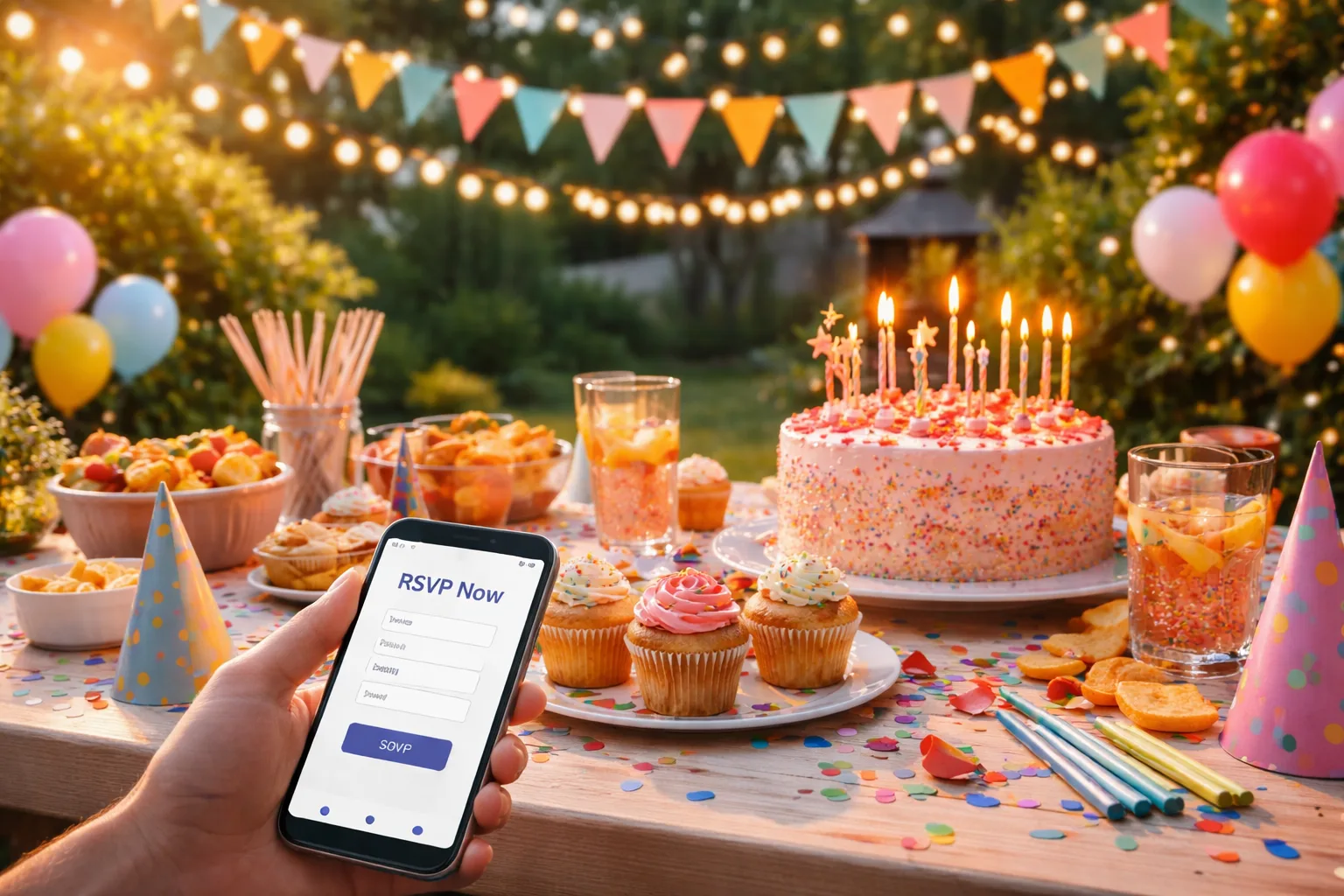
The Group Chat Graveyard: Why Your Birthday RSVP Is Being Ignored
You spent three weeks planning the perfect birthday party. You found the venue, ordered the cake, curated the playlist, and finally — finally — sent out the invitations. Then you waited. And waited. A week later, you have four responses out of twenty-five guests. Two people said yes, one said maybe, and your aunt replied with a thumbs-up emoji that you're still trying to decode.
Sound familiar? The problem isn't your party. The problem is your RSVP process. Most birthday party hosts are still relying on text threads, Facebook event pages, or verbal confirmations — methods that are easy to ignore, impossible to track, and guaranteed to leave you anxious until the morning of the event. If you want to create an RSVP link for a birthday party that guests will actually click, you need to rethink the entire experience from the guest's perspective.
Let's fix that — step by step.
Why Most Birthday Party RSVPs Fail
Before we get into solutions, it helps to understand what's going wrong. There are three main reasons guests don't respond to birthday party invitations:
- Friction: If responding requires more than two taps or clicks, most people won't do it. A long form, a login requirement, or a confusing page kills response rates instantly.
- Forgettability: A text buried in a group chat disappears in minutes. An email sits in an inbox. Without a clear, clickable link that stands out, your invitation gets lost.
- Vagueness: "Let me know if you can make it!" is not a call to action. Guests need a specific, obvious way to respond — not an open-ended nudge.
The solution to all three problems is the same: a clean, shareable RSVP link that takes guests directly to a simple response page — no account required, no confusion, no friction.
Step-by-Step: How to Create an RSVP Link for a Birthday Party
Step 1: Choose the Right RSVP Platform
Not all RSVP tools are created equal. You want a platform that lets you create a custom event page, share a single link, and track responses in real time — without making your guests create an account just to say yes.
RSVPlinks is built exactly for this. You can create a free RSVP link in under five minutes, share it anywhere — text, email, Instagram DM, WhatsApp — and watch responses roll in from a simple dashboard. No app downloads. No logins for guests. Just a link that works.
For inspiration on what a great birthday RSVP page looks like, browse the kids' birthday party RSVP examples to see real layouts you can model.
Step 2: Write an Invitation Description That Creates Urgency
Your RSVP page needs more than just a date and time. Think of it as a mini sales page for your party. Include:
- A specific, exciting subject line: "You're Invited to Mia's Magical 7th Birthday!" beats "Birthday Party" every time.
- The essential details: Date, time, location, and what to expect (pool party? costume theme? dinner?)
- A clear deadline: "Please RSVP by June 10th so we can save your spot." Deadlines drive action.
- A warm, personal tone: Write it like you'd text a friend, not fill out a government form.
Here's a real-world example: Sarah was throwing a surprise 40th birthday for her husband. Instead of a generic text blast, she created an RSVP page with the headline: "Shhh — Help Us Surprise Marcus on His Big 4-0!" She included the cover story guests should use if Marcus asked questions, plus a countdown to the RSVP deadline. She had 90% of her guest list confirmed within 48 hours.
Step 3: Make the RSVP Form Stupidly Simple
Every field you add to your RSVP form is a reason for someone to abandon it. Keep it to the essentials:
- Name
- Attending: Yes / No / Maybe
- Number of guests (if you're allowing plus-ones)
- Optional: dietary restrictions or a fun question like "What's your go-to dance move?"
That's it. Resist the urge to collect phone numbers, addresses, or life histories. The goal is a response, not a census.
Step 4: Share the Link Everywhere — Strategically
A great RSVP link is useless if no one clicks it. Here's how to maximize your reach:
- Text message: Send a personal text with the link — not a group chat blast. Personal messages get opened. Group chats get muted.
- Instagram DM: For younger guests, a DM with the link and a quick "Would love to see you there!" feels natural and personal.
- Email: For older guests or formal events, a short email with the RSVP link as a big, obvious button works well.
- WhatsApp: If your friend group uses WhatsApp, drop the link in the group with a personal message tagging people by name.
Pro tip: Send a reminder message three to five days before your RSVP deadline. Something like: "Hey! Just a quick reminder — Mia's birthday RSVP closes Friday. Would love to know if you can make it: [link]" This alone can double your response rate.
Step 5: Track Responses and Follow Up Personally
Once your link is live, check your dashboard daily. Most good RSVP platforms will show you exactly who responded and what they said. This lets you:
- Identify who hasn't responded and send a targeted follow-up
- Finalize your headcount for catering, seating, and party favors
- Send a "We can't wait to see you!" confirmation to people who said yes
Knowing your numbers early removes the last-minute scramble that ruins the week before every party.
Common Mistakes That Kill Birthday Party RSVP Rates
Even with a great link, a few common mistakes can tank your response rate:
- Sending too early or too late: For casual birthday parties, two to three weeks out is the sweet spot. Too early and people forget. Too late and they've made other plans.
- No RSVP deadline: Without a deadline, "I'll do it later" becomes "I never did it." Always set a specific cutoff date.
- A confusing or broken link: Test your link before sending it. Open it on your phone, on a friend's phone, and on a desktop to make sure it works perfectly.
- Forgetting a follow-up: Most people need to be asked twice. A single send is rarely enough. Plan your reminder message before you even send the first invitation.
What Makes a Birthday RSVP Link Actually Get Clicked
The secret isn't design or technology — it's psychology. People click links when they feel like the event is something they don't want to miss, and when responding feels easy and low-stakes. Your job is to make both of those things true.
Use language that creates excitement and belonging: "We're saving a spot for you" feels different from "Please confirm attendance." One makes you feel wanted. The other feels like a doctor's office.
If you want to see how other hosts have done this well, check out the birthday party RSVP examples gallery for real layouts that balance warmth, clarity, and simplicity.
Your 3 Action Steps for Today
You don't need to overhaul everything at once. Here's what to do right now:
- Create your RSVP link today. Head to RSVPlinks and build your event page in five minutes. You'll have a shareable link before you finish your coffee.
- Write your invitation copy before you share anything. Draft the headline, the key details, and the RSVP deadline. Then paste it into your event page.
- Plan your reminder message now. Decide the date you'll send a follow-up and write the message in advance. Scheduling it mentally means you won't forget.
Your birthday party deserves a full room of people who actually showed up on purpose — not a last-minute headcount disaster. A clean, clickable RSVP link is the single easiest upgrade you can make to your entire planning process.
Frequently Asked Questions
How do I create a free RSVP link for a birthday party?
You can create a free RSVP link for a birthday party using RSVPlinks in under five minutes — no design skills required. Go to the create page, fill in your event details, set an RSVP deadline, and copy your shareable link. Then send it via text, email, or social media to your guest list.
When should guests RSVP by for a birthday party?
Guests should RSVP by at least five to seven days before the birthday party so you have time to finalize catering, seating, and supplies. For larger parties or events at a venue, set your RSVP deadline ten to fourteen days in advance. Always communicate the deadline clearly in your invitation.
How do I get people to actually respond to my birthday party RSVP?
The best way to get responses is to send a personal message with the RSVP link — not a group blast — and follow up three to five days before the deadline. Keep the RSVP form short (name and yes/no is enough), set a clear deadline, and use warm, personal language that makes guests feel genuinely invited.
Can I track who responded to my birthday party RSVP link?
Yes — most dedicated RSVP platforms like RSVPlinks let you see exactly who has responded and what they said in a real-time dashboard. This makes it easy to identify non-responders and send targeted follow-ups without guessing. You can also export your guest list for planning purposes.
What information should I include on a birthday party RSVP page?
Your birthday party RSVP page should include the party name, date, time, location, a brief description of what guests can expect, and a clear RSVP deadline. Keep the response form simple — just name, attendance status, and number of guests is usually enough. Adding a fun personal touch like a theme detail or a short note from the host increases engagement significantly.