How to Plan a Diwali Neighborhood Celebration With Digital Invitations and Easy RSVPs
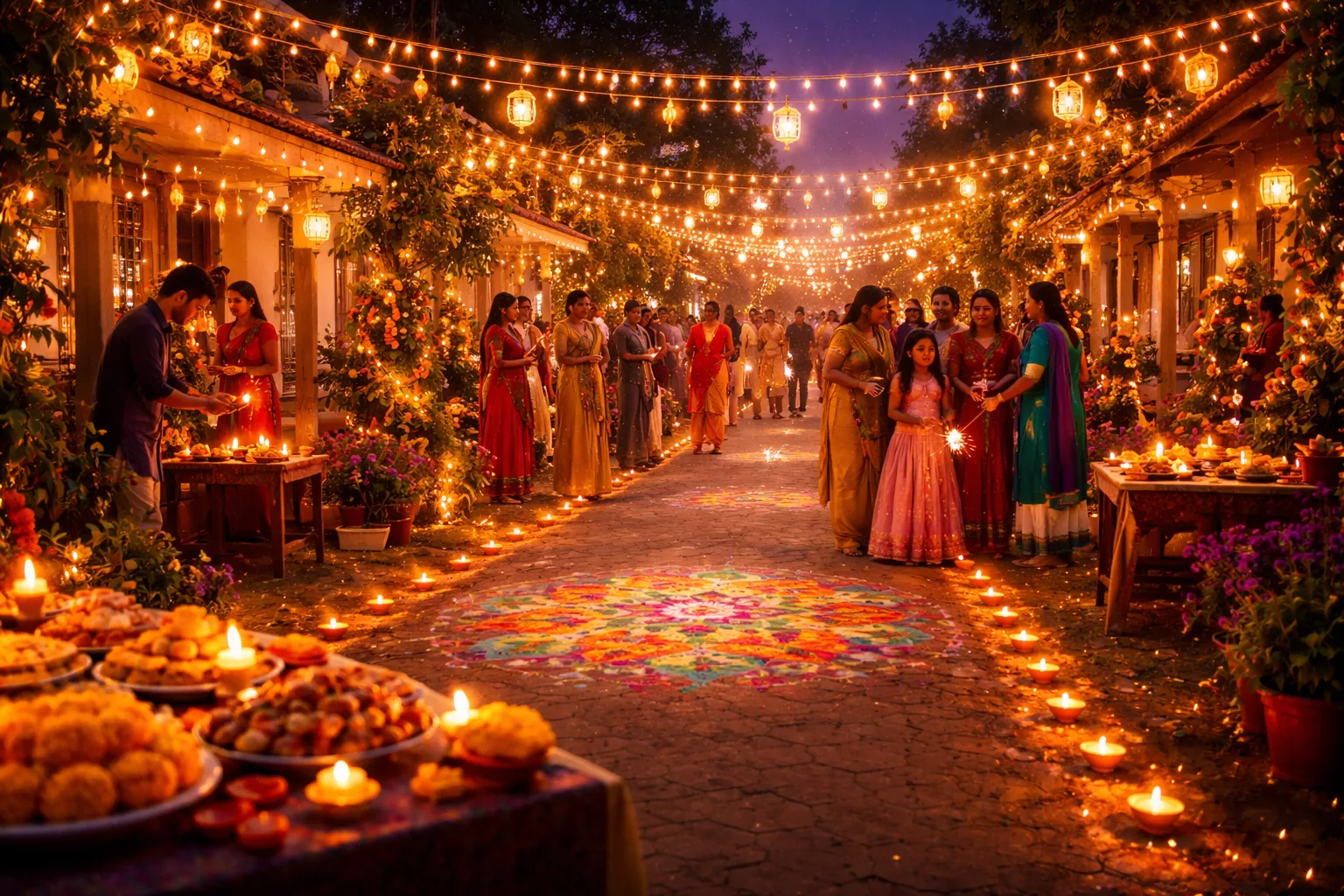
The Group Chat Chaos That Almost Ruined Diwali
Picture this: It's two weeks before Diwali, and you've just volunteered to organize the neighborhood celebration. You send a message to the 47-person community WhatsApp group asking who's coming, who's bringing food, and whether the Sharma family needs a vegetarian option. Within 24 hours, your phone won't stop buzzing. There are 112 replies — half of them are emoji reactions, a quarter are people saying "Yes, count us in!" buried between unrelated messages about a lost cat, and the rest are questions you've already answered. You still have absolutely no idea how many people are actually coming.
Sound familiar? Planning a Diwali neighborhood celebration is one of the most joyful things you can do for your community — but the logistics can turn into a festival of frustration before the first diya is even lit. The good news is that a smarter approach to digital invitations and RSVPs can transform the chaos into something as bright and organized as the celebration itself.
Why Diwali Neighborhood Parties Deserve Better Planning Tools
Diwali isn't just a party — it's a multi-layered event. You're coordinating potluck dishes so you don't end up with seven portions of gulab jamun and no savory snacks. You're managing dietary restrictions across families with different regional traditions. You're figuring out how many sparklers and fireworks to buy, how many chairs to set up, and whether you need a PA system for the music. Every one of these decisions depends on knowing your headcount.
When you rely on group chats, text threads, or word-of-mouth, you're essentially planning blind. A digital RSVP system gives you real data — names, numbers, dietary needs, and confirmations — all in one place. And when your neighbors can respond with a single tap from their phones, your response rate skyrockets compared to a paper invite or a buried group message.
Step-by-Step: Planning Your Diwali Celebration With Digital Invitations
Step 1: Set Your Event Details Early
Diwali falls on a different date each year (it follows the Hindu lunar calendar), so nail down your celebration date at least three to four weeks in advance. Decide on the venue — a cul-de-sac, a community park, a shared backyard — and confirm any permits you might need for fireworks or amplified music. Once you have a date, time, and location locked in, you're ready to build your invitation.
Step 2: Create a Beautiful Digital Invitation With an RSVP Link
This is where the magic happens. Instead of a chaotic group message, create a free RSVP link on RSVPlinks. You can set up a dedicated event page that includes all the key details: the date, time, address, dress code (encourage guests to wear traditional attire if they'd like!), and any special instructions like "bring a dish to share" or "sparklers provided."
Your event page becomes the single source of truth. When neighbors ask "What time does it start?" or "Is parking available?" — you just send them the link. Browse the Diwali celebration RSVP examples to see how other hosts have styled their event pages for maximum impact and festive flair.
Step 3: Customize Your RSVP Form for Diwali-Specific Needs
A generic "Yes/No" RSVP won't cut it for a potluck celebration. Add custom questions to your form, such as:
- How many guests are in your party? (This is your headcount lifeline.)
- What dish will you be bringing? (Coordinate so you get a balanced spread of chaat, sweets, and mains.)
- Any dietary restrictions? (Vegetarian, vegan, nut-free, gluten-free — Diwali brings together diverse families.)
- Will children be attending? (Helps you plan the kids' activity corner and safe sparkler zones.)
Imagine you're hosting 20 households. Without a form, you're making 20 phone calls. With a custom RSVP form, all that information arrives in your dashboard automatically — sorted, readable, and exportable.
Step 4: Share Your Invitation Everywhere (Strategically)
Once your RSVP link is live, share it across every channel your neighbors actually use:
- WhatsApp and group chats: Post the link once, clearly, with a short message: "Click here to RSVP for our Diwali block party — takes 30 seconds!"
- Nextdoor or neighborhood apps: Perfect for reaching neighbors you might not have direct contact with.
- Email: For neighbors who prefer it, a simple email with the event link feels more formal and intentional.
- Physical flyers with a QR code: Print a simple flyer with a QR code linking to your RSVP page. Post it on community bulletin boards or mailboxes. Old-school meets new-school — and it works beautifully.
Step 5: Set a Clear RSVP Deadline and Send a Reminder
Set your RSVP deadline 5–7 days before the event. This gives you time to finalize food quantities, seating, and supplies. When the deadline is approaching, send one friendly reminder through the same channels. Something like: "Diwali is almost here! If you haven't RSVP'd yet, there's still time — just click the link. We can't wait to celebrate with you!"
Having a hard deadline changes the psychology for guests. It signals that their response actually matters for planning — because it does.
Step 6: Use Your RSVP Data to Plan Like a Pro
Here's where all that upfront effort pays off. With confirmed RSVPs in hand, you can:
- Order the right amount of diyas, candles, and decorations based on actual household count
- Assign potluck dishes to avoid duplicates (and ensure you have enough variety)
- Arrange seating so every family has a spot
- Plan a kids' activity station if you know children are attending
- Prepare a welcome sign with family names for a personal touch
One host, Priya, used this approach for her 30-family neighborhood last Diwali. She knew exactly how many vegetarian dishes were coming, had a separate table for nut-free items, and even had enough data to split families into two fireworks-viewing rotations for safety. "It felt like a professionally catered event," she said, "but it was all neighbors pitching in."
Making the Invitation Feel Festive, Not Functional
A digital invitation doesn't have to feel cold or corporate. Use warm, celebratory language in your event description. Reference the spirit of Diwali — light, togetherness, gratitude, new beginnings. Include a note about what guests can expect: the glow of a hundred diyas, the smell of mithai, music, and the laughter of children chasing sparklers. Paint the picture before they even arrive.
If you want inspiration for how to write your event description, check out Diwali RSVP page examples that other hosts have created — they're a great starting point for tone and style.
What to Do After the Party
Your RSVP list doesn't expire after the event. Save it for next year — you'll already have a ready-made guest list for Diwali 2025. You can also use it to send a thank-you message to everyone who attended, share photos from the night, or start planning your next neighborhood event. A connected neighborhood is built one celebration at a time.
3 Things You Can Do Today
- Lock in your date and venue — even a tentative one — so you have something concrete to invite people to.
- Create your free Diwali RSVP event page on RSVPlinks — it takes less than five minutes and immediately gives you a shareable link.
- Draft your invitation message for WhatsApp, email, and a printable QR code flyer so you can hit all your neighbors at once.
Frequently Asked Questions
How do I create a digital invitation for a Diwali neighborhood party?
You can create a digital Diwali invitation by setting up a free event page on RSVPlinks, which gives you a shareable link you can send via WhatsApp, email, or as a QR code on a printed flyer. Add your event details, a festive description, and custom RSVP questions like dish assignments and dietary needs. The whole setup takes under five minutes and gives you a professional, centralized invitation your neighbors can respond to instantly. Visit the RSVPlinks FAQ if you have questions about how the platform works.
When should guests RSVP by for a neighborhood Diwali celebration?
Guests should RSVP at least 5–7 days before your Diwali celebration so you have enough time to finalize food quantities, seating, and decorations. Set a clear deadline on your invitation and send one reminder a day or two before it closes. A firm deadline signals to guests that their response is needed for planning — and it dramatically improves response rates compared to open-ended invitations.
How do I coordinate a potluck for a Diwali party without duplicates?
The easiest way to coordinate a Diwali potluck is to include a "What dish will you bring?" field in your RSVP form, so you can see in real time what's already been claimed. Group dishes into categories — appetizers, mains, sweets, drinks — and assign families to categories if needed. This prevents seven trays of barfi and ensures a balanced, diverse spread that reflects the richness of Diwali food traditions.
How many people should I invite to a neighborhood Diwali block party?
The right size depends on your venue — a cul-de-sac or community park can typically accommodate 50–150 people comfortably with proper planning. Start by inviting your immediate block or building, then expand outward based on space. Using a digital RSVP system means you'll know your exact headcount before the event, so you can scale your food, seating, and supplies accordingly rather than guessing.
Do I need a permit to host a Diwali block party with fireworks?
Permit requirements vary by city and county, so check with your local municipality at least three to four weeks before your event. Many areas require permits for street closures, amplified music, and fireworks — even sparklers may be restricted in some fire-prone regions. When in doubt, opt for LED diyas and light-up decorations as a safe, stunning alternative that still captures the spirit of the Festival of Lights.