Your own GIF, or animation built in
GIF Invitations with RSVP
A GIF invitation is an event page with an animated GIF as its cover and the RSVP form right under it. Upload your own GIF under 4 MB and it keeps playing for every guest, or skip the file and use the built-in intro animations and page effects. Both are free.
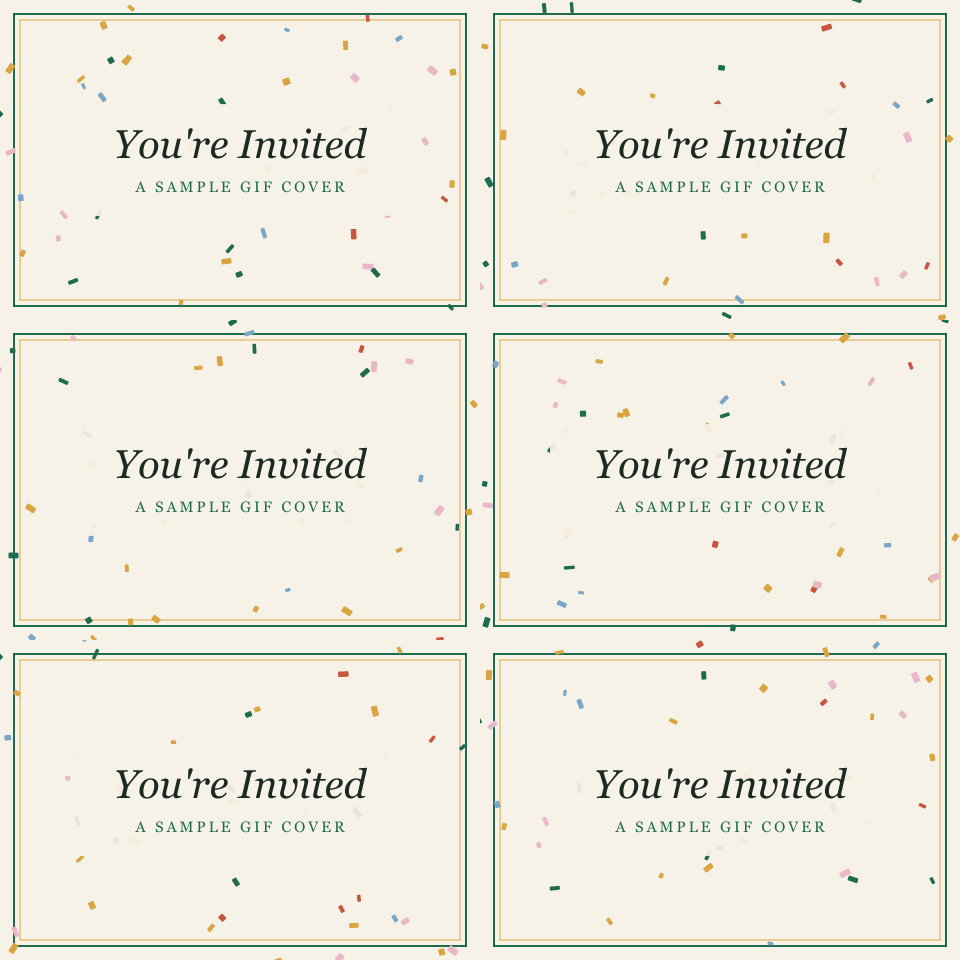
What happens to a GIF you upload
Four things to know before you export one.
- It keeps playing
- A GIF under 4 MB is stored and shown as the file you uploaded, so it loops for every guest who opens the link.
- Bigger files become a still
- Over 4 MB the upload is compressed to a picture, which keeps one frame. Export a smaller GIF: fewer frames, fewer colors or a smaller size.
- Use Upload image, uncropped
- The Upload image cover shows your file as it is. The cropped banner styles and Add text on the cover redraw it, which stops the motion.
- The link preview is the GIF too
- The picture a chat app shows beside your link is the same file. Some apps play it and some show only the first frame, so make the first frame readable.
How to make a GIF invitation
- 1Export your GIF from any design tool at under 4 MB. Put the words you want in the GIF itself; the page adds the title, date and place under it.
- 2Open Create and pick a design. Classic shows the whole GIF, uncropped, above the details.
- 3Tap Add a photo on the cover and choose your GIF. Leave it as uploaded: no crop, no added text.
- 4Add your title, date and place, create the event and share the link or QR code. Guests watch the GIF and RSVP on the same page.
No GIF? The animation is built in
Every design opens with an intro and has a page effect behind it: 157 intros and 167 effects, drawn live, with nothing to upload.
See all 157 intros and every page effect →


GIF invitation questions
- Is a GIF invitation free?
- Yes. Uploading your own cover, GIF included, is free on every event, and so are all 167 page effects and 157 intro animations. A free event takes up to 20 RSVPs; a one-time upgrade per event raises the limit.
- How big can the GIF be?
- Under 4 MB to stay animated. A larger file is compressed to a still picture when it uploads. A short loop at a modest size also loads faster on a guest's phone.
- Do guests need an app to see it?
- No. The GIF plays in the browser when a guest opens the link on a phone or a computer, and the RSVP form is right under it. There is no app and no account.
- Can I add text over my GIF?
- Not in the editor: Add text on the cover works on still images, and using it on a GIF would flatten it to one frame. Put the words in the GIF before you upload it. The event's title, date, time and place show on the page under the cover either way.
- Can I search a GIF library such as GIPHY in the editor?
- No. There is no built-in GIF search; you upload your own file. For motion without a file, every design has built-in intro animations and page effects, drawn live on the page.
- Should I use a GIF or the built-in animations?
- A GIF is a picture that loops: it looks the same for everyone and weighs up to 4 MB. An intro animation plays once as the page opens and a page effect moves behind your details; they are drawn in the browser and weigh far less, and a guest can skip the intro or pause the effect. You can use both on one invitation.
More animated invitations
- All animations
- Confetti invitations
- Snow invitations
- Fireworks invitations
- Hearts invitations
- Balloons invitations
- Falling Leaves invitations
- Flowers invitations
- Sparkles invitations
- Bubbles invitations
- Envelope invitations
- Halloween invitations
- Christmas invitations
- Animated birthday invitations
- Animated kids' birthday invitations
- Animated wedding invitations
- Animated baby shower invitations
Make yours in a few minutes
Pick a design, upload your GIF or choose an animation, and share one link. Guests reply on the page, with no app.