Video tutorials
Each one shows a single job from start to finish, in about three minutes.
Subscribe on YouTube for each new one.
Start here: RSVP Link: How to Make a Free One (Step by Step)
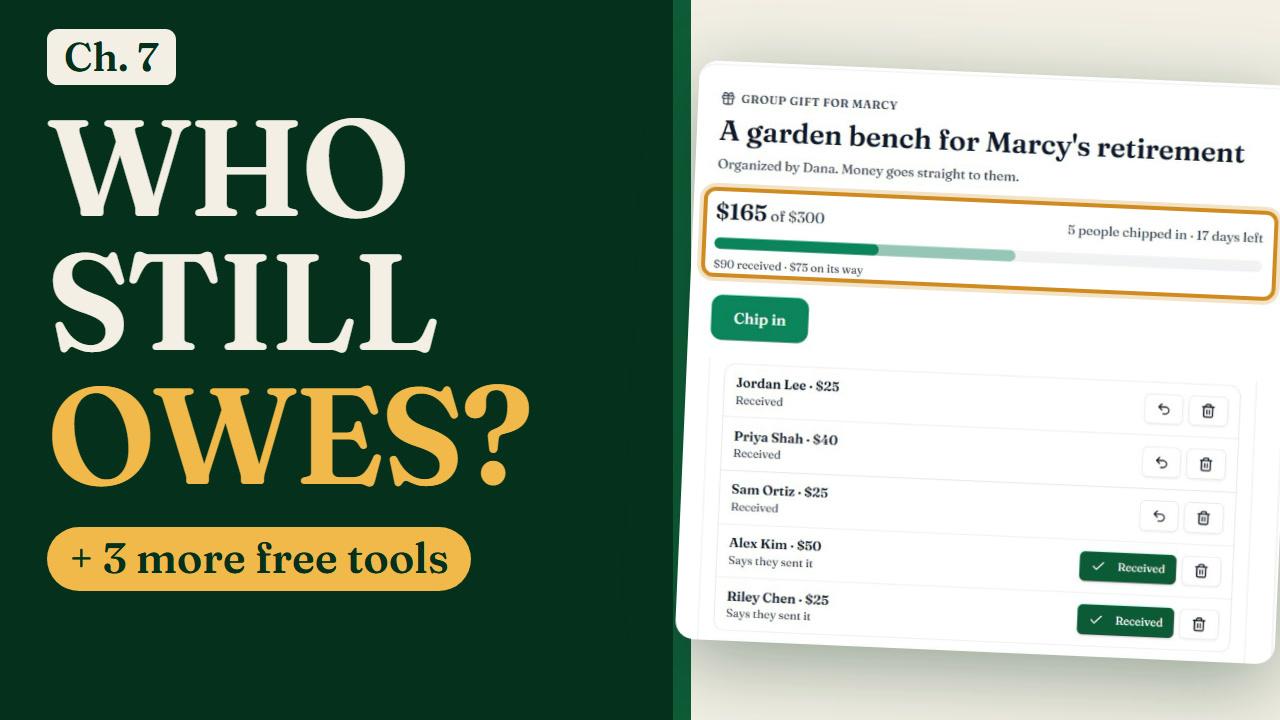 3:35Free Date Poll, Sign-Up Sheet, Group Card & GiftFour free tools that need no app: a date poll to pick the day, sign-up sheets and meal trains, a group card everyone signs, and a group gift everyone chips in to.
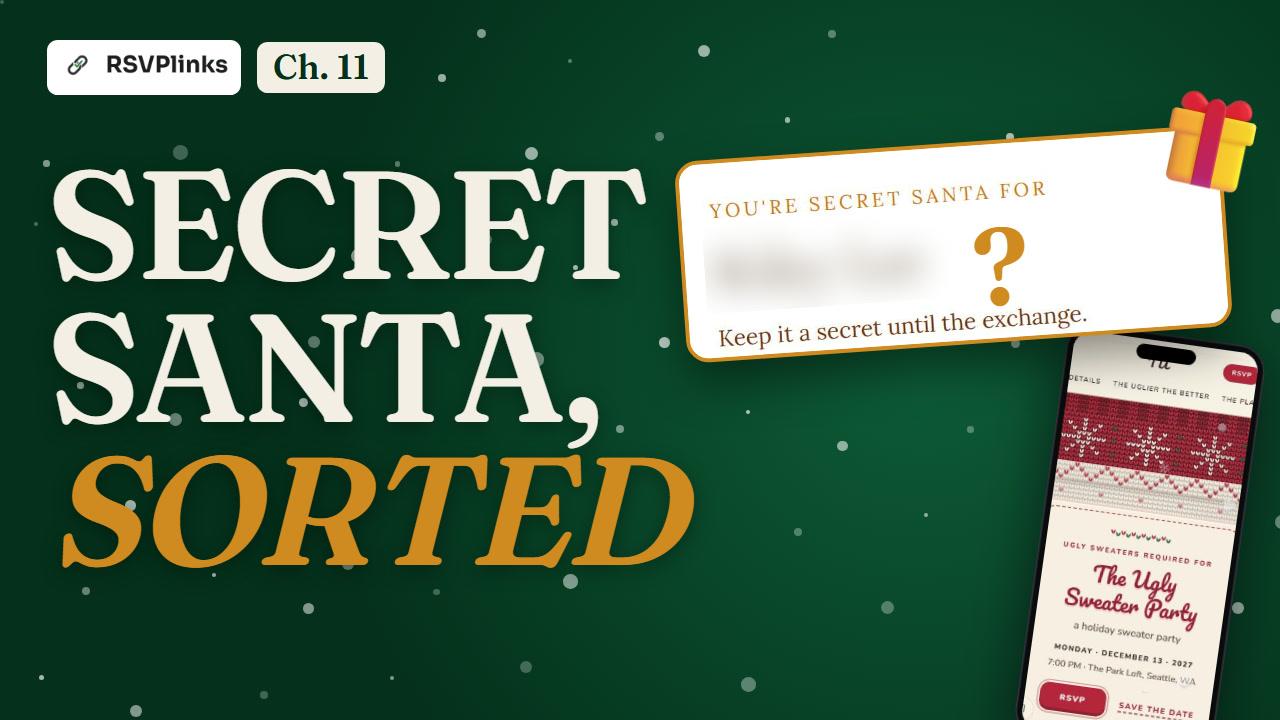 3:18Secret Santa Online, Thank-You Cards & Guest PhotosBefore, during and after the party: draw Secret Santa or run a White Elephant from your guest list, collect every guest's photos with one QR code, and send a thank-you page.
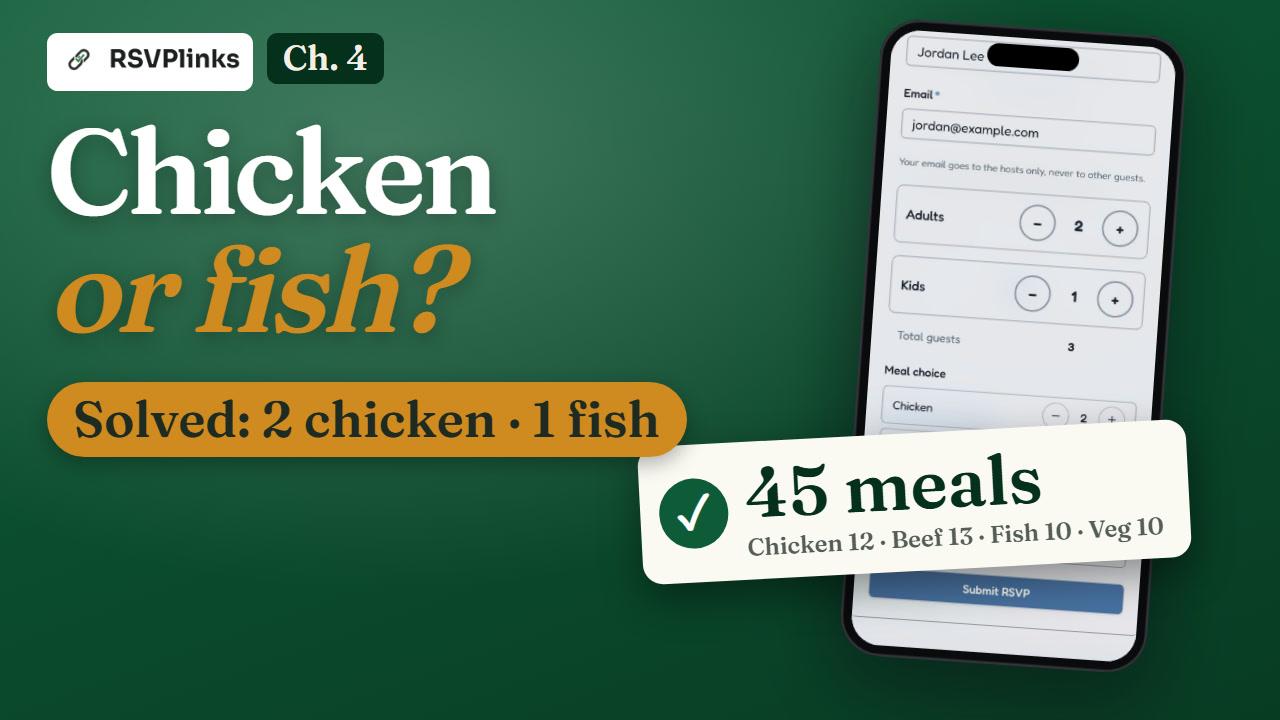 2:57RSVP Form Setup: Questions, Plus-Ones & DeadlinesSet up the form guests fill in: the fields you ask for, the reply buttons' wording, group size and plus-ones, a reply-by date, custom questions and a page password.
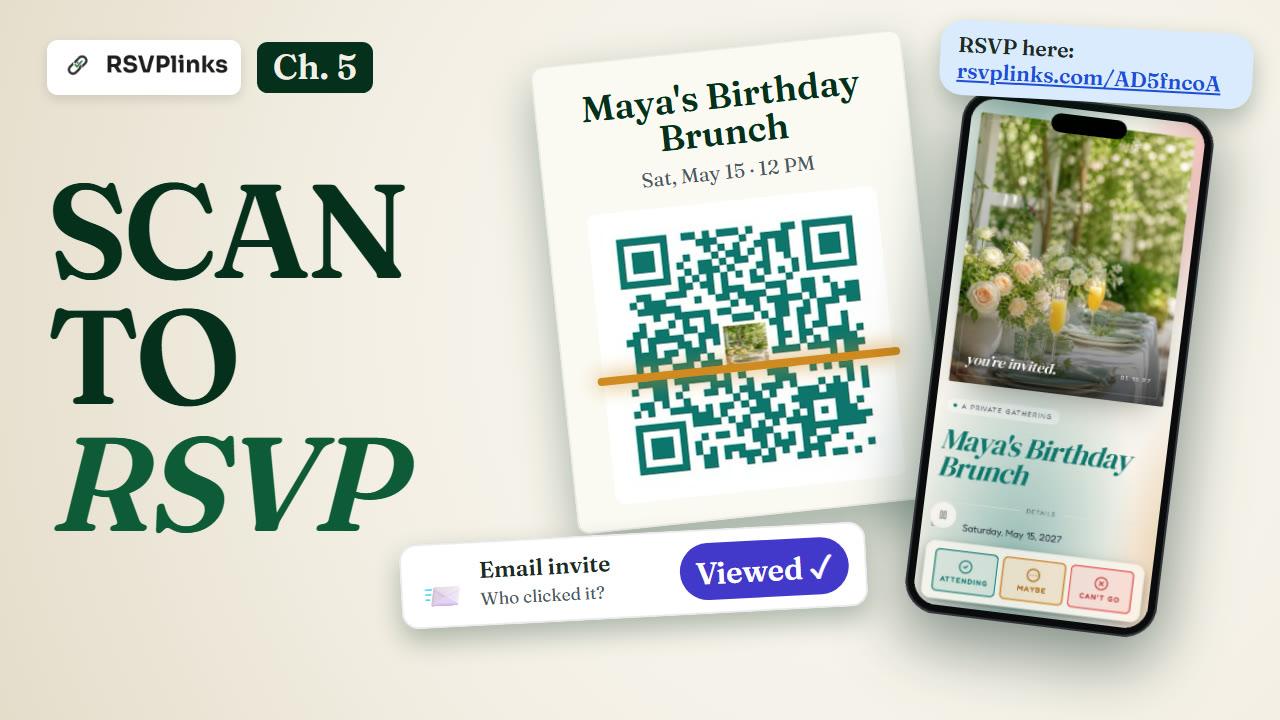 2:35Share an RSVP Link: Text, QR Code & Email InvitesEvery way to send your invitation: copy the link, text it, post it, print a QR code, or email tracked invitations and see who opened them.
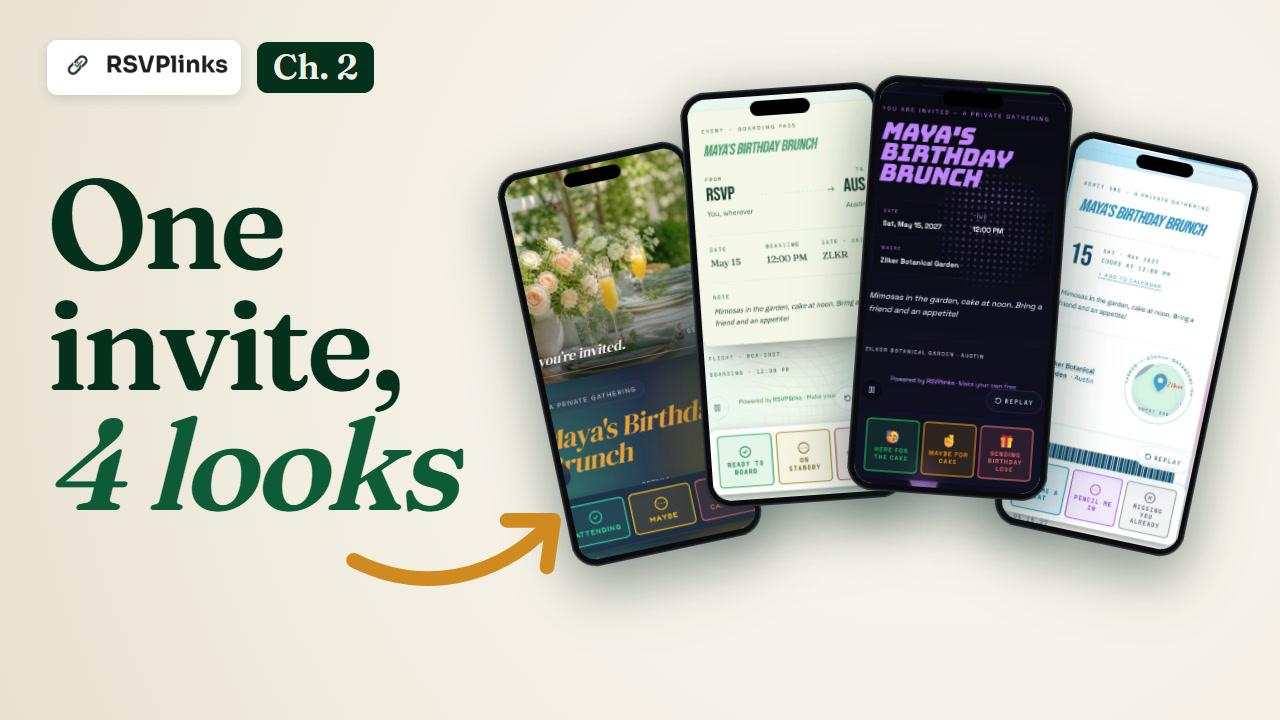 2:44Free Invitation Templates: Design Your RSVP PageStart from a template, then change the layout, colors, fonts, page effect and intro reveal one at a time, and preview it the way guests will see it.
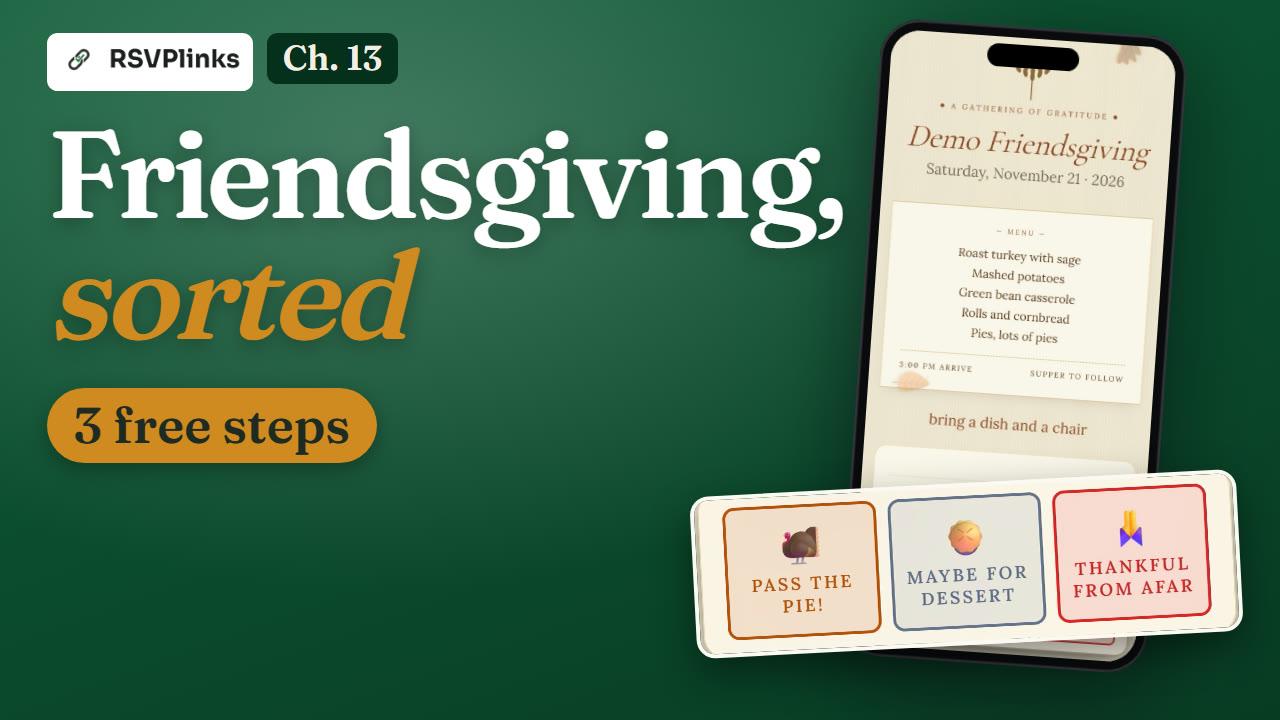 2:38Friendsgiving Invitation + Bring-List (Free RSVP)Friendsgiving in three steps: the invitation from a template, a bring-list so nobody doubles up on dishes, and how much food to buy for your headcount.
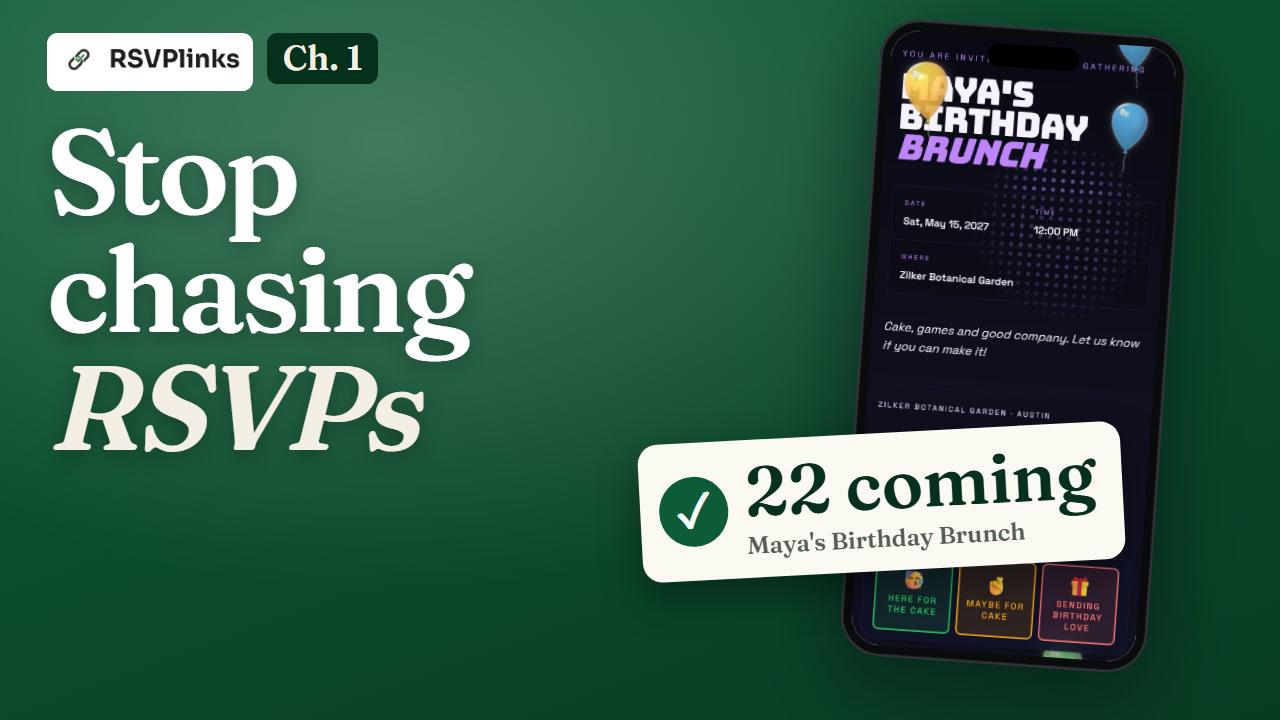 2:24RSVP Link: How to Make a Free One (Step by Step)Make an RSVP link from start to finish: pick a design, add the details, set up the form, create the event and share the link or QR code. Guests reply with no app and no account.
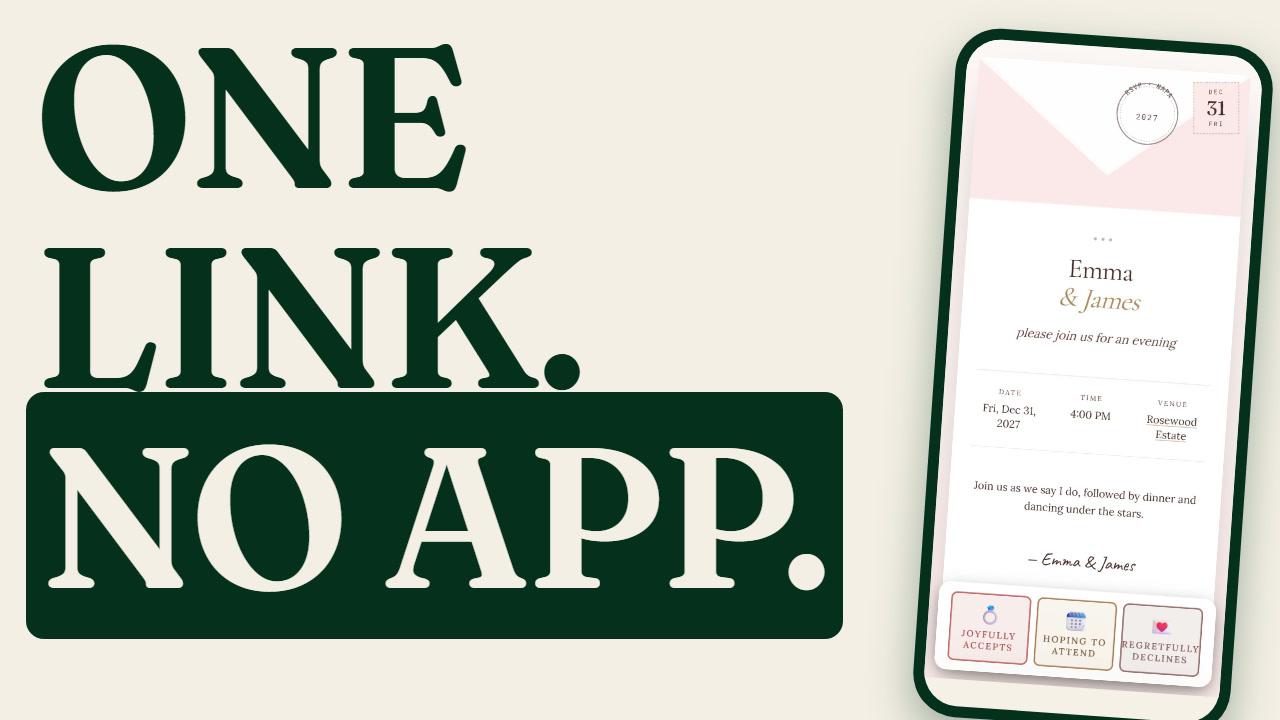 0:54RSVPlinks: One Link for Your Whole EventA one-minute tour: pick a design, share one link, and watch the replies, payments and check-ins come in on one page.
Rather read? The Help Center has every step with pictures.