For hosts · free up to 20 RSVPs
The RSVP app for hosts, on the web or Android
Make your event page, share one link and see every reply as it comes in, with an alert on your phone for each RSVP. Start in your browser now; the same account works in the Android app. Guests never need an app.
The Android app is in testing on Google Play. Start on the web now: your events will be there in the app.
An alert for every RSVP
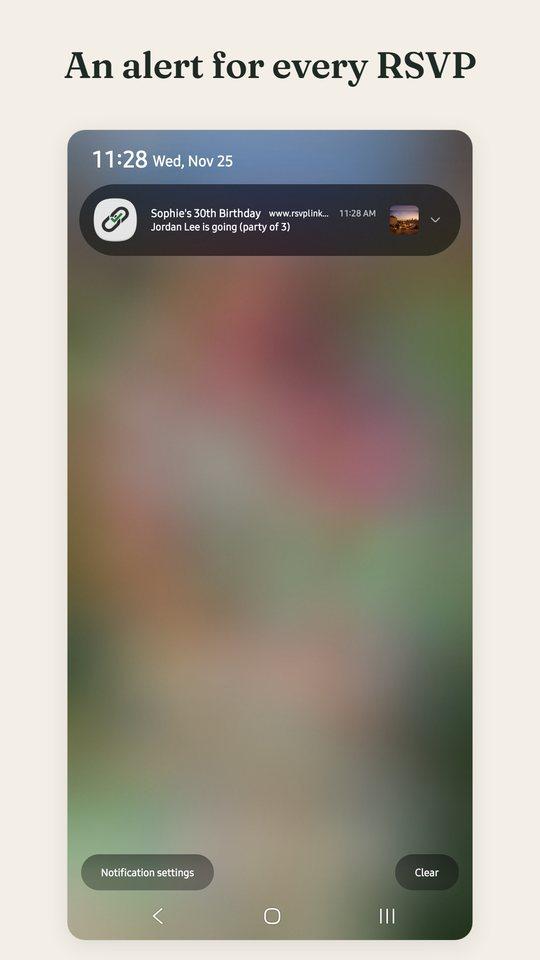
Each new or changed reply buzzes your phone with the guest's name, their answer and party size.
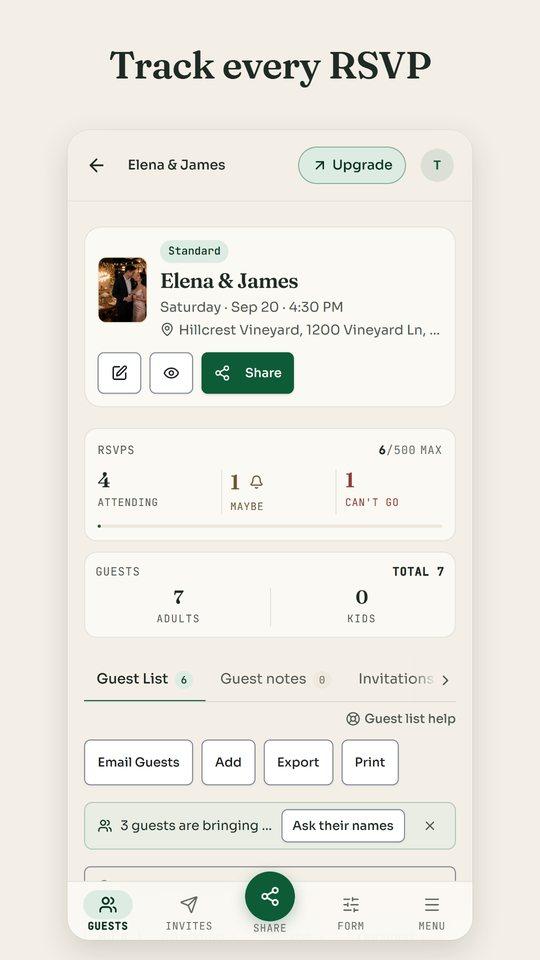
Your guest list in one place
Going, maybe and can't go, party sizes, messages and answers, with search and a CSV download.
Check guests in at the door
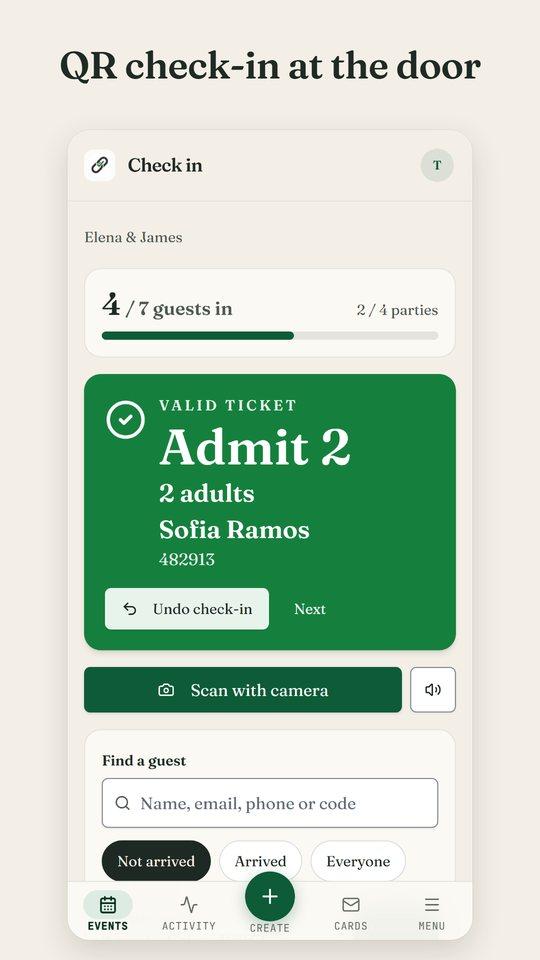
Free QR tickets and a scanner on your phone. Green means let them in, with how many.
One tap from your home screen
The Android app opens your dashboard full screen. On iPhone, add the site to your Home Screen from Safari.
How it works
- 01Make your event page on rsvplinks.com, or in the Android app with the same account.
- 02Share one link by text, email or QR code. Guests reply in their browser, with no app and no account.
- 03Turn on alerts in Settings, then Notifications, on each phone or computer you use.
- 04Watch replies come in on the dashboard, and check guests in at the door with the scanner.
Start on the web, or get the Android app
Free up to 20 RSVPs per event. How alerts work
The Android app is in testing on Google Play. Start on the web now: your events will be there in the app.
Questions
Is there an RSVP app for hosts?
Yes. RSVPlinks works in any browser on a phone or computer, and an RSVPlinks app for Android is in testing on Google Play. Both use the same account and the same events, so you can start on the web and open the app later, or the other way round.
Do my guests need to download an app?
No. Guests open your link and reply in their browser with their name, with no app and no account. The app is only for you and your co-hosts.
Is the RSVP app free?
Yes to start. Every event is free up to 20 RSVPs, with alerts, the guest list and QR check-in included. Paid plans start at $8 per event for more RSVPs. In the Android app, plans and add-ons are paid through Google Play at the same list prices.
How do RSVP alerts work?
Turn on alerts in Settings, then Notifications, on each phone or computer you use. Every new or changed reply then sends an alert with the guest's name, their answer and party size, free on every plan. Co-hosts turn alerts on for themselves.
Is there an iPhone app?
Not in the App Store. On iPhone, open RSVPlinks in Safari and add it to your Home Screen (Share, then Add to Home Screen) for the same one-tap dashboard and RSVP alerts.
What's the difference between the app and the website?
Nothing you'd miss: the app opens your dashboard full screen, one tap from your home screen, with its alerts. Your events, guest list, editor and check-in scanner are the same. Credit packs, marketing email packs and domains aren't sold in the app.
What can't it do?
There's no iPhone app in the App Store and no text messages: invitations and reminders go by link and email. Guests always reply in their browser, never in the app.