New Year's Eve Party Invitation With RSVP (Free Template)
A New Year's Eve invitation that counts down to midnight: pick the design, add the party's details and dress code, word the reply buttons, share one link and watch the headcount.
In this video
Step by step, in writing
Transcript
What the video says, from its captions (published November 27, 2026). Prices and limits may have changed since: a paid event starts at $8 today, and every price is on the pricing page.
0:00A New Year's Eve invitation with RSVP
This New Year's Eve invitation counts down to midnight. Guests open one link, watch it play, and RSVP right on the page. Here's how to make one, for free.
0:10Pick a free New Year's Eve design
Go to rsvplinks.com and open the New Year's Eve page. Every design here is free. Press Create your New Year's Eve party invitation, and the editor opens.
0:21Add the date, time and place
The editor is the invitation itself, so you click what you want to change. Type your party's name. The date is already New Year's Eve at nine, and you can change it. Add your name as the host, and start typing the address, so guests get map links. Then write a short note about the dress code, the bubbles, and the countdown.
0:41The countdown intro and fireworks
Now open Animation. The intro plays once, when a guest opens your link. Browse the intros, or keep this one, which counts down three, two, one, and bursts into confetti. Under Effect, pick something that keeps moving behind the page, like fireworks. Press Preview to watch it the way your guests will.
1:06Set up the RSVP form
Below that is your RSVP form, live. The buttons already say Ringing It In, If I'm Awake, and Asleep by 10, and you can pick other wording. Guests say how many are coming, and you can let them leave a message.
1:18Create it and share the link
When it looks right, press Create Event. If you're new, sign up with Google or email first, and your design waits for you. Your page is live, with its own link. Copy it into the group chat, text it, or print the QR code.
1:33What your guests see
Here's what your guests see. The countdown plays as the link opens. They tap an answer, add their name and how many are coming, and send it. No app, and no account.
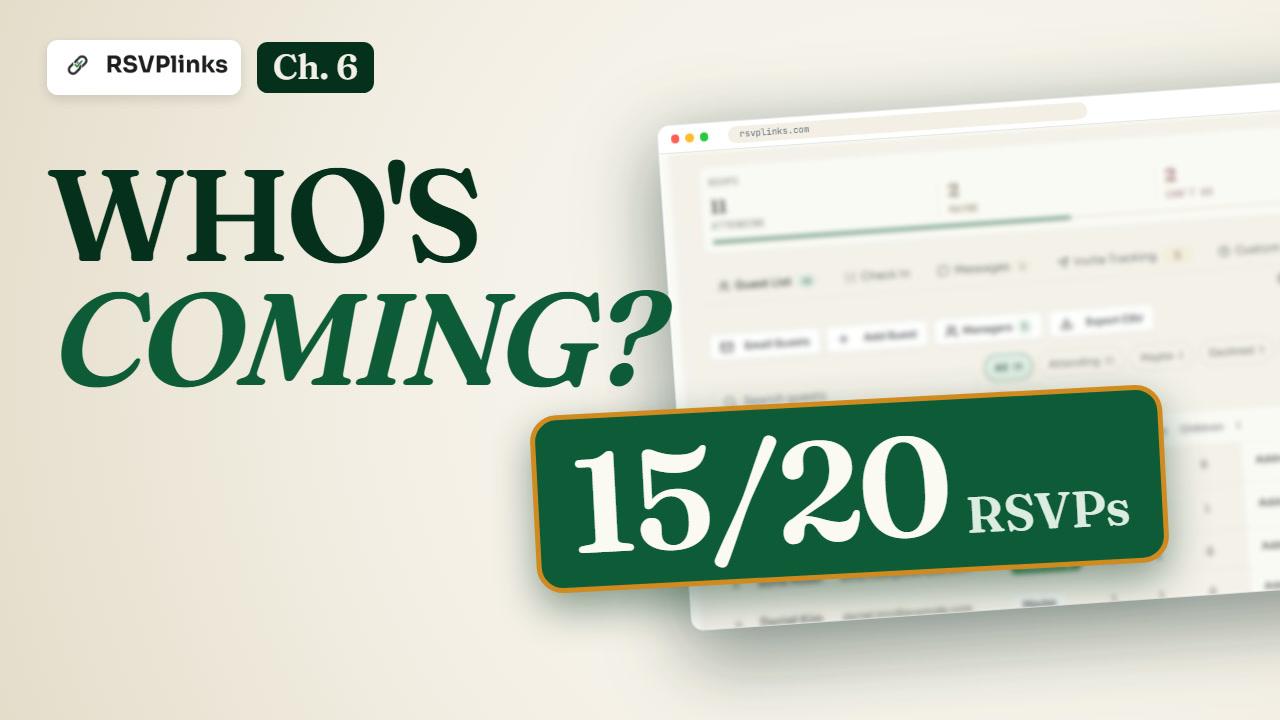
1:52Your guest list and headcount
Every reply lands on your guest list, with the headcount added up, so you know exactly how much champagne to buy. You can export the list, or print it. A free event takes up to 20 RSVPs. Make yours at rsvplinks.com. Happy New Year!