How to Plan a Fall Church Welcome Back Sunday Celebration With Easy Online Guest Sign-Ups
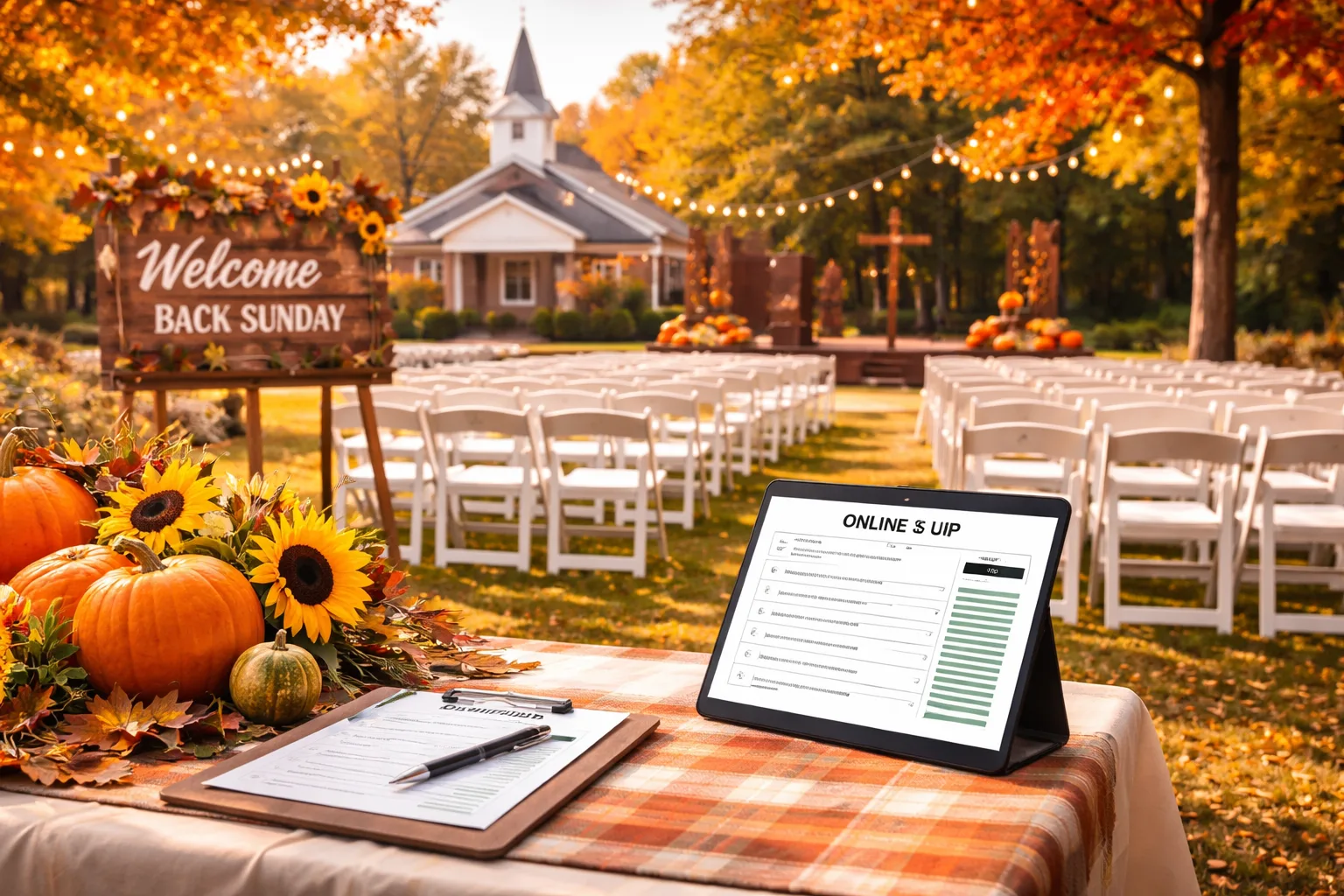
The Sunday Morning Scramble No Church Coordinator Wants to Repeat
Picture this: It's the Friday before your church's big Fall Welcome Back Sunday. You've spent weeks coordinating the potluck lunch, the children's activities, the guest musicians, and the outdoor fellowship tent. But your sign-up sheet — the one passed around during last week's service — has come back with 34 names scrawled in margins, half of them illegible, and zero indication of how many guests each family is bringing. Your phone has been ringing all week with the same question: "Do we just show up, or do we need to register somewhere?" You have no idea how many chairs to set up, how much food to order, or whether the bounce house rental is even worth it.
If you've ever coordinated a church Welcome Back Sunday — especially a fall kickoff after a summer of lighter attendance — you know this chaos intimately. The event is meant to be a joyful reunion, a moment of community renewal. But the logistics can quietly unravel the whole thing before the first hymn is sung.
The good news: with a clear planning framework and a simple online church event sign-up system, you can transform this event from stressful guesswork into a smooth, well-attended celebration. Here's exactly how to do it.
Why Fall Welcome Back Sunday Deserves Serious Planning Attention
Many churches treat their fall kickoff as a casual, "everyone just shows up" kind of event. That mindset is precisely why so many of them underdeliver. Fall Welcome Back Sunday is one of the highest-attendance Sundays of the year — often rivaling Easter — because it coincides with the return of school schedules, the end of summer vacations, and a natural cultural moment of fresh starts. Families who drifted during the summer are looking for a reason to reengage. Visitors who've been curious about your congregation finally decide to walk through the door.
That means the stakes are genuinely high. A disorganized, underprepared welcome experience can leave a lasting negative impression. A warm, well-executed one can anchor someone to your community for years. The difference often comes down to one thing: knowing who's coming before they arrive.
Step 1: Lock In Your Event Vision Before You Send Anything
Before you create a single sign-up form or send one email, get crystal clear on what this event actually includes. Sit down with your planning team and define:
- Date, time, and location — including any outdoor or overflow spaces
- Activities offered — potluck, catered lunch, kids' zone, live music, small group previews
- Who you're inviting — members only, or open to the whole neighborhood?
- What you need to know from attendees — headcount, dietary restrictions, dish contributions for potluck, volunteer interest
For example, if you're hosting a potluck-style fellowship lunch, you'll want your sign-up to capture what dish each family is bringing (mains, sides, desserts) so you don't end up with 22 pasta salads and no protein. If you're running a kids' activity zone, you'll want age ranges so you can plan appropriate activities. Define these data points before you build your form — not after.
Step 2: Create a Dedicated Online Sign-Up Link — Not a Paper Sheet
This is the single most impactful change most church event coordinators can make. A paper sign-up sheet passed through pews collects maybe 30% of your actual attendees, produces illegible data, and gives you nothing you can act on in real time. An online sign-up link shared via email, text chain, church app, and social media reaches your entire congregation — including the families who weren't in the building last Sunday.
With a platform like RSVPlinks, you can create a free RSVP link for your Welcome Back Sunday in under five minutes. You set the event details, customize what information you collect (headcount, meal contributions, special needs), and share a single clean link anywhere. Responses come in automatically, and you can check your guest list from your phone at any time — no deciphering handwriting required.
Want to see how other churches have structured their event pages? Browse the church event RSVP examples for inspiration on layout, wording, and what questions to include.
Practical tip: Set a clear RSVP deadline — ideally 5 to 7 days before the event. This gives you time to finalize catering counts, confirm volunteers, and make any last-minute adjustments. Include the deadline prominently in your sign-up link and all your communications.
Step 3: Build Your Communication Cascade
Creating the sign-up link is only half the job. You have to actually get people to use it. Here's a proven sequence for a church audience:
- Sunday announcement (4–5 weeks out): Mention the event from the pulpit and display the sign-up link on screen. Have volunteers available after service to help anyone sign up on their phone right then.
- Email blast (3 weeks out): Send to your full congregation email list with a brief, warm description of the event and a clear call-to-action button linking to your RSVP page.
- Church social media posts (2–3 weeks out): Share on your Facebook page, Instagram, and any neighborhood groups. Highlight what makes this year's event special — a new activity, a guest speaker, a themed meal.
- Text reminder (1 week out): A short, friendly text to your congregation list. "Haven't signed up yet? Takes 60 seconds! [link]" works remarkably well.
- Final nudge (2–3 days out): One last email or social post thanking those who signed up and reminding everyone else the deadline is approaching.
This isn't spam — it's stewardship. People are busy and distracted, and a gentle multi-touchpoint approach is how you get accurate numbers without chasing individuals down personally.
Step 4: Organize Your Volunteers Around Real Data
Once RSVPs start flowing in, use that data actively. If you see 180 people registered by Wednesday, you know to order food for 200 (accounting for walk-ins). If 40 families have signed up with children under 10, you know to staff the kids' zone accordingly. If only 8 people have signed up for the potluck dessert category, you can send a targeted message to your dessert-makers.
Assign a volunteer specifically to monitor the sign-up responses in the final week. Their job is to flag anomalies — unusual dietary needs, accessibility requests, families bringing large groups — and communicate those to the relevant team leads. This one role prevents the majority of day-of surprises.
Step 5: Design the Day for First-Time Visitors
Welcome Back Sunday almost always brings visitors — people who are new to the area, returning after a long absence, or attending for the first time because a friend invited them. Design every element of the day with that person in mind.
- Clear signage from the parking lot through the building — no one should have to guess where to go
- A dedicated welcome table staffed by warm, outgoing volunteers (not just the most available ones)
- A simple "newcomer" card or digital form at the welcome table so you can follow up with first-time visitors the following week
- An accessible, low-pressure fellowship activity during lunch — a photo booth, a "get to know your neighbor" game, or a simple community mural project gives people something to do besides stand awkwardly
If your sign-up form asked whether attendees are first-time visitors, your welcome team can be proactively warm rather than reactively scrambling. That small data point makes a big relational difference.
Step 6: Follow Up While the Momentum Is Alive
The celebration doesn't end when the last folding chair is stacked. Within 48 hours of the event, send a brief thank-you message to everyone who attended — you have their contact info because they signed up online. Include a photo or two from the day, a link to any upcoming fall programming, and a warm personal note from your pastor or event coordinator.
This follow-up is where the relational investment pays off. Visitors who felt welcomed and then received a personal follow-up are dramatically more likely to return the following Sunday. Members who contributed to the event feel seen and appreciated. The online sign-up system made all of this possible because you actually have the contact information to use.
For any questions about how the sign-up process works or what RSVPlinks can do for your church events, visit the RSVPlinks FAQ page.
Your Three Action Steps for This Week
Don't let this article become another tab you meant to act on. Here are three concrete things you can do today:
- Set your RSVP deadline date — count back 7 days from your event and put it on the calendar right now.
- Create your free online sign-up link — it takes less than five minutes, and you can share it before the day is over.
- Draft your first announcement message — write the Sunday pulpit script or the first email today, while the event details are fresh in your mind.
A well-planned Fall Welcome Back Sunday doesn't just fill seats. It signals to your congregation — and to every visitor who walks through the door — that this is a community that is organized, intentional, and genuinely glad you're here. That impression is worth every minute of planning you invest.
Frequently Asked Questions
How do I create a free online sign-up for a church Welcome Back Sunday?
You can create a free church event sign-up link using RSVPlinks in under five minutes — just enter your event details, customize your RSVP questions, and share the link via email, text, or social media. No technical skills are required. The platform collects all responses in one place so you can track attendance in real time. Visit RSVPlinks.com/create to get started today.
When should I start promoting a church fall kickoff event?
Start promoting your fall church kickoff event four to five weeks in advance to maximize sign-ups and awareness. This gives families enough time to plan around it, especially in the busy back-to-school season. Send reminders at the three-week, one-week, and two-to-three-day marks. A multi-touchpoint approach consistently produces higher attendance than a single announcement.
What information should I collect on a church event RSVP form?
At minimum, collect name, number of attendees, and contact email or phone number. Depending on your event, you may also want to ask about dietary restrictions, potluck dish contributions, children's age ranges, and whether attendees are first-time visitors. Collecting the right data upfront saves hours of follow-up calls and prevents day-of logistical surprises.
How do I get more church members to actually use an online sign-up?
The most effective strategy is to announce the sign-up link from the pulpit and offer on-the-spot help — have volunteers assist people in signing up on their phones right after the service announcement. Follow up with email, text, and social media reminders over the following weeks. Making the process take less than 60 seconds dramatically increases completion rates.
How far in advance should the RSVP deadline be for a church event?
Set your RSVP deadline five to seven days before the event date. This window gives you enough time to finalize catering counts, confirm volunteers, order supplies, and address any special needs that come up in responses. Communicate the deadline clearly in every promotion so attendees know when to sign up by.