How to Start a Supper Club: Seats and Pricing
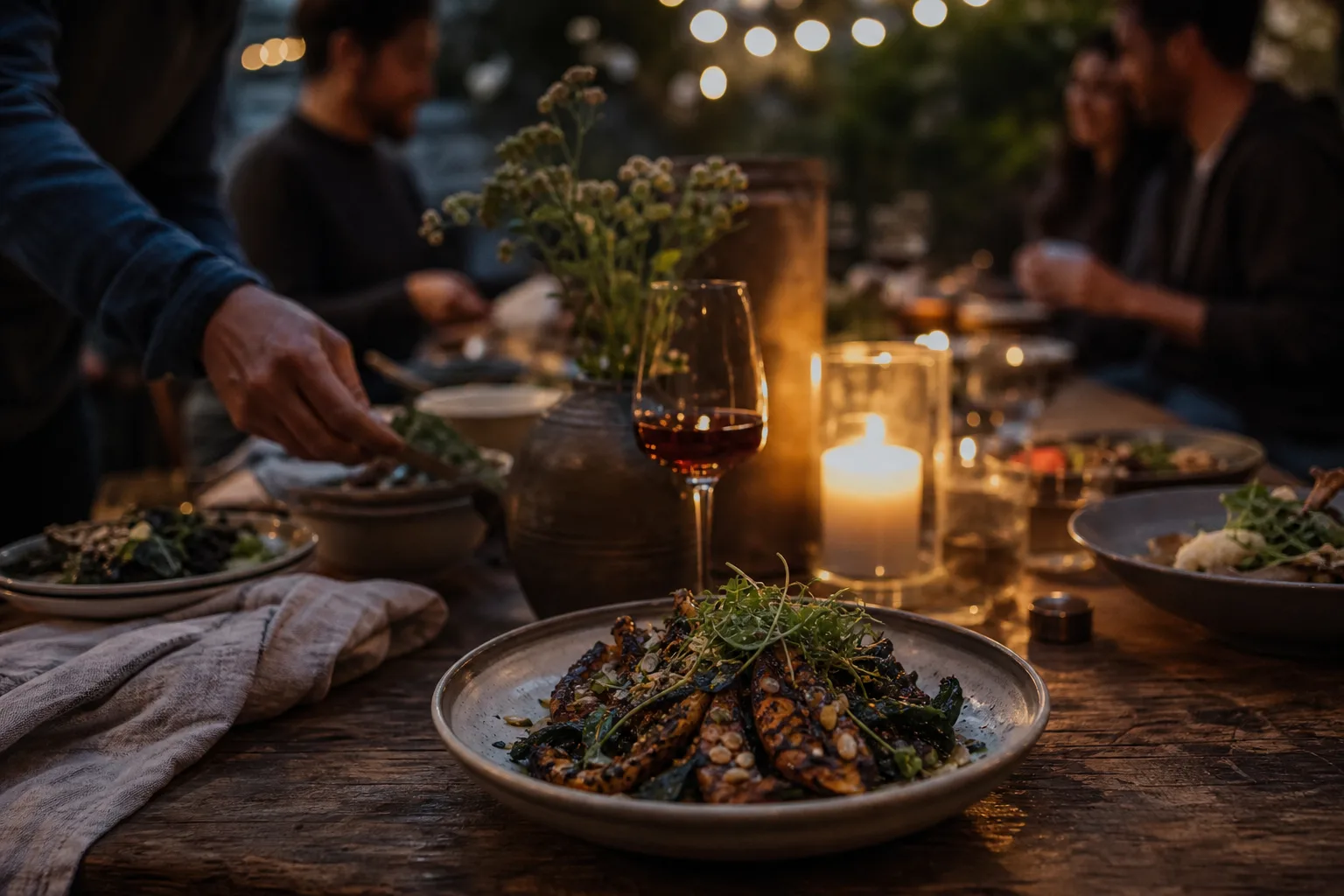
To start a supper club, choose how many people you can seat and plate at once, price a seat at about three times your food cost per person, sell tickets ahead so every seat is paid for before you shop, and check your local food and alcohol rules before the first sale. As a rule of thumb, a first dinner works best at 8 to 12 seats, one set menu and one date on sale.
This guide works through one dinner with real numbers: 12 seats at $65, the fee on each ticket, what a no-show costs, who gets the address and when, and how to handle allergies and the door.
How to start a supper club in six steps
Starting a supper club comes down to six decisions, made in this order, because each one sets up the next.
- Check the rules for selling food and alcohol where you live.
- Set the seat count from what your kitchen can plate, not what your table can hold.
- Cost one menu and set the price from the whole budget.
- Put tickets on sale with a fixed stock, a sale end date and a refund policy.
- Decide who can buy, and who sees the address.
- Collect dietary needs before you shop, and plan the arrival.
Is a supper club allowed where you live?
It depends on where you live, so find out before you sell a seat. Charging strangers for a meal can fall under rules that a private dinner party doesn't, and those rules differ by city, county, state and country. We can't tell you what applies to you, and this isn't legal advice.
Three calls settle most of it:
- Your local health department: can you sell meals from a home kitchen, and is there a permit or a limit on how often?
- Your alcohol licensing authority: can wine be included in a ticket price, or should guests bring their own?
- Your landlord or HOA, and your home insurer: do they allow paying guests, and are you covered if someone is hurt?
If the answer for your home is no, the same plan works in a venue that already holds the permits, such as a cafe on its closed night or a rented commercial kitchen.
How many seats should a supper club have?
Seat the number of hot plates you can send out in about ten minutes, which for most home kitchens means 8 to 12. Run through your main course in your head: how many plates fit on the counter, and how long the last one waits for the first. That is your real limit, and it is usually lower than the number of chairs you can find.
| Seats | Who works | What it takes |
|---|---|---|
| 6–8 | You alone | Your own table, and courses plated at the counter |
| 10–14 | You and one helper | A second table or a long one, and most of the menu finished ahead |
| 16–24 | You and two helpers | Rented tables or a borrowed space, and a menu served family style |
These are rules of thumb. Also count bathrooms, parking and how long the dishes will take you. Your first dinner should be smaller than you think you can manage.
How much should you charge for a supper club seat?
Start at about three times your food cost per person, then check that price against the whole budget. The multiple is a rule of thumb borrowed from restaurants, and it only gets you to a first number. Here is a 12-seat dinner with food at $22 a person: three times $22 is $66, rounded to $65.
| Cost | Working | Amount |
|---|---|---|
| Food and soft drinks | 12 × $22 | $264 |
| Helper for the evening | Flat | $120 |
| Candles, flowers, ice, napkins | Flat | $39 |
| One-time plan for the event page | Starter plan | $8 |
| Total | $431 |
Twelve seats at $65 bring in $780, which leaves $349 for your own time. Each seat adds $43 after its food ($65 − $22), and the flat costs come to $167, so you pay for the evening at four seats sold (4 × $43 = $172). That is why you shop after the sale closes, not before.
Who should pay the platform and card processing fee?
Pass it to the buyer unless a round price matters more to you than $52.80. RSVPlinks charges a platform and card processing fee of 6% + 50¢ per paid ticket. On $65 that is $3.90 + $0.50 = $4.40, and you choose who pays it.
| Buyer pays the fee | You cover the fee | |
|---|---|---|
| Buyer sees | $69.40 | $65.00 |
| You receive per seat | $65.00 | $60.60 |
| You receive for 12 seats | $780.00 | $727.20 |
| Left after $431 of costs | $349.00 | $296.20 |
Either way, buyers see the full price with the fee in it before they pay. Tickets sell from your own event page with no monthly fee and no public marketplace, so every buyer comes from the link you share.
How do you stop no-shows from costing you money?
Sell every seat ahead, so a no-show has already paid for the food you bought. Take the same dinner with payment at the door: if two guests don't come, you collect 10 × $65 = $650 against the same $431 of costs and keep $219. With tickets sold ahead you keep the full $349, a difference of $130 on one night.
Set these before the sale opens:
- Stock: 12 tickets. The sale stops at 12 on its own.
- Most per order: 4, so one buyer can't take the whole table.
- Sale end date: two or three days before you shop, so your list is final.
- Sale start date: a set day and time. Until then, the page offers "Notify me when tickets open" and each person who signs up gets one email when tickets can be bought.
- Refund policy: refundable or all sales final. Buyers see it on the form, on the payment page and on the receipt.
All sales final usually suits a small dinner, with a line on the page you can copy:
We buy for each seat, so tickets can't be refunded. If you can't make it, send a friend in your place and tell us about any allergies by Wednesday.
Two money points to plan for. Payment from your first ticketed event reaches you 3 days after the event, so you will pay for that first dinner's $431 yourself and get it back afterward; later payouts go out each Monday once your balance reaches $25. And the fee is never refunded: if you cancel and refund all 12 seats, buyers who paid the fee don't get that $52.80 back, and if you covered it, it stays out of your balance. Tell guests early if you might have to move a date.
Should you approve guests and hide the address?
If the dinner is in your home, approve buyers first and hide the address until they have a ticket. These are two separate settings, and they do different jobs.
Approve buyers first is a switch in the Tickets tab. Guests ask to buy, you decide, and each person you approve gets a private buying link for the number of tickets you allowed. Approval doesn't hold a seat, because only payment does. If you approve 20 people for 12 seats, say so in your note, so nobody is surprised when the dinner sells out.
The address is set under who can see the location. Choose Ticket buyers, and the page hides it while buyers get it with their ticket, on screen and by email. This is a paid-event feature, which is the $8 in the budget above. The free option is a guest password on the location, which suits a group of friends but lets anyone holding the password read the address without paying.
Keep the street out of everything else too. Write "in the Eastside neighborhood" in the description, and check that your cover photo doesn't show a house number. Ticketed event templates include a supper club page you can start from.
How should you collect dietary needs?
Ask one required question on the ticket form, and state what you can't change on the page before anyone pays. Allergies found after you have shopped cost you money, and allergies found at the table can hurt someone. Every plan includes 1 custom question, so make it this one:
List any allergies or foods you can't eat, for each person on this order.
Then write the menu's limits above the ticket picker, for example: "This menu contains shellfish and tree nuts. We can make it vegetarian with a week's notice, but we can't make it safe for a severe nut allergy." A guest who can't eat with you should know that before paying, especially on a final sale.
Read the answers the day the sale closes, before you write your shopping list. A second question, such as names for each person or a wine pairing choice, needs a paid event.
What should happen at the door?
At 12 seats, open the door with the guest list on your phone, and use the scanner only if you are in a venue with strangers arriving together. Each person gets their own QR ticket and a PDF by email, and the door scanner is free on every event and runs in a phone's browser, with no app. A helper can run it on a second phone, and a ticket checks in only once.
A simple plan for the evening:
- Two days before: message guests with the arrival window, parking and what to bring.
- Arrival: a 15-minute window, with the first course timed to its end.
- First 15 minutes: check names, hand out a drink, and start introductions, since most guests won't know each other.
- End of the night: tell guests where the next date will be announced, and ask them to sign up then.
Frequently Asked Questions
Do I need a license to run a supper club?
It depends on where you live, and the answer can differ by city or county. Ask your local health department about selling meals from your kitchen, and your alcohol authority about serving drinks. Do this before your first sale.
How much money does a supper club make?
It depends on your price, seats and costs, so work it out per dinner rather than expecting a set figure. The example here leaves $349 for one night's work when 12 seats sell at $65, before your own hours and any tax you owe. Ask a tax adviser how to report it.
What happens if a guest cancels?
That depends on the refund policy you chose before the sale, which the buyer saw before paying. On a refundable sale, a refund gives back everything but the fee and puts the ticket back on sale. On a final sale you can still refund on purpose, for example if you cancel the dinner.
How do I run a supper club every month?
Give each dinner its own event, so each has its own 12 tickets, menu and guest list. Start the next sale on the same day each month, so regulars learn when to look. The free plan allows 5 active events at a time.
What do I need to sell supper club tickets?
You need an event page set to Tickets before the first reply, and a free Stripe account to take card, Apple Pay and Google Pay. Guests need no app or account. Create your supper club page, add 12 tickets and set your sale date.