Free Karaoke Night RSVP Website invitation, replies and guest list in one link
A karaoke night is a living room with a machine and a song list, or a private room booked by the hour, with duets, power ballads and a group number to finish. One RSVP link counts guests for the room, collects song requests and shares the address and the room number.
- No credit card
- Guests reply without an app
- Ready in minutes
1,700+ events hosted and 22,000+ RSVPs collected on RSVPlinks.

Quick answer
How to invite guests to a karaoke night
Send karaoke night invitations two to three weeks ahead, sooner if you're booking a private room, which often has a set size and a minimum spend. Give the venue or address, the start and end time, how songs are signed up and whether food and drinks are covered. Ask for replies a week before, so you can book the right room and start the song list.
- Send invitations
- Two to three weeks before; a month ahead for a private room on a weekend.
- Ask for replies by
- One week before, to book the right size of room.
- Follow up
- Send the address, the room number and parking the day before.
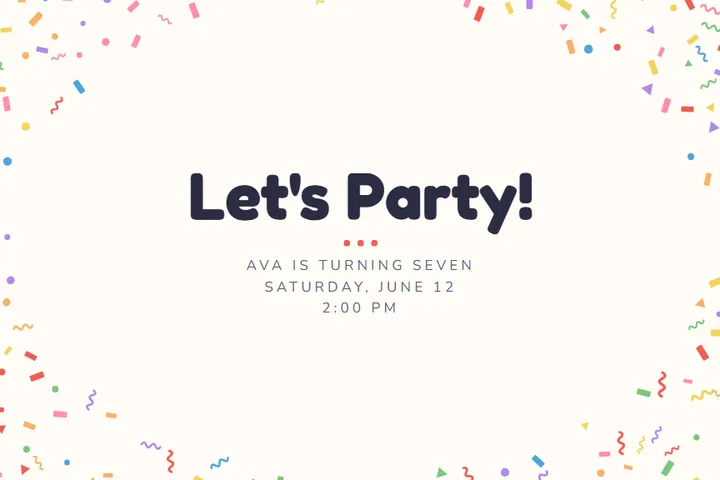
Karaoke Night invitation designs
Start from one and change anything: words, photos, colors, page effects and the opening animation. Every design is free.


Party themes for a karaoke night
Karaoke Night invitation wording
Copy one into your invitation and fill in the [brackets]. The words on your page stay editable after you share it.
The mic is on. Come to karaoke night at [Address] on [Date] at [Time]: snacks, drinks and a song list as long as your arm. Put your name on the board when you arrive, sing one or sing ten, and bring a friend who swears they can't sing. RSVP by [Reply-by date].
We've booked a private karaoke room at [Venue] on [Date] from [Start time] to [End time]. The room holds [Number], so please reply by [Reply-by date] and we'll confirm your place. [Food and drinks plan]. Bring your best power ballad.
Grab a partner: it's duets night on [Date] at [Time], [Address]. Pick a song for two, or come alone and we'll pair you up. Prizes for the bravest, the best and the most off-key. Tell us your song and your partner when you reply by [Reply-by date].
What to ask on a karaoke night RSVP form
Every karaoke night page comes with its own RSVP form: no form builder, no spreadsheet. Guests tap your link, answer, and the reply lands on your guest list.
- How many are coming?
- A phone number, in case the room changes
- Your go-to song, or one you'd like on the listPaid
- Who would you sing a duet with?Paid
- Anything else we should know
Untagged fields are free, and a free event can ask 1 question of your own. More questions and guest limits need a paid event, from $8 once with no subscription. What to ask on an RSVP form
Yes, No and Maybe
Guests can reply Maybe and change their own answer later. Your counts update straight away.
Groups and plus-ones
One guest replies for the whole party, with an adults-and-children split when you need it.
Only what you need
Name and headcount, plus an optional email, phone number or mailing address. Turn any field off.
Closes when you say
Close the form with one tap on any plan. Paid events can close on a date or at a guest limit, with a waitlist.
What a karaoke night page does for you
A karaoke night happens in two places: at home, with a machine or a streaming setup and the TV, or in a private karaoke room booked by the hour, which usually has a set size and often a food and drink minimum. Book the room only once you know the count, and say on the invitation who pays for what. Share one link or QR code in the group chat or by email, and put the venue or address, the room number, the start and end time, the food and drinks plan and how songs are signed up in detail rows. Guests reply yes, no or maybe and count their party, and a form question asks for a go-to song or a duet partner, so the list is ready before the first song. Each reply emails you, the live guest list shows who is coming, and Add to Calendar and map links are included.
- Count guests for the room booking
- Ask each guest for a go-to song or a duet partnerPaid
- Post the room number, the end time and parking
- Share one link in the group chat
- Cap replies at what the private room holdsPaid
Everything without a tag is free. Paid features need a paid event, from $8 once per event; add-ons are bought per event on top. See pricing
From design to replies in three steps
- 1
Pick a design
Start from a karaoke night design above, or any of the 589 templates. Add your title, date, place and details.
- 2
Share one link
Text it, email it, post it, or print the QR code. Guests open your page in their browser: no app, no account.
- 3
Watch replies arrive
Every RSVP lands on your live guest list with headcounts and notes, and you get an email for each one. Export it any time.
Everything else for your karaoke night
Beyond the invitation: cards to mail or share, and free tools for the planning.
Postcards, printed and mailed for you
All postcard templates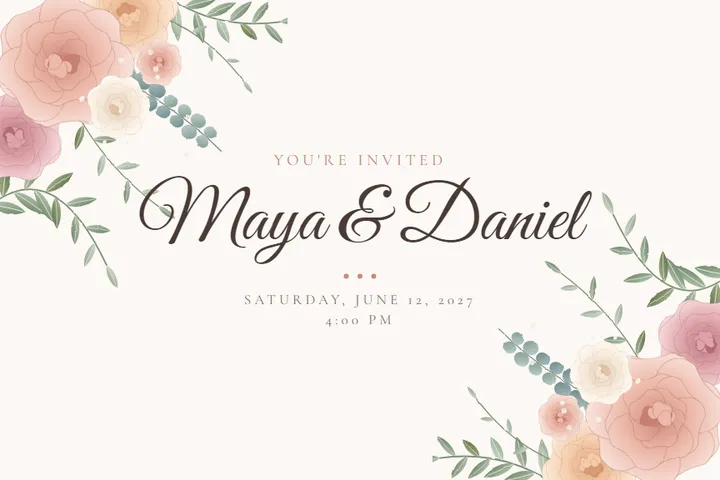
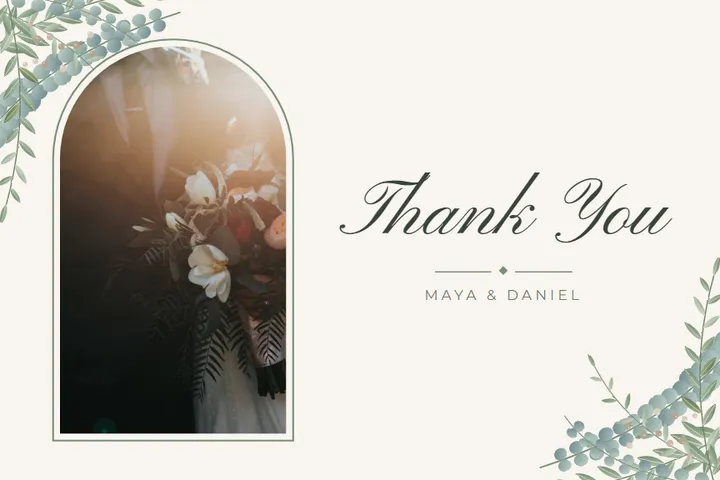

- A digital thank-you cardAfter the party, send guests a thank-you with your photos. They react and comment.
- Free random name pickerPick teams, turns or a winner from your guest list.
- Free date pollNot sure when? Let everyone vote on the date first.
- Free food & drink calculatorHow much food, drinks and ice to buy for your headcount.
- Free invitation wording generatorWhat to write on the invitation, formal, casual or fun.
Karaoke Night RSVP questions
How do you run a karaoke night so everyone gets a turn?
Keep a sign-up sheet or a whiteboard by the mic and go strictly in order, one song each before anyone sings twice. Mix in group numbers and duets to bring in the shy guests, choose shorter songs when the list is long, and let the host skip a song that drags.
Who pays for a private karaoke room?
Decide before you invite. Rooms are usually charged by the hour and sometimes per person, and many have a food and drink minimum. If guests are splitting it, put the cost per person on the invitation and collect it before the night; if you are paying, say what is covered, such as the room and snacks, and whether drinks are on each guest's own tab.
How do I create a karaoke night invitation on RSVPlinks?
Create your karaoke night invitation in 4 steps: 1) Pick a design. 2) Add your title, date, and details. 3) Set your RSVP options. 4) Share the link or QR code and track RSVPs in real time.
Is RSVPlinks free for karaoke night invitations?
Yes. The free tier covers 20 RSVPs per event across up to 5 active events, with RSVP tracking, QR codes, and guest management. No credit card required. Bigger events upgrade once per event — there is no subscription.
Is there a free karaoke night RSVP form?
Yes. Every karaoke night page on RSVPlinks includes a free built-in RSVP form — no separate form builder or spreadsheet. On the free plan it collects names, headcount (with an adults/kids split), email, phone or mailing address, and supports Yes/No/Maybe replies, group RSVPs, 1 question of your own and a reply-by date that closes the form. Paid events, from $8, add more questions and guest limits that close the form when the event is full.
What features does RSVPlinks offer for karaoke night events?
Free on every karaoke night page: Count guests for the room booking; Post the room number, the end time and parking; Share one link in the group chat. On a paid event, from $8: Ask each guest for a go-to song or a duet partner; Cap replies at what the private room holds. Every page also has real-time RSVP tracking, QR code sharing and 589 ready-made templates.
Do guests need an app or an account to RSVP?
No. Guests tap your link and reply in their browser. Every event page also has one-tap Add to Calendar and opens the venue in Google Maps or Apple Maps.
Make your karaoke night page now
Free for up to 20 RSVPs. Need more? Upgrade one event from $8, with no subscription.
RSVP guides
- How to create an RSVP link (free, in about 3 minutes)
- What is an RSVP link?
- How to set up a free RSVP website
- How much do online RSVP services cost? 2026 prices compared
- Free online RSVP form: what to ask guests and how to set it up
- How to make a free RSVP QR code
- How to add an RSVP link to a Canva invitation
- How to add an RSVP link to your wedding website
- How to add an RSVP button to your website
- How to add an RSVP to a website you made with ChatGPT or another AI
- How to share an RSVP link on Facebook and Instagram
- How to share an RSVP link on social media, or print it as a QR sign
- How to put an RSVP link in an email invitation
- Text message invitations: how to send an invite by text and get RSVPs
- Digital save the date: how to send one by text or email
- How to say no gifts on an invitation: polite wording to copy
- How to decline an invitation politely: RSVP "no" messages to copy
- How to track RSVPs (without a spreadsheet)
- How to collect RSVPs for a kids' birthday party online
- The best housewarming party invitations with RSVP
- How to Make a Guest List (and Keep It Up to Date)
- Which invitation websites let you collect guest addresses?
- How to RSVP without joining, signing up or downloading an app
- Free event registration form: how to set up an event registration page
- How to Host a Holiday Party: Timeline, Work Christmas Party Ideas and RSVPs
- How to host a virtual party: invitations, ideas and a run of show
- How Teachers Collect Parent Availability: Conference Sign-Ups, Polls and RSVPs
- Save the date postcards: when to mail them and what they cost